
Request classification
Routes work into project, feature, bug fix, hotfix, architectural change, or refactoring flows before any implementation begins.

`claude-dev-skill` is a Claude Code custom skill that coordinates parallel Worker Agents through a structured software development workflow. It helps teams move from PRD alignment and architecture decisions to QA, review, and merge inside Claude Code.
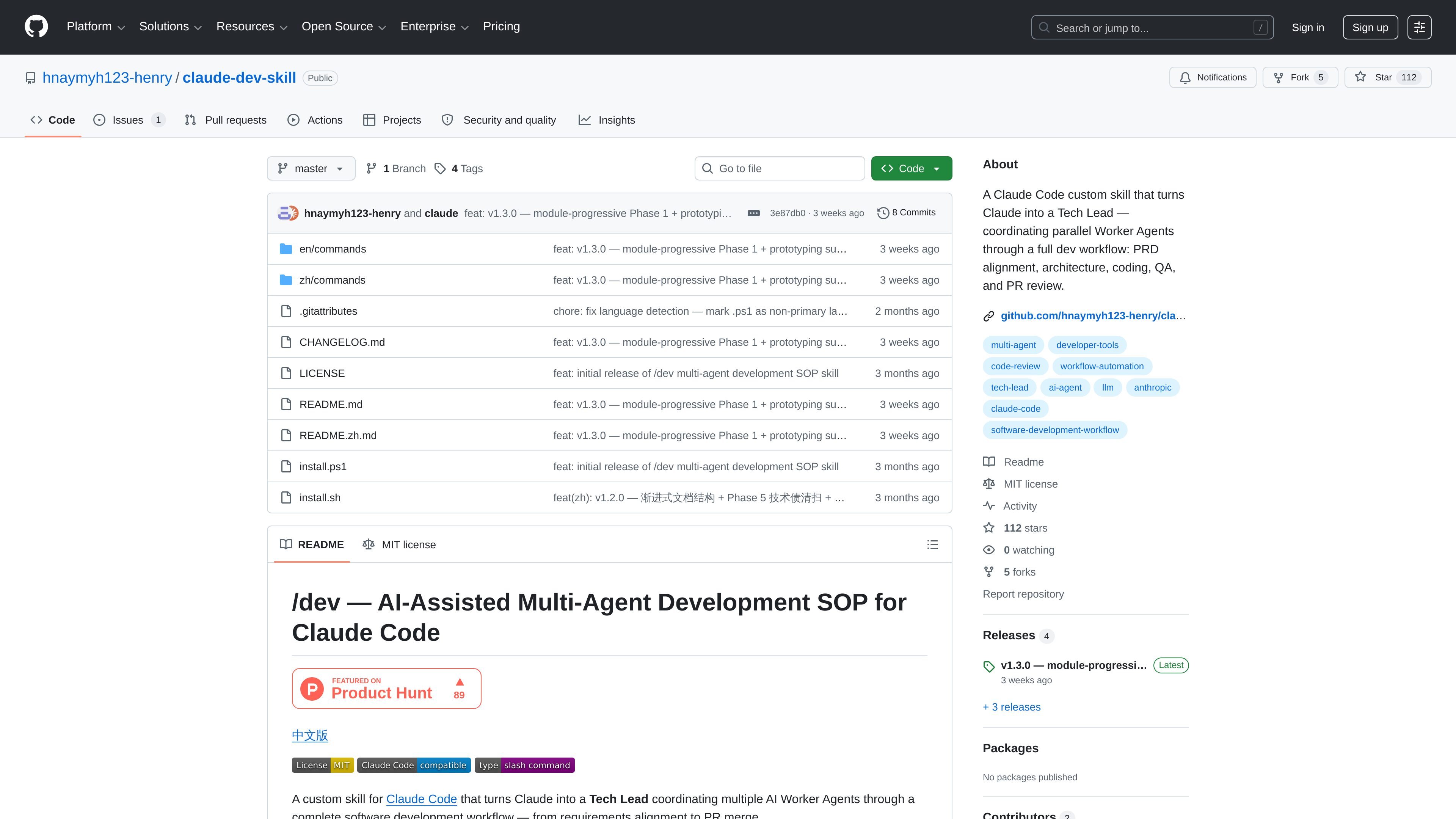
`claude-dev-skill` is a custom Claude Code skill that turns Claude into a Tech Lead for software delivery. It coordinates multiple AI Worker Agents through a structured workflow that runs from request classification and PRD alignment to architecture, coding, QA, review, and merge.
The repository provides the skill files, installers for macOS/Linux and Windows, and English and Chinese command sets. It is designed for users who want a repeatable engineering process inside Claude Code rather than direct code generation in chat.
Routes work into project, feature, bug fix, hotfix, architectural change, or refactoring flows before any implementation begins.
Uses a two-round product alignment step or an existing PRD so the work starts from agreed requirements.
Breaks work into parallel Worker Agents that operate in isolated worktrees, with a pre-coding conflict scan to reduce overlap.
Adds a QA Agent stage for static verification before the review step.
Runs a structured review phase with a seven-item checklist and mandatory veto conditions before merge.
Requires security checks such as `bandit` and `pip-audit` or `npm audit` before review, and includes a database migration veto for direct DDL changes.
Use it when you want Claude to coordinate a new feature from requirements through merge instead of writing code directly in chat.
Use it when a project already has a PRD and you want the work broken into aligned architecture, implementation, QA, and review steps.
Use it when several modules can be built in parallel and you want separate Worker Agents to reduce merge conflicts.
Use it when you want a stricter review process with security checks, conflict scans, and a formal merge gate.
Use it when teams need a repeatable Claude Code command set that can be installed on macOS/Linux or Windows.
It is a custom skill for Claude Code that you install into the `~/.claude/commands/` directory, either with `install.sh` or `install.ps1`, or by copying the English or Chinese command files manually.
The README says to use it inside Claude Code by typing `/dev` followed by an optional description of the work you want to do.
The repository presents it as a multi-agent workflow that classifies the request, aligns on a PRD, makes architecture decisions, spawns parallel Worker Agents, runs QA verification, and finishes with code review and merge.
The project lists Claude Code, GitHub CLI (`gh`), and Git as the required tools.
The README says it is best suited to small-to-medium web backend or API projects, feature modules with an existing PRD, and parallel multi-feature development. It is not suited to production deployment work, large complex migrations, or high-compliance security requirements.

OpenFlags is an open-source, self-hosted feature flag platform for modern JavaScript teams. It supports local evaluation, targeted rollouts, and controlled launches while keeping flag data in your own infrastructure.

ByteAsk is a terminal-first AI coding agent for C and C++ that edits repositories and verifies changes with the real compiler, debugger, sanitizers, and tests before showing a diff. It offers a free tier plus paid plans, with editor connectors and zero-retention handling described in the source.

CreateOS Sandbox is an isolated compute environment for running code and agent workloads inside Firecracker micro-VMs. It is designed for workflows that need machine-level isolation, private networking between sandboxes, and programmatic control through SDK, CLI, or MCP.

Codex Plugins bundle reusable skills, app integrations, and MCP servers into workflows you can install in the Codex app or use from Codex CLI. They help extend Codex with connected-service tasks, reusable instructions, and shared team workflows.

Struere is an AI-native platform for turning spreadsheet data into structured operational software with dashboards, alerts, and automations. It is aimed at teams that want to replace manual spreadsheet workflows without building custom tools from scratch.

hob is an independent workspace for coding agents that keeps agent sessions, terminals, history, and follow-up work organized around the tools and providers you already use. It is aimed at developers who want local control over routing, history, and workspace structure rather than a bundled model stack.