
Live reset status
Shows the latest announced Claude Code reset, its date, affected plans, reset type, and time since the previous tracked event.

Claude Usage Reset Tracker is a browser-based tracker for publicly announced Claude Code usage-limit resets, banked resets, and limit changes. It helps users monitor reset history, subscribe to RSS alerts, inspect original announcements, and record personal /usage countdowns locally.
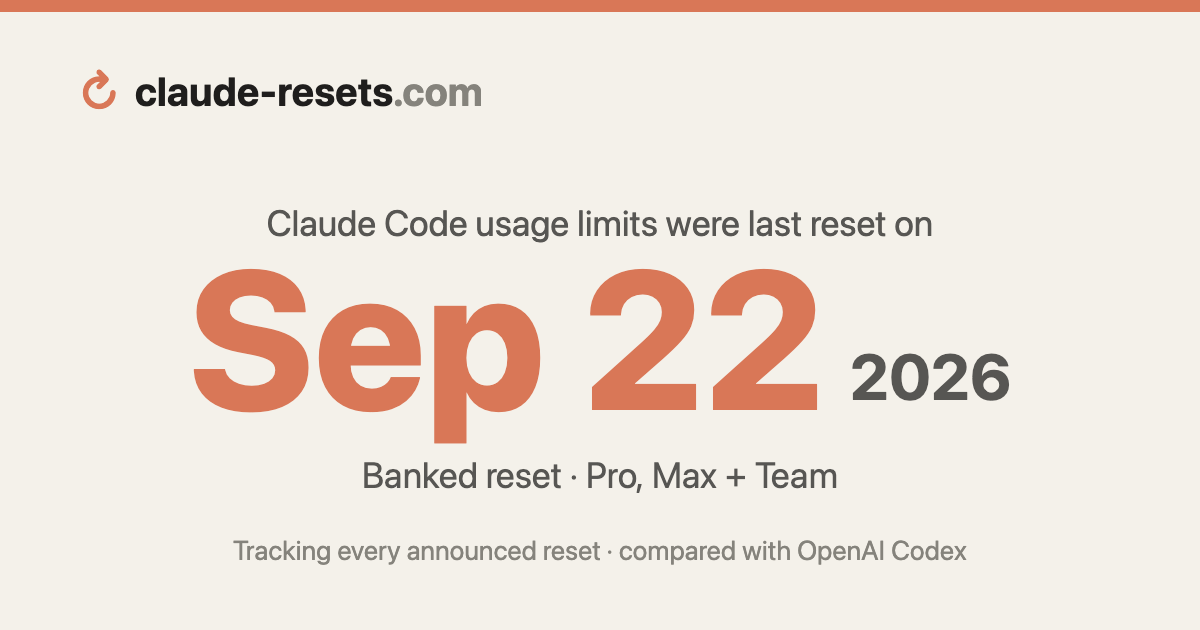
Claude Usage Reset Tracker is a browser-based reference for announced Claude Code usage-limit resets. It records when Anthropic-related official accounts and Claude Code team members announce a reset, identifies the affected plan scope, and shows how long it has been since the latest tracked event.
The tracker is designed to separate public announcements from an individual account’s rolling limits. Its archive covers resets and limit changes, while its local countdown lets a user record the next times shown by Claude Code’s /usage command. RSS, calendar, JSON, and comparison outputs make the history usable for manual monitoring or external workflows.
Shows the latest announced Claude Code reset, its date, affected plans, reset type, and time since the previous tracked event.
Distinguishes counter-flushing resets, user-applied banked resets, and limit changes that alter allowances without resetting counters.
Provides tracked reset counts, average gap, longest gap, and monthly pace, with a chronological archive of announcements and original-post links.
Publishes reset alerts through RSS and exposes a calendar file plus machine-readable summary and reset datasets for downstream use.
Lets users save the next 5-hour and weekly reset times displayed by Claude Code’s /usage screen as browser-local countdowns.
Offers a Claude-versus-Codex monthly report with shared comparison intervals, plan-scope notes, original announcements, and a downloadable CSV.
Check the latest announcement, affected plans, reset type, and elapsed time before deciding whether a public reset may explain a change in Claude Code availability.
Review the archive and scorecard to understand the spacing of announced resets, identify long gaps, and inspect the original post behind a listed event.
Subscribe to the RSS feed or use the calendar and machine-readable datasets to feed reset events into a personal monitoring routine.
Enter the next 5-hour and weekly times from /usage to keep a browser-local reminder of personal rolling windows alongside the public announcement history.
Use the monthly Claude-versus-Codex report to compare catalogued reset announcements over the same UTC intervals, while keeping limit changes separate from resets.
No installation is described. Visitors can use the live tracker in a browser, and can optionally enter the next reset times shown by Claude Code’s /usage screen to create local countdowns.
The site separates announced resets from personal rolling usage windows. For personal timing, enter the next 5-hour or weekly reset shown by /usage; those countdowns are saved only in the current browser and use the device’s local time.
A reset is an announcement that flushes Claude Code’s 5-hour and/or weekly usage counters. A banked reset is applied by the user from Settings → Usage and is also counted. A limit change raises or changes the ceiling without flushing counters, so it is listed separately and does not increase the reset count.
The catalog covers subscription usage-limit resets and changes announced by @ClaudeDevs and Claude Code team members. Coverage begins with the first tracked @ClaudeDevs reset announcement in April 2026, and the displayed times are UTC. The site notes that the catalog does not claim to cover earlier resets or every possible announcement.
The site provides an RSS feed for reset alerts, a calendar summary, downloadable data endpoints, and an archive with links to original announcements. The supplied evidence does not describe account-level team dashboards or other team administration features.

ByteAsk is a terminal-first AI coding agent for C and C++ that edits repositories and verifies changes with the real compiler, debugger, sanitizers, and tests before showing a diff. It offers a free tier plus paid plans, with editor connectors and zero-retention handling described in the source.

Epherem is a static security scanner for web apps built with AI coding tools such as Lovable, Bolt, v0, Replit, Cursor, and Claude Code. It checks source files and dependencies for common security mistakes, then provides categorized findings and suggested fixes without running the app.

CreateOS Sandbox is an isolated compute environment for running code and agent workloads inside Firecracker micro-VMs. It is designed for workflows that need machine-level isolation, private networking between sandboxes, and programmatic control through SDK, CLI, or MCP.

GitBot is a local browser-based workspace for creating reusable coding bots powered by Claude Code, Codex, or OpenCode. It helps developers run those agents across repository folders with persistent threads and configurable permissions.

hob is an independent workspace for coding agents that keeps agent sessions, terminals, history, and follow-up work organized around the tools and providers you already use. It is aimed at developers who want local control over routing, history, and workspace structure rather than a bundled model stack.

Ably Chat is a chat API platform for building custom realtime chat applications. It supports room-based messaging, typing indicators, presence, reactions, and message updates, with usage-based pricing options for different deployment stages.