
SDKs, APIs, and UI kits
Use SDKs, APIs, UI kits, and components to add chat, voice, and video experiences without building the whole stack from scratch.

CometChat provides SDKs, APIs, UI kits, and embeds for adding in-app chat, voice/video calling, and AI agents to websites and applications. It includes a free development plan plus paid tiers for production use.
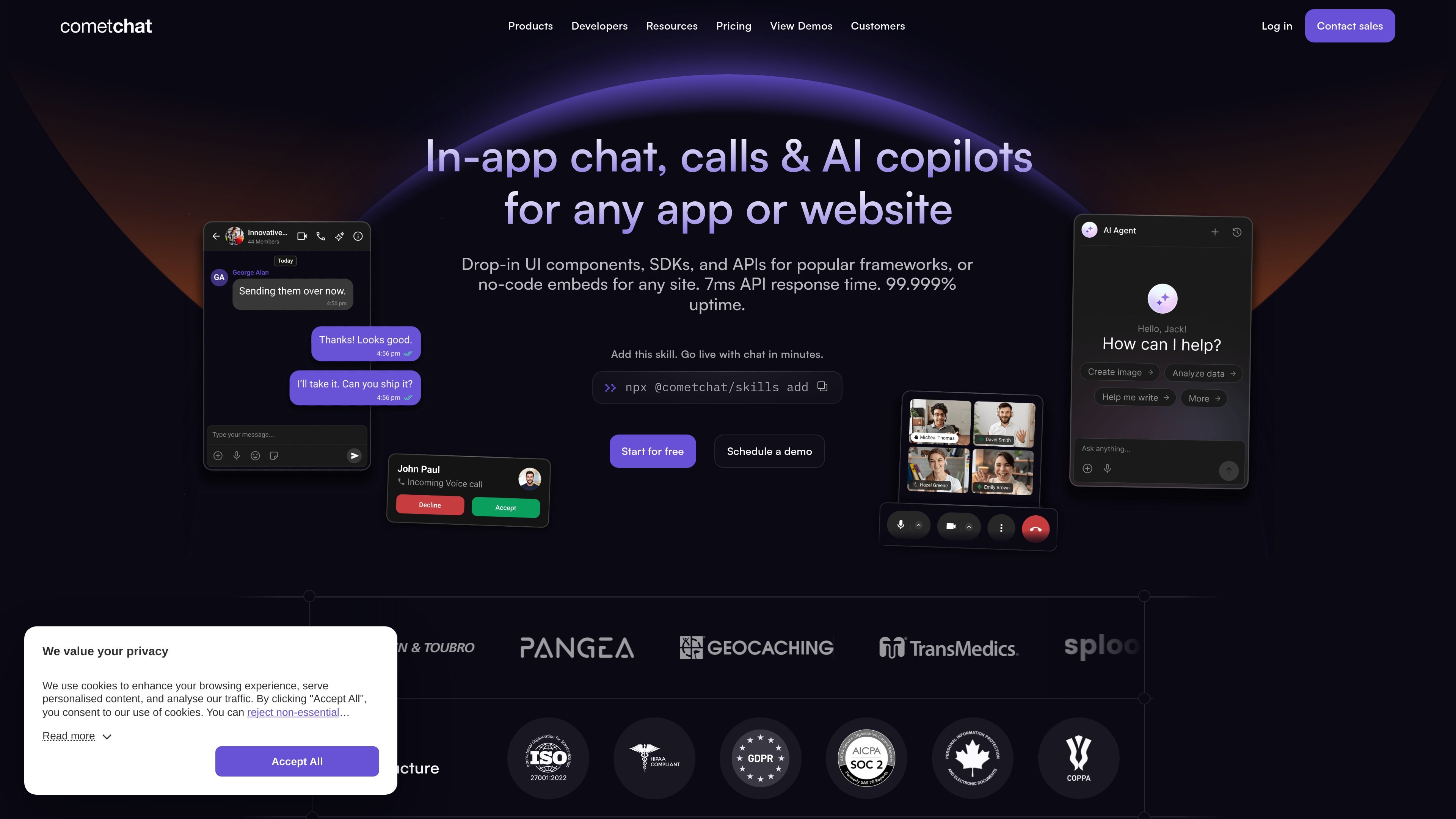
CometChat is an in-app chat, calling, and AI agent platform for applications and websites. It combines SDKs, APIs, UI kits, and no-code embeds so teams can add real-time user-to-user messaging, voice and video calling, and conversational AI features into existing products.
The site positions CometChat as a modular communication stack that can start with messaging and scale into calling, moderation, notifications, analytics, and multi-tenant workflows. It also highlights support for React and other popular frameworks, along with a free development plan and paid tiers for production use.
Use SDKs, APIs, UI kits, and components to add chat, voice, and video experiences without building the whole stack from scratch.
Support 1:1 chat, group chat, broadcast chat, and voice/video calls, with rich media, reactions, threads, typing indicators, read receipts, screen sharing, recording, and transcription called out on the site.
Moderate conversations with rule-based, contextual, and AI-powered options, including keyword and pattern filters, media moderation, multilingual support, and human review workflows.
Send push, email, and SMS alerts with retries, quiet hours, frequency controls, and customizable templates, based on the platform feature pages and pricing tiers.
Track conversation health and agent performance with built-in analytics and insights, available as part of the platform’s shared systems.
Run multiple brands, communities, or customers on one backend with tenant-specific logic, moderation, and branding.
Add a branded messaging layer to a web or mobile product using SDKs, APIs, or UI kits when you need chat inside an existing workflow rather than a separate chat app.
Support consultations, coaching, or sales conversations with 1:1 or group voice and video, including screen sharing, recording, and transcription where needed.
Moderate user-generated content with contextual rules, media checks, and escalation tools for communities that need safer conversations and review workflows.
Operate more than one brand or customer environment from a shared backend while keeping branding and logic isolated per tenant.
Deploy AI assistants with guardrails, re-engagement, and built-in analytics when the product needs a user-facing agent instead of a standalone bot.
CometChat provides SDKs, APIs, UI kits, and prebuilt components for adding in-app chat, voice, and video calling to web and app experiences. The React SDK page specifically describes it as a way to add chat and calling to React-built web applications.
The source shows a free plan for development and integration testing, with paid Basic, Advanced, and Enterprise plans available. The pricing page also offers monthly or yearly billing, and the Enterprise plan uses a contact-us flow.
The home page says CometChat supports popular frameworks through SDKs and APIs, and the React page confirms a React chat SDK. The docs page is presented as the place to see documentation for supported technologies.
CometChat combines user-to-user chat, voice and video calling, and user-facing AI agents. The platform pages also highlight moderation, notifications, analytics, and multi-tenant infrastructure as part of the broader stack.
The pricing page lists plans that include usage limits such as monthly active users and concurrent connections, plus overage rules on some tiers. It also says some advanced capabilities are included in higher plans, while Enterprise adds higher concurrency, zero overages, and top-tier support.

Trigger.dev chat agent is a durable AI chat backend for developers building stateful conversations that can survive refreshes, crashes, and long-running turns. It connects with the AI SDK `useChat` flow and runs on managed infrastructure with no timeout on a turn.

AgentMail is an email inbox API for AI agents that lets developers create, send, receive, and search messages through REST APIs and SDKs. It supports agent workflows such as threaded replies, verification, customer support, scheduling, and inbox-based approvals.

Lasso is an ecommerce product data platform for enriching catalog records, processing supplier files, generating product content, and monitoring competitors. It combines a web app with a REST API, SDK, and MCP server for teams and developers.

CreateOS Sandbox is an isolated compute environment for running code and agent workloads inside Firecracker micro-VMs. It is designed for workflows that need machine-level isolation, private networking between sandboxes, and programmatic control through SDK, CLI, or MCP.

Codex Plugins bundle reusable skills, app integrations, and MCP servers into workflows you can install in the Codex app or use from Codex CLI. They help extend Codex with connected-service tasks, reusable instructions, and shared team workflows.

Ably Chat is a chat API platform for building custom realtime chat applications. It supports room-based messaging, typing indicators, presence, reactions, and message updates, with usage-based pricing options for different deployment stages.