
Issue diagnosis
Paste logs, stack traces, or a plain-language problem description and get a direct technical diagnosis rather than a list of vague suggestions.

Commandry is an AI-powered Frontend CTO that helps developers diagnose bugs, generate fixes, and debug build or deployment issues. It accepts pasted errors or plain-language problems and returns commands, technical prompts, and next steps.
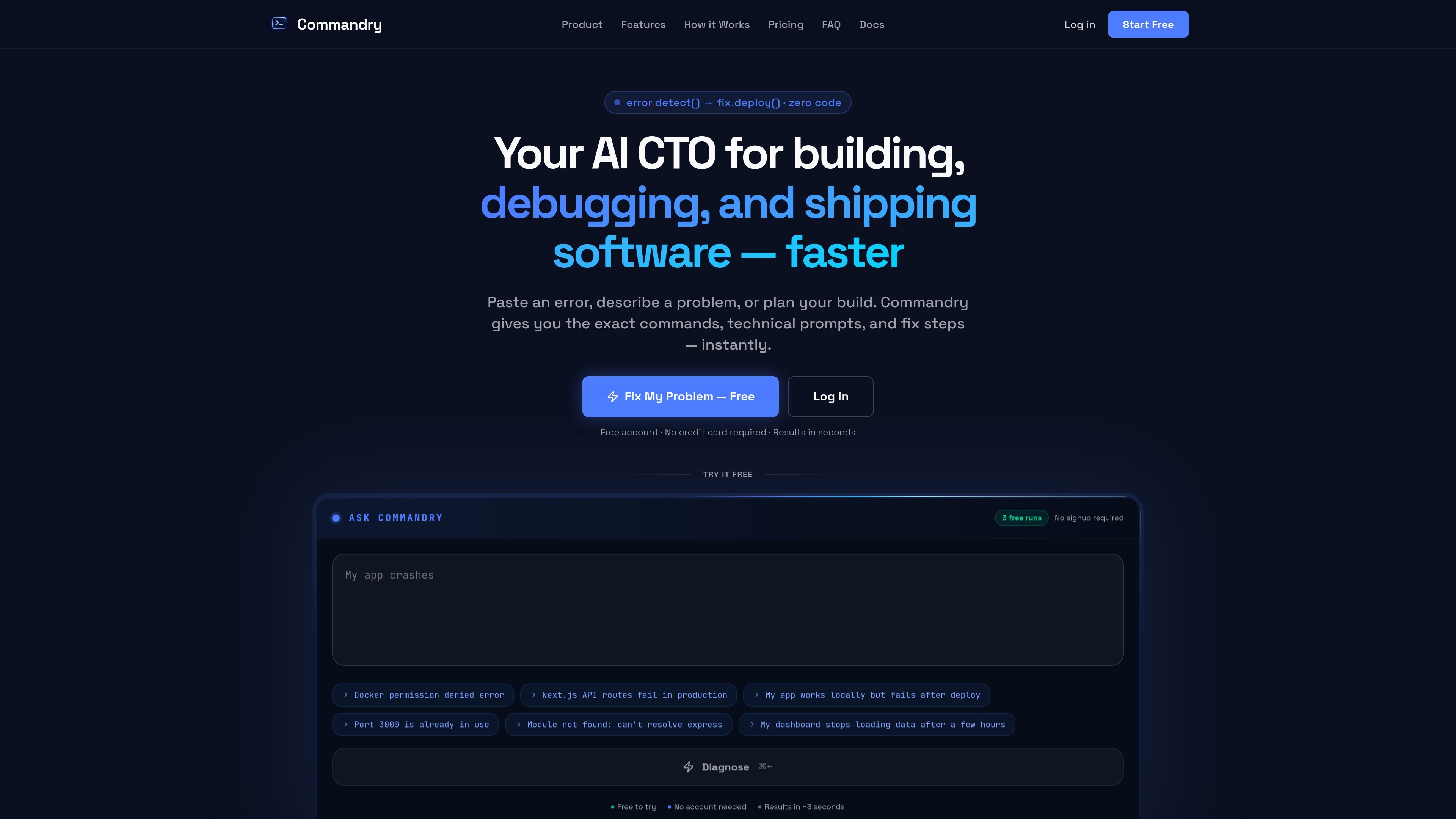
Commandry is an AI-powered Frontend CTO for developers who need help diagnosing bugs, generating fixes, and moving through build or deployment blockers. The product accepts pasted errors, logs, or plain-language problem descriptions and returns actionable diagnostics, commands, and technical prompts.
The site positions Commandry as a companion for the gap between writing code and getting software to run correctly. Its documentation describes an eight-tool suite for tasks such as error translation, fix generation, incident triage, environment debugging, data-loading issues, stack setup, and pre-ship testing, with live integrations that can add project context from tools like GitHub, Vercel, Supabase, and Sentry.
Paste logs, stack traces, or a plain-language problem description and get a direct technical diagnosis rather than a list of vague suggestions.
Turn common shell tasks and recovery steps into copy-ready commands, with the site showing examples like undoing commits with `git reset --soft HEAD~3`.
Generate precise prompts for tools like Cursor, Replit, Lovable, or ChatGPT so the fix can be carried into an AI coding workflow.
Use the eight-tool suite described in the docs, including Error Translator, Fix Generator, Debug Playbook, Incident Doctor, Environment Doctor, Data Loading Doctor, Stack Setup Guide, and Ship Ready Tester.
Connect live project context from tools such as GitHub, Vercel, Supabase, and Sentry so responses can reflect your codebase, logs, and deployment state.
Follow step-by-step guidance for deployment failures, database errors, environment variables, and AI-generated code issues through the help and workflow guides.
Use Commandry when a build breaks, a stack trace is unclear, or an app fails after deploy. The product is designed to translate the error into a diagnosis and a practical fix path.
Use the command generator when you know the task but not the exact CLI syntax, such as rolling back commits or running a repair step safely.
Use the technical prompt output when working inside Cursor, Replit, Lovable, or ChatGPT and you want a more specific prompt than a vague repair request.
Use the live-context tools when you want diagnostics informed by your actual project data in GitHub, Vercel, Supabase, Sentry, or similar connected services.
Use the workflow guides and specialist tools for recurring issues such as deployment errors, database connectivity, environment variables, blank screens, and stale data.
Commandry is an AI-powered Frontend CTO tool that helps developers diagnose errors, generate fixes, produce shell commands, and debug build or deployment issues.
The source describes Commandry as an AI frontend CTO, with workflow guidance that goes beyond general chat by turning pasted errors or problem descriptions into specific diagnoses, commands, and fix steps.
No. The site says plain English descriptions, raw logs, and pasted errors all work, and the help content is written for founders and developers rather than only experienced engineers.
It is positioned for debugging production outages, build errors, environment problems, deployment failures, stale data, hydration issues, and AI-generated code issues, among other frontend development problems.
The documentation says Commandry connects to live integrations such as GitHub, Vercel, Supabase, Sentry, and more, and the integration list also includes GitLab, Bitbucket, Railway, Render, Netlify, Neon, MongoDB Atlas, Datadog, and Slack.

ByteAsk is a terminal-first AI coding agent for C and C++ that edits repositories and verifies changes with the real compiler, debugger, sanitizers, and tests before showing a diff. It offers a free tier plus paid plans, with editor connectors and zero-retention handling described in the source.

GitBot is a local browser-based workspace for creating reusable coding bots powered by Claude Code, Codex, or OpenCode. It helps developers run those agents across repository folders with persistent threads and configurable permissions.

Manta AI is an autonomous web app testing tool for teams that want to map application behavior, catch regressions, and generate tests without writing scripts or maintaining selectors. It works from a URL and supports plain-English test flows, run results with screenshots, and scheduled or deployment-triggered checks.

Ghost — терминальный AI-ассистент для чата, генерации кода и запуска задач в командной строке. Бесплатные модели, Linux, macOS, Windows, open source.

Vi3ecode is a maintained development environment for working with AI coding agents. It keeps project context, terminal, Git, memory, flows, review, and communication connected around the agent you already use.

Lucid Train is a local-first AI coding harness that turns repository code into architecture diagrams and uses those diagrams as specifications for coding agents. It is available as a desktop app and a lightweight Rust CLI, and it can run with local models or your own API keys.