
Notes and documents
Write notes and documents in a workspace built for moving from rough thoughts to shareable drafts, with support for refining content across devices.

Craft is a productivity app for notes, tasks, and documents, with writing, planning, sharing, and connected workflows in one workspace. It offers a free plan plus paid options for individuals, families, and teams.
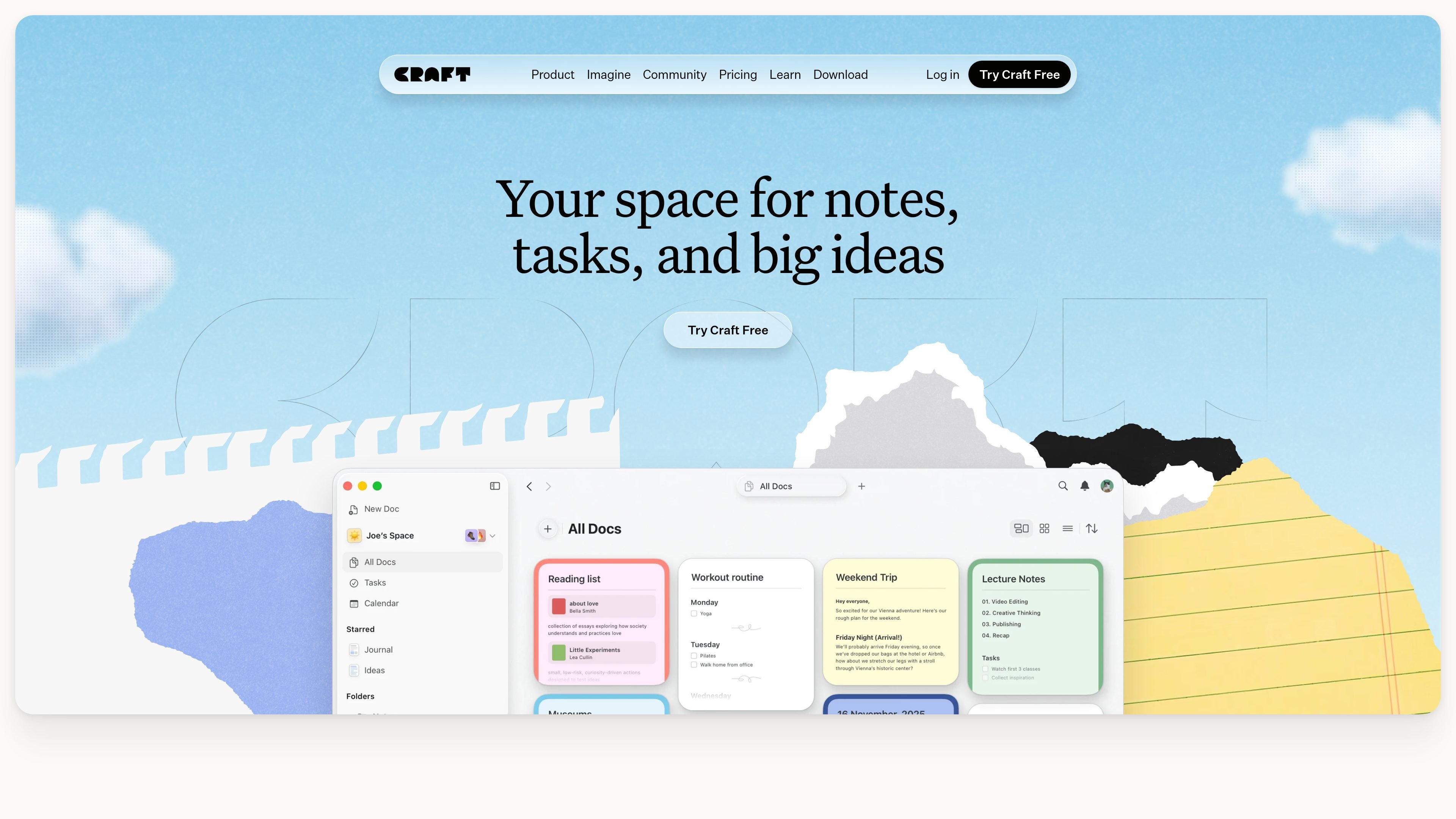
Craft is a productivity app for notes, tasks, and documents. The product is positioned as a single workspace for writing, planning, organizing, and sharing work, with support for docs, tasks, calendar views, whiteboards, and daily notes.
Across the site, Craft emphasizes moving from first thought to final form: capturing ideas quickly, structuring them into documents or databases, styling them, and then sharing or publishing them from the same place. It also offers MCP connections and API integrations for connecting Craft to other tools and workflows.
Write notes and documents in a workspace built for moving from rough thoughts to shareable drafts, with support for refining content across devices.
Keep tasks inside your documents so plans, reminders, and action items stay attached to the writing they belong to.
Use calendar views, daily notes, and whiteboards to plan days, capture observations, and explore ideas beyond a linear document.
Apply ready-made styles, set defaults, and reuse styles across notes, docs, and blocks to shape the look and feel of content.
Publish, share live links, invite comments, or collaborate in shared Spaces for group work and review.
Connect Craft through MCP connections or API integrations with tools such as Claude, ChatGPT, Cursor, Lovable, Replit, and Apple Shortcuts.
Capture meeting notes, draft posts, and organize work in a single place that moves from rough note to shareable document.
Keep lessons, scripts, project notes, and planning materials together while using styles to make documents easier to read and share.
Use embedded tasks, reminders, and calendar views to connect daily planning with the notes and documents that drive the work.
Build structured workspaces for reports, boards, wikis, and project notes, with folders, tags, spaces, and collections.
Connect Craft docs to AI assistants or automation tools through MCP or API workflows for blogs, research, dashboards, and daily digests.
Craft offers a free plan for occasional use, plus paid Plus, Family, and Team plans for more regular or shared work. The pricing page also mentions a promo code field at checkout and group discounts.
Yes. The home page says Craft follows you across all your devices, and the pricing page describes cross-device sync as part of the free and Plus experience.
Craft’s home and customization pages show notes, tasks, calendar items, whiteboards, and daily notes as part of the product, with tasks embedded directly in documents.
Yes. Craft shows sharing, collaboration, live-updating links, comments, and publish options, and the pricing page includes shared Space access on Family and Team plans.
The source pages show MCP connections and API integrations, but they do not provide a full public integration catalog on the pages provided.

recall is an AI flashcard app that turns reading and notes into study cards through Claude, ChatGPT, or another MCP client. It uses one-time lifetime access pricing and spaced repetition review.

Goldfish is an AI memory app for macOS that helps you reply, write, summarize, and continue using the context already on your Mac. It stores memory locally and writes in your tone.

Lasso is an ecommerce product data platform for enriching catalog records, processing supplier files, generating product content, and monitoring competitors. It combines a web app with a REST API, SDK, and MCP server for teams and developers.

Struere is an AI-native platform for turning spreadsheet data into structured operational software with dashboards, alerts, and automations. It is aimed at teams that want to replace manual spreadsheet workflows without building custom tools from scratch.

garden-md is an open-source Node.js CLI that turns meeting transcripts into a local company wiki. It links entities across transcripts, keeps the original text intact, and renders the result as a browsable wiki.

Falconer is an AI-powered company brain that keeps internal documentation accurate, searchable, and up to date by syncing with tools like GitHub, Slack, and Linear. It helps engineering and cross-functional teams centralize knowledge and answer questions from a shared source of truth.