
Browser-based administration
Manage Apache or Nginx containers through a browser in English or German, instead of working only from the command line.

DockAMP is a Docker image that provides a browser-based interface for managing Apache or Nginx, PHP, MySQL, MariaDB, PostgreSQL, and proxy containers. It also includes file, backup, update, and status tools for Docker-based web stacks.
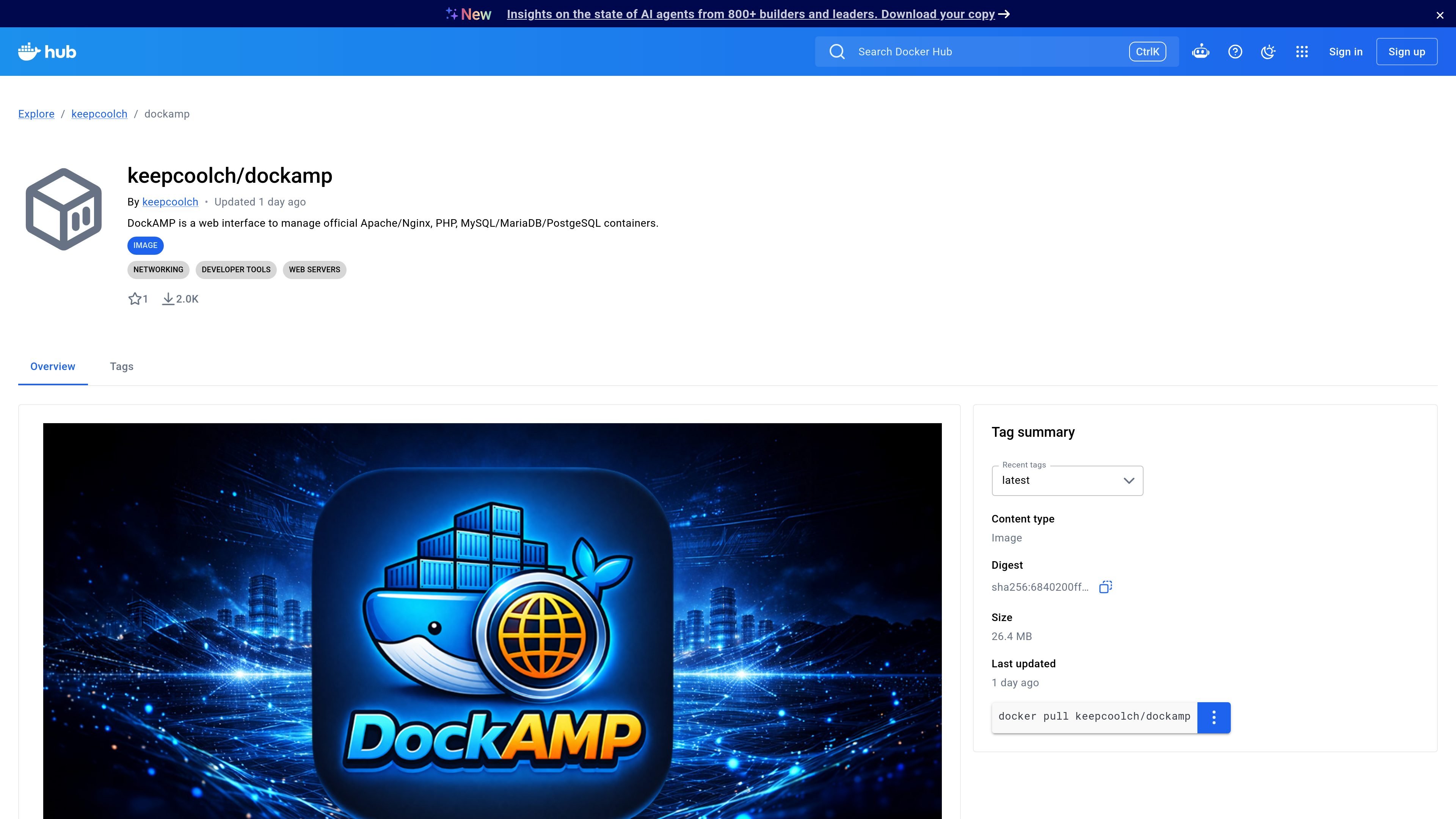
DockAMP is a Docker image with a responsive web interface for managing official Apache or Nginx, PHP, MySQL, MariaDB, PostgreSQL, and proxy containers. The product is also available as a macOS app, but the repository page here focuses on the Docker version.
The Docker release is designed to run on any Docker-compatible environment and is published for both linux/amd64 and linux/arm64. The source page also shows deployment examples for Docker run and Docker Compose, plus guidance for Docker Desktop, OrbStack, and NAS-style setups.
Manage Apache or Nginx containers through a browser in English or German, instead of working only from the command line.
Create server setups with Apache or Nginx, automatic PHP version discovery, and support for legacy PHP versions when needed.
Adjust PHP, Apache, and Nginx settings through structured controls, including security headers such as X-Frame-Options, Referrer-Policy, and CSP.
Work with MySQL, MariaDB, and PostgreSQL containers, including shared or dedicated database containers, migration checks, and SQL dump exports.
Use the built-in file browser, host folder browser, upload tools, and backup or restore options to manage persistent website files and storage paths.
Monitor container logs, status, live visitor activity, resource limits, and update status for DockAMP-managed images from one dashboard.
Use DockAMP when you want a browser UI for starting and managing Apache or Nginx stacks together with PHP and database containers.
Use the interface to discover PHP versions, adjust server configuration, and set security headers without editing everything manually on the host.
Use the storage controls, file browser, upload tools, and permission checks to maintain document roots and mounted directories from the dashboard.
Use the backup, restore, SQL export, and database migration checks to maintain development or staging environments with less manual container handling.
Use the Docker Desktop, OrbStack, Linux, or NAS deployment examples when you need a setup that matches your host environment and storage style.
It is a Docker image that provides a responsive web interface for managing official Apache or Nginx, PHP, MySQL, MariaDB, PostgreSQL, and proxy containers. The Docker version can run on any Docker-compatible environment.
The repository notes Docker version 1.2 and a macOS version 1.1. The macOS app supports Docker Desktop and OrbStack on macOS 14.6 Sonoma or newer.
The image is published for both linux/amd64 and linux/arm64. The dashboard can be opened at http://localhost:8080 after startup, or by using the Docker host's IP address or hostname on remote systems.
The page shows a Docker run example and a Docker Compose example. Both use the Docker socket, persistent storage for /data and /sites, and the host.docker.internal gateway host mapping.
The source describes user login and account management, automatic restart and auto-start options, backup and restore support, and direct updates from the dashboard.

ByteAsk is a terminal-first AI coding agent for C and C++ that edits repositories and verifies changes with the real compiler, debugger, sanitizers, and tests before showing a diff. It offers a free tier plus paid plans, with editor connectors and zero-retention handling described in the source.

CreateOS Sandbox is an isolated compute environment for running code and agent workloads inside Firecracker micro-VMs. It is designed for workflows that need machine-level isolation, private networking between sandboxes, and programmatic control through SDK, CLI, or MCP.

hob is an independent workspace for coding agents that keeps agent sessions, terminals, history, and follow-up work organized around the tools and providers you already use. It is aimed at developers who want local control over routing, history, and workspace structure rather than a bundled model stack.

Ably Chat is a chat API platform for building custom realtime chat applications. It supports room-based messaging, typing indicators, presence, reactions, and message updates, with usage-based pricing options for different deployment stages.

MacSpoof — смена MAC-адреса в macOS: меняйте или рандомизируйте Wi‑Fi MAC, чтобы переподключаться и меньше светить идентификатор в публичных сетях.

Manta AI is an autonomous web app testing tool for teams that want to map application behavior, catch regressions, and generate tests without writing scripts or maintaining selectors. It works from a URL and supports plain-English test flows, run results with screenshots, and scheduled or deployment-triggered checks.