
Exactly-once dispatch
A Postgres lock claims each scheduled run so multiple workers do not dispatch the same slot. If a worker fails mid-execution, an expired lock allows another worker to take over.

Cronhq is a distributed cron service that calls webhooks on schedules, retries failed requests, records executions, and sends deduplicated failure and recovery alerts. It supports developers and operations teams through a dashboard, REST API, CLI, and a free self-hosted deployment.
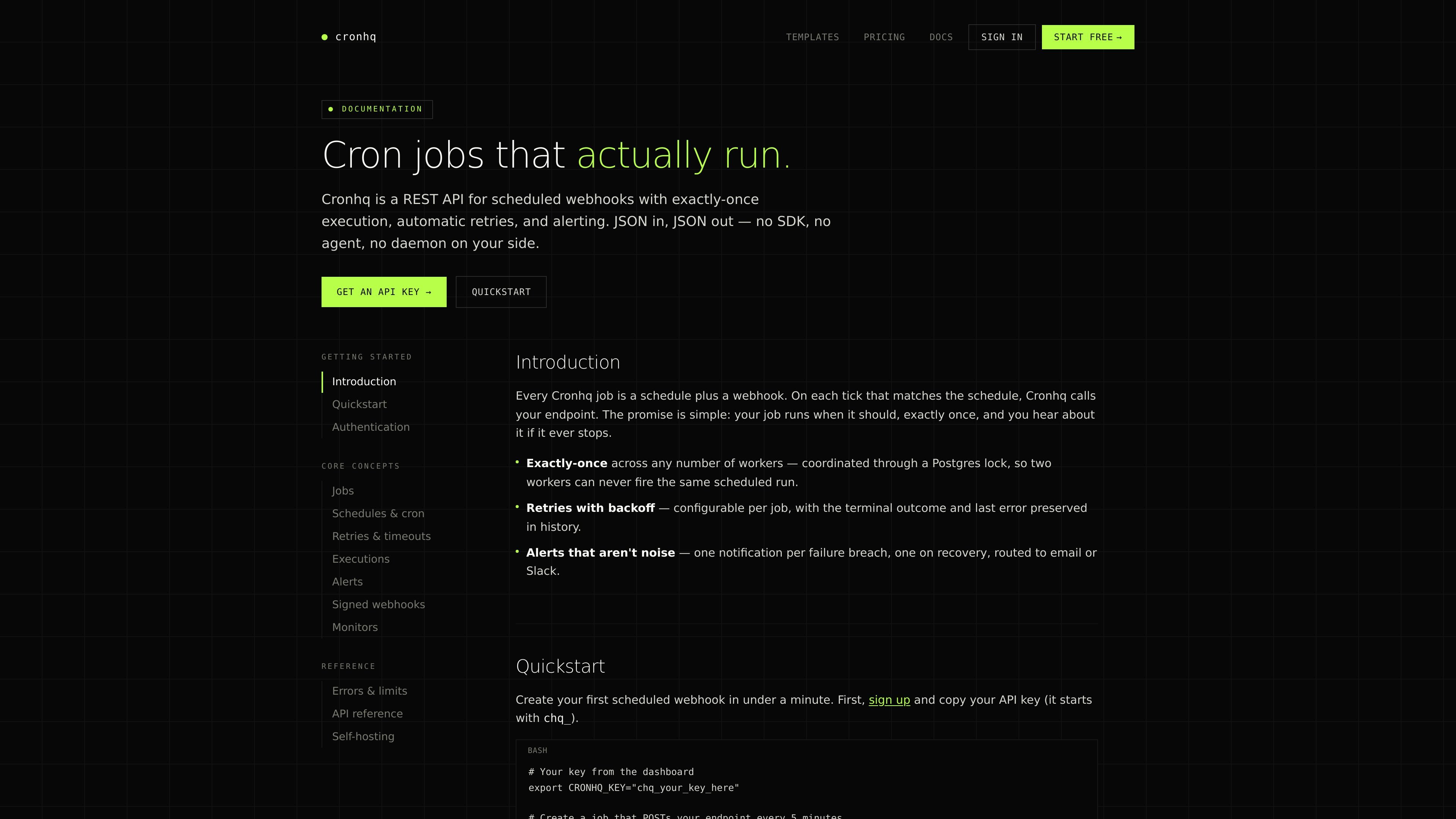
Cronhq is a managed distributed cron service for teams that need to call HTTP endpoints on a schedule. A job combines a five-field cron expression with a webhook URL, optional request settings, and a timezone; Cronhq dispatches the request on each matching tick and records the result.
The service is designed to make scheduled webhooks observable and recoverable. Postgres-backed run claiming coordinates workers, configurable retries handle transient failures, and deduplicated alerts notify users when a job crosses a failure threshold and when it recovers. Cronhq also offers heartbeat monitors for detecting missed pings, plus a dashboard, REST API, and CLI workflow.
A Postgres lock claims each scheduled run so multiple workers do not dispatch the same slot. If a worker fails mid-execution, an expired lock allows another worker to take over.
Configure the maximum number of retries and the delay between attempts. Cronhq distinguishes successful, failed, and timed-out outcomes and preserves the final error.
Send deduplicated failure and recovery notifications to email or Slack, reducing repeated pages during an ongoing incident.
Every request includes an X-Cronhq-Timestamp and an X-Cronhq-Signature containing an HMAC-SHA256 digest for the job's signing secret. Secrets can be rotated without downtime.
Define schedules in cron syntax with a job timezone, or use the dashboard's schedule builder to preview an expression in plain English.
Inspect status, attempt, HTTP code, duration, and a truncated response body or error message for each execution. The REST API also supports immediate triggers, while the CLI can tail executions and reconcile a cronhq.yaml file.
Schedule nightly rollups, invoice generation, data refreshes, or cleanup requests by pointing a job at an internal application's public webhook and setting the desired timezone.
Use retries and retained execution details to keep intermittent downstream failures visible while avoiding a notification for every individual failed attempt.
Configure a heartbeat monitor so a system pings Cronhq on each expected run. If the ping is missed beyond the period plus grace window, the monitor is marked down and an alert is sent.
Store schedules in cronhq.yaml and use the CLI to reconcile creates, updates, and removals, then tail live executions from a terminal alongside application code.
Cronhq schedules HTTP requests to a publicly reachable webhook using standard five-field cron expressions. Jobs can use GET, POST, PUT, PATCH, or DELETE, and can include headers, encrypted secret headers, a request body, timeout, retry, and timezone settings.
Create an account, copy the API key beginning with chq_, then create a job through the REST API or dashboard. A job becomes live on its next scheduled tick; you can also trigger it immediately from the dashboard or with POST /v1/jobs/:id/trigger.
A non-2xx response or transport error is retried according to the job's max_retries and retry_delay_secs settings. Each attempt and the terminal result are recorded in execution history.
Alerts can be routed to email or Slack. Cronhq sends a deduplicated failure notification when the configured failure threshold is crossed within the trailing hour, and a recovery notification after the first success following a failing streak.
Yes. The self-hosted edition is free and MIT-licensed. It uses the same container as the managed service and requires your own Postgres database.

ClawTick is an AI agent automation platform for scheduling jobs from the CLI, dashboard, or REST API. It is aimed at developers and teams running LangChain, CrewAI, webhook, or custom agent workflows that need monitoring, alerts, and logs.

Liam is an AI copilot for managing inboxes, writing replies, prioritizing email, and scheduling meetings. It is offered free for individuals, with custom pricing for teams and enterprise.

Gemma AI is a phone call reminder app that calls you with scheduled reminders instead of push notifications. It helps people who want a more direct way to stay on schedule, with Google Calendar sync and conversational call interactions.

Falconer is an AI-powered company brain that keeps internal documentation accurate, searchable, and up to date by syncing with tools like GitHub, Slack, and Linear. It helps engineering and cross-functional teams centralize knowledge and answer questions from a shared source of truth.

OpenFlags is an open-source, self-hosted feature flag platform for modern JavaScript teams. It supports local evaluation, targeted rollouts, and controlled launches while keeping flag data in your own infrastructure.

ClawEase is an AI business operator that captures requests across calls, email, SMS, WhatsApp, LINE, and web forms, then completes booking and service workflows in existing web systems. It is aimed at appointment-based businesses that need intake, follow-up, and execution without API changes.