
Multi-format input support
Uploads can include PowerPoint files, documents, images, and design references, giving the AI multiple inputs to analyze before redesigning slides.

CubeOne is a web-based AI presentation maker that redesigns, edits, and exports slide decks while keeping them editable. It supports PowerPoint, Google Slides, and Keynote workflows, plus uploads from decks, documents, images, and design references.
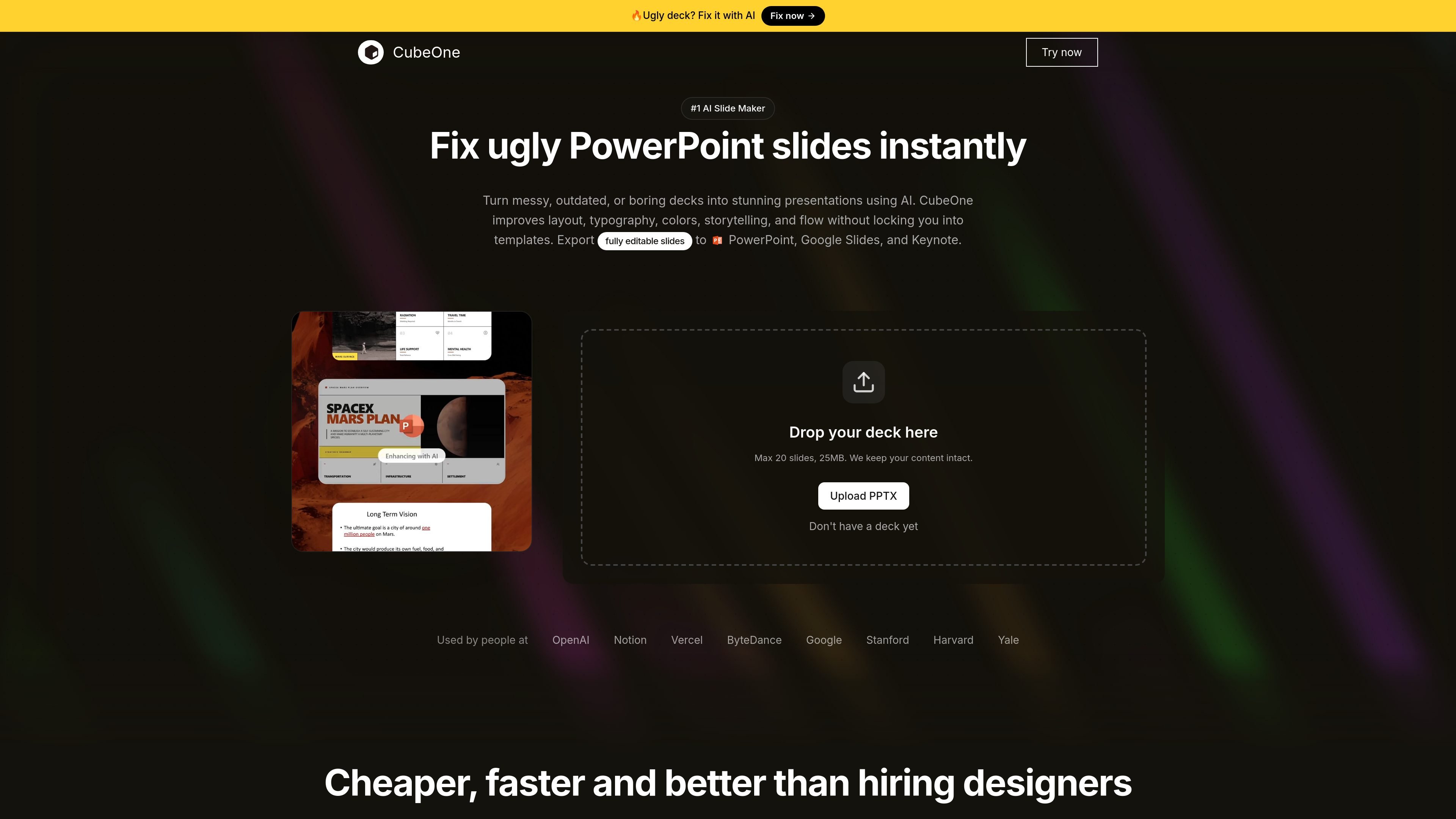
CubeOne is a web-based AI presentation maker for creating, redesigning, and editing slide decks. The homepage positions it as a way to turn messy, outdated, or boring PowerPoint files into polished presentations while keeping the result fully editable.
The workflow starts with an upload of a deck, document, image, or design reference. CubeOne then analyzes the content and layout, applies a redesign based on the input and any extra instructions, and lets users continue editing or export to PowerPoint, Google Slides, Keynote, PDF, or images.
Uploads can include PowerPoint files, documents, images, and design references, giving the AI multiple inputs to analyze before redesigning slides.
CubeOne can improve layout, typography, colors, storytelling, and overall flow on existing decks without forcing content into fixed templates.
Users can add instructions for specific changes, then let the AI revise the deck accordingly.
Finished decks can be exported as editable PowerPoint, Google Slides, and Keynote files, plus PDF and images.
The product supports continued editing inside CubeOne after export or during the creation process.
The homepage mentions live animations and the ability to preview and present slides inside CubeOne.
Upload a rough or outdated deck and have CubeOne improve its layout, typography, colors, storytelling, and flow while preserving editability.
Start from a document, image, or design reference when you do not yet have a finished slide deck and need the AI to build a presentation from source material.
Use the instruction prompt to request specific layout or content changes, then keep refining the deck inside CubeOne instead of starting over.
Export the finished work to PowerPoint, Google Slides, or Keynote when the deck needs to move into a common team workflow or be handed off for further editing.
Preview and present with live animations inside CubeOne when you want to review the deck before exporting it elsewhere.
CubeOne is a web-based AI presentation maker for creating, editing, and redesigning slide decks. The site describes it as a tool for turning messy or outdated presentations into editable slides and for generating new presentations from uploaded material or prompts.
The homepage says you can upload a PowerPoint deck and use CubeOne to redesign it. It also supports uploads of documents, images, and design references, then lets you continue editing in CubeOne AI.
CubeOne exports fully editable files to PowerPoint, Google Slides, and Keynote. The homepage also mentions downloadable PPTX, PDF, and image exports.
The pricing page shown in the source is gated behind sign-in, so the public page does not expose plan names or prices. The homepage FAQ area asks about credits and monthly presentation limits, but the visible text does not include the answers.

Slidesgo is a presentation template platform for Google Slides, PowerPoint, and selected Canva workflows. It offers free and Premium templates, plus AI-assisted presentation creation and team-friendly access options.

ChatBA is a generative AI product for creating slide decks from prompts. The public site emphasizes instant presentation generation and includes help content for templates, sharing, and data sources.

Napkin AI превращает текст в редактируемые визуалы для презентаций, документов и публикаций. Генерация из текста, совместная работа, экспорт в PPT, PNG, SVG или PDF.

Beautiful.ai is an AI presentation platform for individuals, teams, and enterprises. It helps users create branded slide decks with Smart Slides, collaborative editing, and export options while reducing manual formatting work.

MagicSlides is an AI presentation generator that turns text, topics, documents, URLs, and videos into slide decks. It creates presentations in Google Slides by default and supports PowerPoint export, with multilingual output and AI-assisted editing.

Clipia.ai is an AI image and video generation platform with presentations, an agent workflow, and developer integrations. It helps creators, teams, and developers produce media and decks from prompts, briefs, or source files using a shared credit system.