UStackUStack
DeepSeek Harness icon

DeepSeek Harness

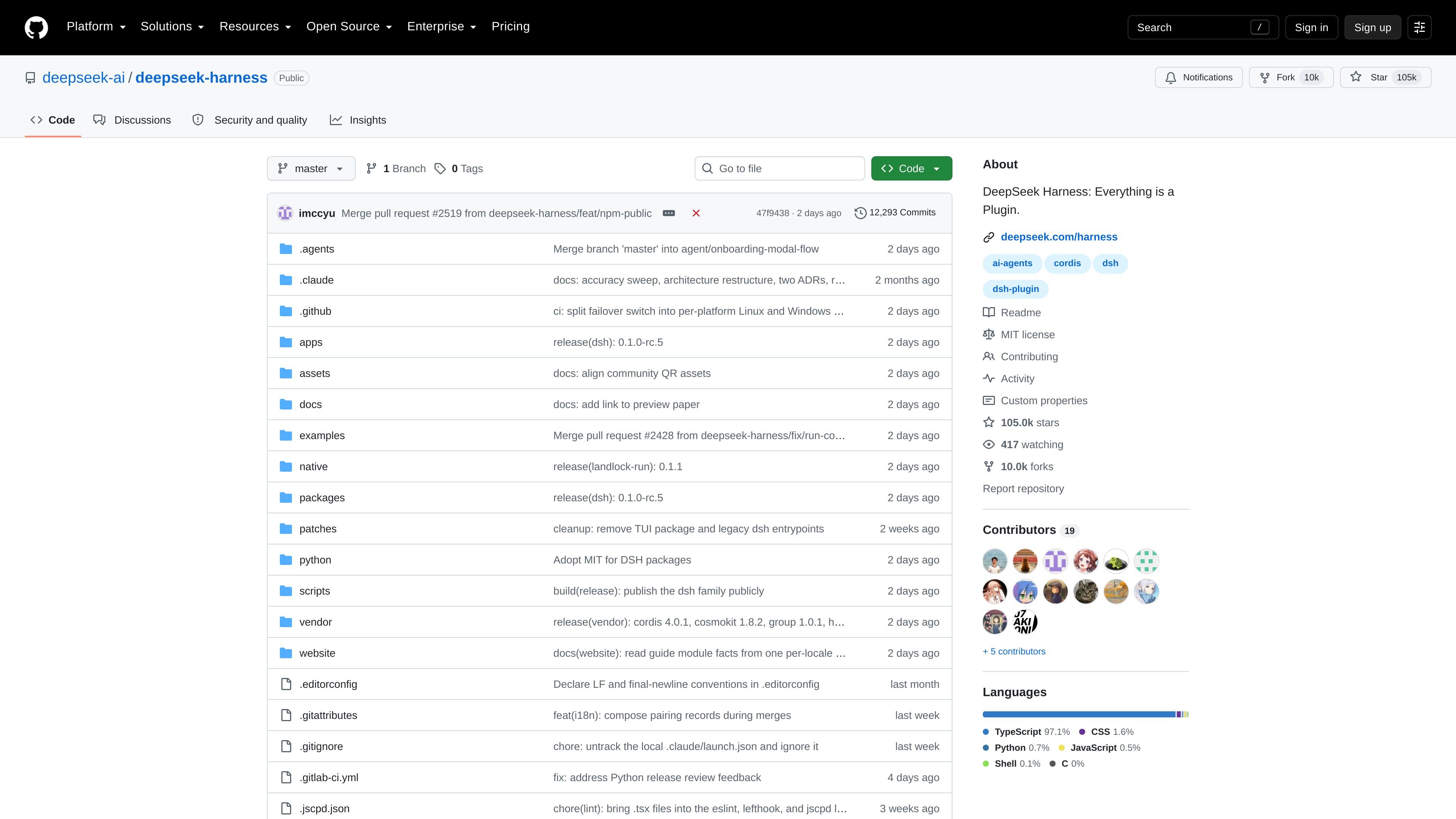
DeepSeek Harness is an open-source agent harness from DeepSeek AI that uses a plugin-first architecture and includes a local Web UI. It is in developer preview and is aimed at developers exploring agent workflows, extensions, and runtime composition.

DeepSeek Harness

Overview

DeepSeek Harness (dsh) is an open-source agent harness developed by DeepSeek AI. The README describes it as an architecture where "everything is a plugin" and says it is powered by Cordis, which is presented as the underlying composability framework.

The project is currently in developer preview, and the README explicitly warns that compatibility-breaking changes may still happen. Users can run it locally from npm with `npx @deepseek-ai/dsh web`, which starts a Web UI on `http://127.0.0.1:3080` by default, or build and run it from a repository checkout with pnpm.

The repository also includes detailed documentation and runnable examples covering architecture, development, APIs, workflows, and interface patterns. That makes the project useful for developers who want to experiment with agent harness concepts, understand the plugin model, or adapt the harness to custom tooling and runtime setups.

Core features

Plugin-oriented architecture

The project is organized around a plugin-first design, with the README stating that "everything is a plugin." This suggests the harness is meant to be extended through modular components rather than a closed set of fixed features.

Local web interface

The README documents a Web UI launch path and notes that it is served locally by default at `http://127.0.0.1:3080`. That gives users a browser-based way to interact with the harness after installation.

Extensive technical documentation

The repository includes a docs tree with architecture, development, tool catalog, API gateway, and workflow-related documents. This points to a substantial documentation set for understanding internals and building on the project.

Runnable examples

The examples directory includes runnable demonstrations such as headless-agent, jsonrpc-agent, web-cordis, web-schedule, and mcp-memory. These examples help users explore different interface patterns and extension points without assembling everything from scratch.

Community support channels

The project references feedback through GitHub Discussions and a Discord community. That gives adopters a place to ask questions, report issues, and follow ongoing development.

Typical use cases

  • Experimenting with agent plugins

    Developers can use the harness to try the plugin-first runtime model and understand how different parts of the system fit together before building their own extensions.

  • Local agent workflow testing

    Teams can launch the Web UI locally and use the harness as an interactive environment for testing agent behavior, workflows, and interface changes.

  • Learning the architecture and extension model

    Builders can inspect the docs tree and examples directory to learn the architecture, development process, and extension points for creating custom integrations or runtimes.

  • Studying runnable agent examples

    Users who prefer hands-on samples can start from example projects such as headless-agent or jsonrpc-agent to see how non-interactive and machine-readable agent flows are structured.

  • Following development and contributing

    Community contributors can report issues, discuss behavior changes, and follow the rapid iteration path through GitHub Discussions and the project’s community channels.

Pros and Cons

Pros

  • Open-source and released under the MIT license.
  • Plugin-first design makes the system designed for extension and composition.
  • Can be run locally from npm or from a source checkout.
  • Includes a Web UI entry point and multiple runnable examples.
  • Backed by extensive repository documentation for architecture and development.

Cons

  • The project is in developer preview, so the maintainers warn that compatibility-breaking changes are possible.
  • The source material does not show product-specific pricing or a hosted commercial plan for DeepSeek Harness itself.

FAQ

What is DeepSeek Harness?

The repository README describes DeepSeek Harness as an open-source agent harness developed by DeepSeek AI. The project is in developer preview, so the authors warn that compatibility-breaking changes may still occur.

How do you run it locally?

The README shows a quick-start path using Node.js and the command `npx @deepseek-ai/dsh web`, which starts the Web UI at `http://127.0.0.1:3080` by default. It also documents how to clone the repository and run it from source with pnpm.

What kinds of workflows does it support?

The source material shows a Web UI, a plugin-oriented architecture, and example runtimes such as headless-agent, jsonrpc-agent, web-cordis, web-schedule, and mcp-memory. That makes it useful for experimenting with agent workflows and extension points rather than only a single fixed interface.

Is there community or contribution support?

Yes. The README points users to GitHub Discussions for feedback and bug reports, and the repository also references contributing and development documentation.

Is it free to use?

The repository is public on GitHub and the README lists the license as MIT. The page content does not show product-specific commercial pricing for DeepSeek Harness itself.

Quick Facts

Product type
Open-source agent harness
Developer
DeepSeek AI
License
MIT
Primary interface
Web UI
Default local URL
http://127.0.0.1:3080
Source domain
github.com

Альтернативы DeepSeek Harness

CreateOS Sandbox icon

CreateOS Sandbox

CreateOS Sandbox is an isolated compute environment for running code and agent workloads inside Firecracker micro-VMs. It is designed for workflows that need machine-level isolation, private networking between sandboxes, and programmatic control through SDK, CLI, or MCP.

ByteAsk icon

ByteAsk

ByteAsk is a terminal-first AI coding agent for C and C++ that edits repositories and verifies changes with the real compiler, debugger, sanitizers, and tests before showing a diff. It offers a free tier plus paid plans, with editor connectors and zero-retention handling described in the source.

hob icon

hob

hob is an independent workspace for coding agents that keeps agent sessions, terminals, history, and follow-up work organized around the tools and providers you already use. It is aimed at developers who want local control over routing, history, and workspace structure rather than a bundled model stack.

Manta AI icon

Manta AI

Manta AI is an autonomous web app testing tool for teams that want to map application behavior, catch regressions, and generate tests without writing scripts or maintaining selectors. It works from a URL and supports plain-English test flows, run results with screenshots, and scheduled or deployment-triggered checks.

SonOf icon

SonOf

SonOf connects to your repo and PM tool, audits the codebase and surrounding product context, and turns approved work into shipped tickets with senior engineering review. It is aimed at founders and engineering leaders who need backlog help without hiring a full team immediately.

Ghost icon

Ghost

Ghost — терминальный AI-ассистент для чата, генерации кода и запуска задач в командной строке. Бесплатные модели, Linux, macOS, Windows, open source.