
WhatsApp message handling
Concierge replies to inbound WhatsApp messages, qualifies the lead, and can book appointments or reservations when a slot is available.

Estera is an AI receptionist platform for phone calls, WhatsApp, and outbound lead qualification. It helps businesses answer inquiries, qualify leads, and book appointments automatically across customer-facing channels.
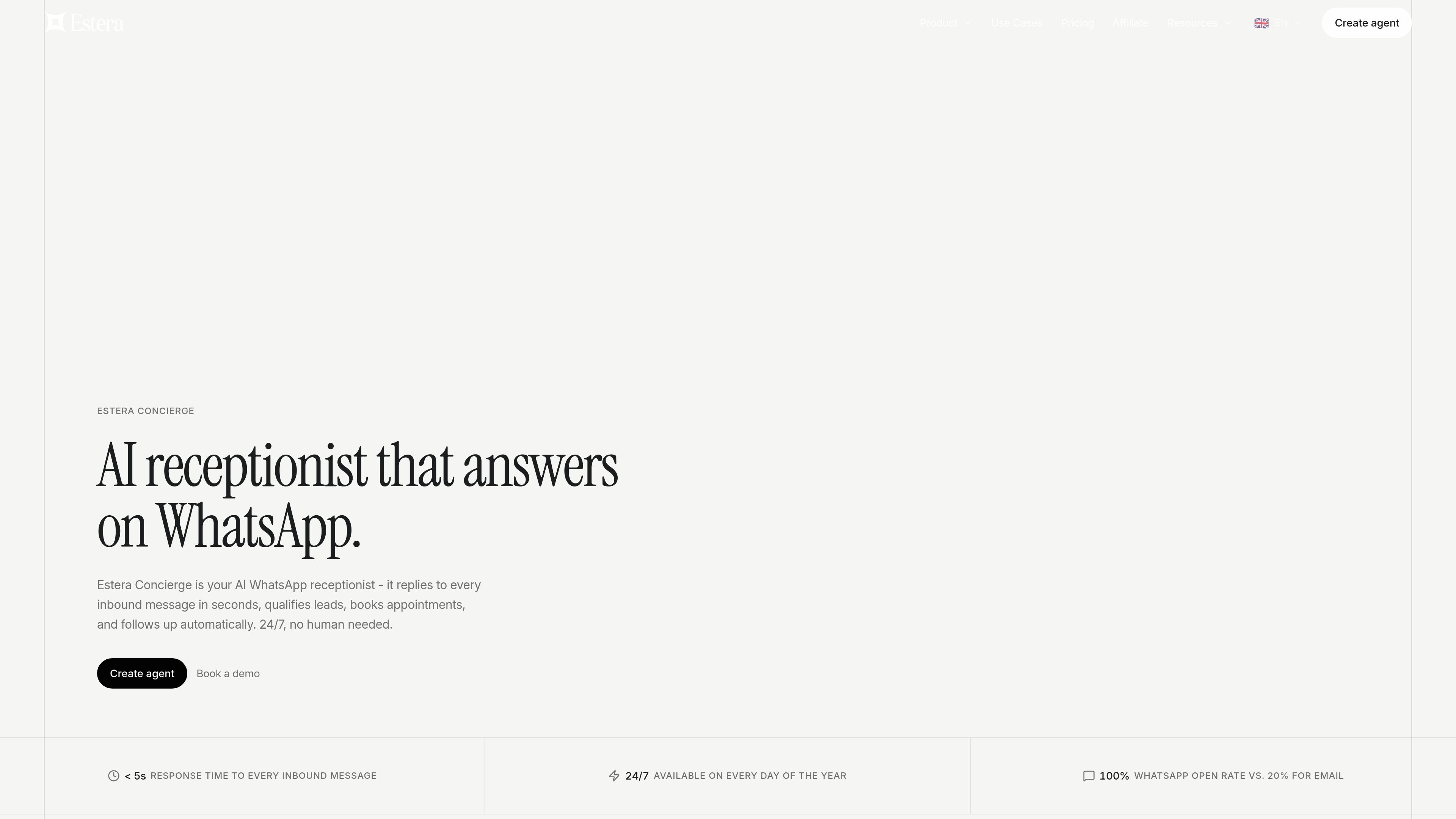
Estera is an AI receptionist platform with three product lines: Concierge for WhatsApp, Voice for phone calls, and Messages for outbound WhatsApp lead qualification. Across the site, the system is positioned as a way to answer inquiries around the clock, collect relevant details, and move customers toward bookings or handoff without requiring a human to monitor every channel.
The product pages describe a fairly specific workflow. Voice answers calls, captures messages, books appointments, and logs the interaction; Concierge responds to inbound WhatsApp messages, qualifies the contact, and confirms bookings or reservations; Messages is aimed at outbound outreach, especially for real estate teams that want to contact and qualify new leads automatically. The platform is presented for customer-facing businesses such as real estate, hospitality, restaurants, clinics, salons, travel agencies, and law firms.
Concierge replies to inbound WhatsApp messages, qualifies the lead, and can book appointments or reservations when a slot is available.
Voice answers inbound phone calls, takes messages, confirms bookings, and records call summaries in a dashboard.
The system asks for details such as interest, timeline, budget, or intent, then routes only qualified leads onward.
Bookings can trigger WhatsApp confirmations and a reminder two hours before the appointment, reducing manual follow-up.
The product pages say Estera supports 50+ languages on Voice and on the higher-priced Concierge plan.
Pricing pages mention calendar bookings, WhatsApp and web chat on some plans, CRM integration on Pro Voice, and custom integrations with API access on Premium.
A real estate team can use Messages to contact new leads, qualify interest, and hand off warm prospects to an agent once they are ready for a conversation.
A hotel, restaurant, or clinic can use Concierge to respond to WhatsApp inquiries after hours, answer common questions, and book a slot without staff intervention.
A business with steady call volume can use Voice to answer calls during peak hours or outside office hours, capture the request, and update the calendar automatically.
A team that gets repeated questions about hours, services, location, pricing, or availability can let the agent answer those questions using the business information entered during setup.
A front desk or sales team can use the human handoff flow when a customer needs specialist help, while keeping the conversation history and context intact.
Estera is set up through a guided onboarding flow. The source says it can be live in about 3 minutes, with no code or technical team required. For Voice, setup involves entering business details, connecting a calendar, and forwarding a phone number. For Concierge, setup involves entering business information and connecting a WhatsApp number, with Google Calendar connected for bookings.
Yes. The pricing page lists a CRM integration on the Pro Voice plan, plus custom integrations with API access on the Premium plan. The Concierge page also says it connects to Google Calendar for automatic bookings. The source does not provide a full integrations list.
Voice is described as answering every inbound call, taking and confirming bookings, handling FAQs, logging interactions, and escalating to a team member when needed. Concierge handles inbound WhatsApp messages, qualifies leads, books appointments or reservations, sends confirmations and reminders, and hands off to a human when needed.
The source shows product-specific starting prices for Voice and Concierge from €49 per month, while Messages is presented as a separate product for outbound lead qualification. Usage limits, plan combinations, and overage handling are described on the pricing page, but the exact rules are not fully detailed in the provided text.
Estera is presented for businesses that rely on inbound calls or WhatsApp inquiries and need booking, lead qualification, or message handling automation. The pages highlight real estate, hotels and hospitality, restaurants and food, medical practices, law firms, travel agencies, salons, and auto centers.

Claude Overlay is a Windows desktop overlay for Claude Code that reads your screen so you can ask questions, inspect content, and request edits without leaving the current app. It runs on your existing Claude subscription through the Claude CLI, so no separate API key is required.

Flunkey is a voice-first productivity layer for Windows that converts speech into text, AI-assisted outputs, and remembered context. It is built for users who want to capture ideas and actions without leaving the app they are working in.

Topple.lol is a public pay-to-rank leaderboard where listings start at $1 and their bid balance decays over time and with clicks. It helps makers and marketers buy short-term visibility for product sites or X profiles while tracking live board stats.

Все-в-одном AI платформа, которая объединяет инструменты для изображения, видео, голоса, письма и чата для повышения креативности и сотрудничества.

Ably Chat is a chat API platform for building custom realtime chat applications. It supports room-based messaging, typing indicators, presence, reactions, and message updates, with usage-based pricing options for different deployment stages.

Gemma AI is a phone call reminder app that calls you with scheduled reminders instead of push notifications. It helps people who want a more direct way to stay on schedule, with Google Calendar sync and conversational call interactions.