
Photo and video workflows
The homepage highlights photo face swap, video face swap, multiple photo face swap, and multiple video face swap from the main interface, so users can choose the workflow that matches their source media.

Faceswapai.Online is a web-based AI face swap tool for photos and videos with no-sign-up trial flows and credit-based paid upgrades. It supports single and multiple face swaps, with watermark-free exports and HD/4K output on supported plans.
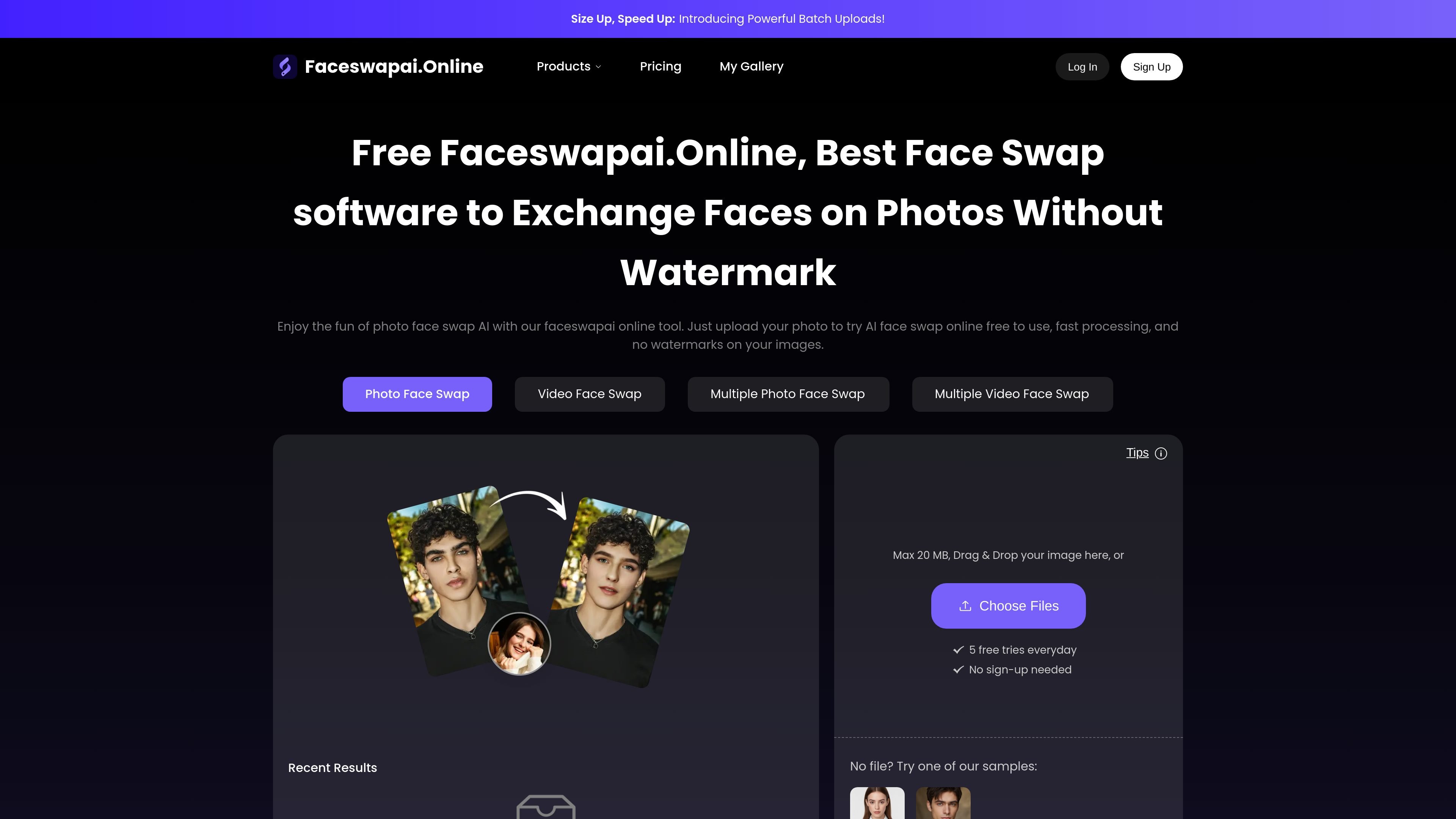
Faceswapai.Online is a web-based AI face swap tool for photos and videos. It lets users upload media, swap one or more faces, and generate results directly in the browser without creating an account for the basic trial flow.
The site positions the product for casual editing, memes, social content, and creative image or video work. The pricing page indicates a free-to-try model with credit-based generation, while paid credits unlock permanent VIP access and additional capabilities such as longer videos, larger uploads, batch processing, and priority queueing.
The homepage highlights photo face swap, video face swap, multiple photo face swap, and multiple video face swap from the main interface, so users can choose the workflow that matches their source media.
The site says users can upload a face photo or face video, then apply the swap to a target photo or video through a guided upload flow.
The video page describes facial landmark, angle, and micro-expression matching so the inserted face follows the motion and expression of the source footage more closely.
The video page says the system matches skin tone, brightness, and shadows to the scene so the swapped face blends into the original lighting conditions.
The pricing page states that exported results can be delivered in HD or 4K and without forced watermarks.
The pricing page lists free-to-try actions for each core workflow and one-time credit purchases for permanent VIP access with priority processing and batch upload on the premium tier.
Create quick image edits for jokes, memes, or concept visuals by uploading a photo and swapping a face without using Photoshop.
Replace faces in short clips for social posts, Shorts, Reels, or TikTok-style content where motion and expression matching matter.
Swap multiple faces in group photos or group videos for events, family shots, or playful team edits.
Prepare branded or personalized video demos using swapped faces when you want a different on-screen identity without reshooting footage.
Use the trial flow to test output quality before spending credits, especially if you only need an occasional swap or want to compare photo versus video workflows.
The site presents Faceswapai.Online as an online face swap tool for photos and videos. You can upload media, choose a face, and generate swapped results without needing to sign up.
The pricing page says the service includes free-to-try actions for photo face swap, video face swap, multiple photo face swap, and multiple video face swap. It also shows paid credit usage for generation and one-time credit purchases for VIP access.
For video workflows, the site says standard uploads can be up to 500 MB and 10 minutes on the video face swap page, while the pricing page also references a free standard video limit of up to 15 seconds and 200 MB. The published limits appear to differ by page and plan, so users should check the current workflow they are using.
The pricing FAQ states purchased credits are valid permanently and do not expire. It also says credit purchases are one-time payments rather than subscriptions.
The pricing FAQ says payment processing is handled by Stripe and that major credit cards and debit cards are accepted. It also notes that the service does not store card information.

Pixelcut is an AI photo editor for creating and editing product images, social content, and video assets. It offers free and paid plans, plus mobile app and browser access for individual users and teams.

Petalica Paint is a web service for automatically coloring line art and tracing line drawings from photographed images. The home page says it can be used under the stated terms for commercial and noncommercial work, but it is scheduled to end on 2025-07-31 at 16:00 JST.

Wearvue AI generates personalized outfit previews from a photo, lets users refine the style for an occasion, and surfaces similar real products to shop. It is aimed at people who want to preview outfit ideas before buying and compare them with shoppable alternatives.

Upscale.media is an AI image upscaling and enhancement tool from Pixelbin that enlarges low-resolution or pixelated images and improves clarity in the browser. It offers free individual image use, paid credit plans, and team-oriented workflows such as bulk processing and API integration.

roastme.gg is a pay-to-play AI roasting site where users submit their own X handle or website, choose how much to pay, and get a public roast ranked on a leaderboard by amount paid.

Loniva is a mobile puzzle app that offers a calm daily mix of games across memory, attention, language, speed, logic, and focus. It runs on iPhone, iPad, and Android, with a free 7-day trial and a free daily workout after the trial.