
Agent status monitoring
Baton monitors every workspace so you can see whether an agent is running, waiting for input, finished, or errored without opening each terminal.

Baton is a desktop manager for running multiple AI coding agents in parallel inside isolated git worktrees. It helps developers monitor, review, and supervise terminal-based agents without juggling separate terminal windows.
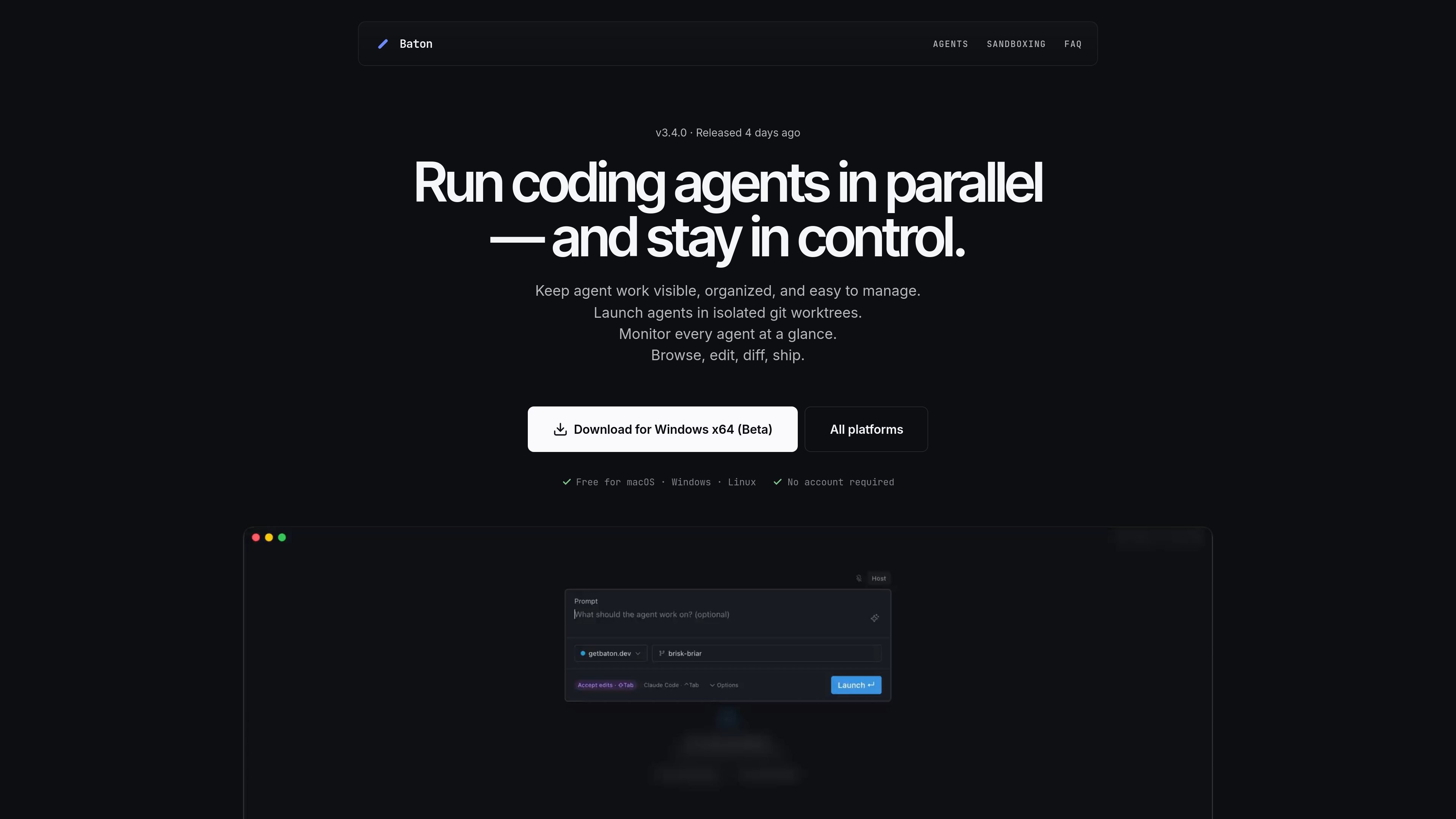
Baton is a desktop manager for running AI coding agents in parallel. It gives each agent an isolated git worktree and branch, then shows their status, output, and changes in one place so you can keep several coding tasks moving at once.
The app is built around the terminal-based agents people already use, with first-class support for Claude Code, Codex CLI, OpenCode, and Gemini CLI, plus presets and custom commands for other shell-based agents. It also adds browser previews, diff review, file editing, notifications, and sandboxing tools to keep workspaces organized and easier to supervise.
Baton monitors every workspace so you can see whether an agent is running, waiting for input, finished, or errored without opening each terminal.
Each agent runs in its own git worktree and branch, so parallel sessions stay isolated and can be pushed or turned into pull requests from the app.
The app can launch a fresh workspace from a prompt, generate branch metadata, and start the agent with an optional accept-edits flow.
Baton includes a changed-file tree, Monaco-based diff view, file editor, commit history, file history, and git blame to review work before shipping.
Workspaces can be arranged with multiple terminals, tabs, split panes, browser previews, drag-and-drop layout changes, and multi-window support.
Baton can run agents through a Lima VM sandbox, Safehouse, or a custom wrapper, and can also manage network allowlists for sandboxed work.
Use Baton when you want several coding agents working at once on different tasks or branches, while keeping their status visible from one sidebar instead of juggling terminals.
Use it when a task needs its own isolated worktree, branch, and terminal context so one agent's changes do not interfere with another's.
Use it to review agent output before merging: inspect diffs, browse file history, and edit code inside the app before pushing or opening a pull request.
Use it when you want to keep an agent supervised without constant attention, since workspace cards notify you when input is needed, work finishes, or errors occur.
Use it when you want to sandbox agent activity on macOS or Linux, or add network restrictions and custom wrappers for a more controlled environment.
Yes. Baton runs locally on your computer and does not require an account. The source says your code never leaves your computer, with one optional cloud feature for AI-generated workspace titles and branch names that can be turned off.
Baton supports any agent that runs in a terminal, with first-class support for Claude Code, Codex CLI, OpenCode, and Gemini CLI. It also includes ready-to-run presets for agents such as Cursor CLI, GitHub Copilot CLI, Aider, Amp, Qwen Code, Mistral, and Goose, plus a custom command option.
Yes. Each workspace is backed by a real directory on disk, and Baton includes shortcuts to open it in editors such as VS Code, Cursor, Windsurf, or Xcode.
You can archive a workspace to hide it from the sidebar, or delete it to remove the worktree and branch from disk. The source also notes that standard git worktrees are used, and you can push a branch or open a PR before cleaning up.
The download page says Baton is available for macOS, Windows, and Linux, and the site also states it is free to use. Windows and Linux builds are labeled beta on the download page.

BotBoard is a task-management layer for AI agents that helps teams assign work, track progress, and review output. It supports CLI, MCP, and HTTP connections for tools like OpenClaw, Codex, Claude Code, and Cursor.

CreateOS Sandbox is an isolated compute environment for running code and agent workloads inside Firecracker micro-VMs. It is designed for workflows that need machine-level isolation, private networking between sandboxes, and programmatic control through SDK, CLI, or MCP.

Biji - это универсальная платформа, разработанная для повышения продуктивности с помощью инновационных инструментов и функций.

Codex Plugins bundle reusable skills, app integrations, and MCP servers into workflows you can install in the Codex app or use from Codex CLI. They help extend Codex with connected-service tasks, reusable instructions, and shared team workflows.

Wallie is an open-source AI streamer that watches your screen, hears chat, and generates live commentary in a configurable persona. It runs locally on your machine with your own keys and is aimed at faceless content, autonomous streams, and real-time reactions.

ClawTick is an AI agent automation platform for scheduling jobs from the CLI, dashboard, or REST API. It is aimed at developers and teams running LangChain, CrewAI, webhook, or custom agent workflows that need monitoring, alerts, and logs.