UStackUStack
Glide icon

Glide

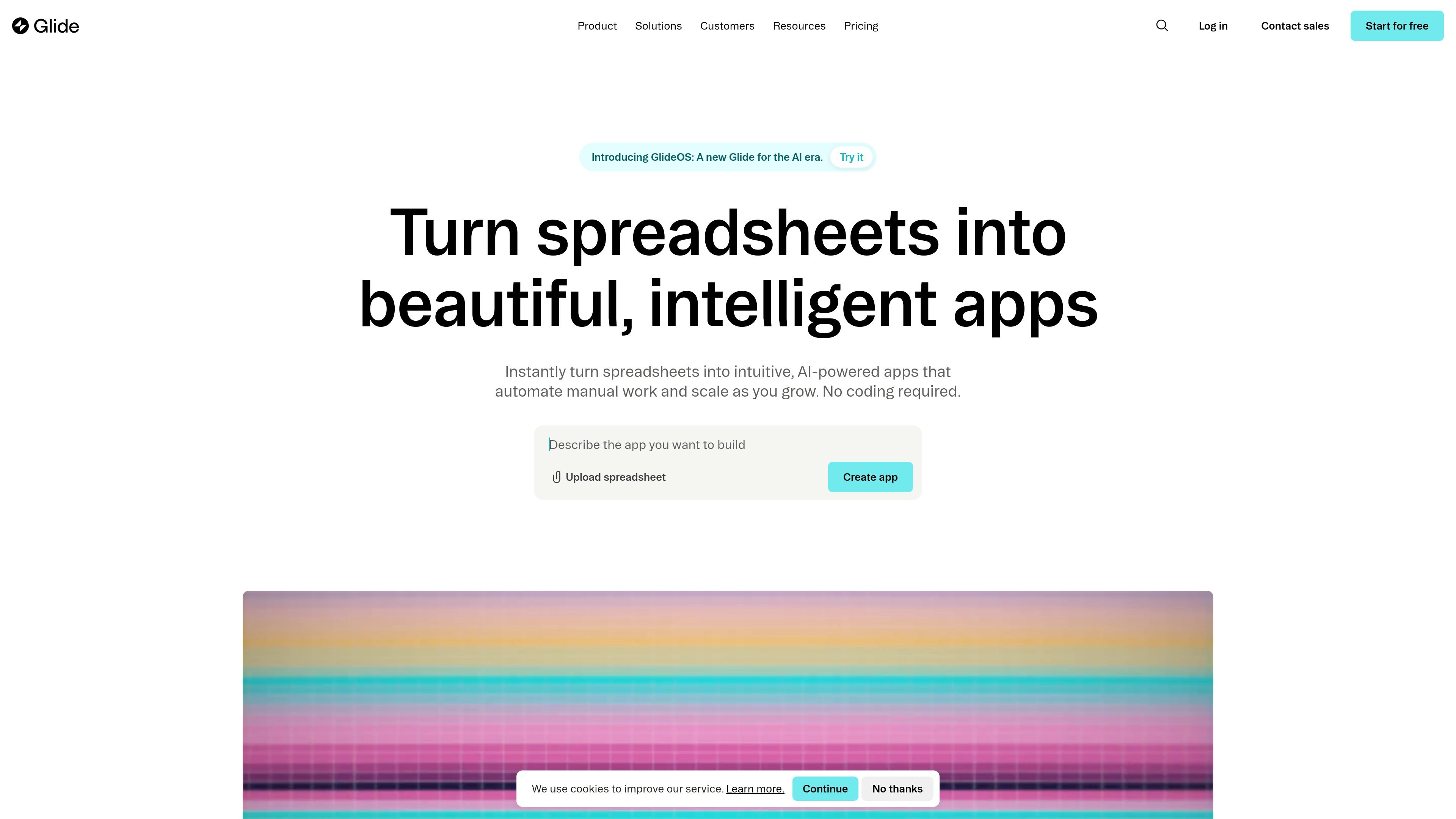
Glide is a no-code platform for building custom business apps from spreadsheets and other connected data sources. It helps teams automate workflows, manage operations, and ship responsive internal tools without writing code.

Glide

Overview

Glide is a no-code platform for building custom business apps that run on spreadsheet-like data and other connected sources. It is positioned for teams that want to replace manual processes, scattered spreadsheets, and legacy tools with apps they can update and adapt quickly.

The platform combines data sync, app layout tools, workflow automation, and Glide AI. According to the site, users can build apps from spreadsheets, connect third-party systems, automate tasks with triggers and conditions, and deploy apps across business functions such as inventory, logistics, procurement, vendor management, warehouse operations, project management, portals, dashboards, CRM, work orders, and field sales.

Core capabilities

Connect and sync data sources

Build apps from spreadsheet-style data and keep them in sync with sources such as Google Sheets, Airtable, Excel, CSV imports, Glide Tables, and supported databases. The platform is designed around familiar data editing and real-time updates.

AI-assisted app building and automation

Use Glide AI to generate apps and support tasks like drafting text, extracting information, and converting data. The platform also mentions AI agents for handling routine work.

Workflow automation

Create workflows that start from emails, webhooks, schedules, and other triggers, then branch with conditions, loops, and nested logic. This supports multi-step business processes rather than simple one-off actions.

Pre-built UI components and layouts

Assemble apps with pre-built components such as forms, calendars, and charts, then apply themes and layout presets. Apps are presented as responsive interfaces that work on different screen sizes.

Team access and publishing controls

Control access and organization with personalized views, fine-grained permissions, and real-time data visualization. The platform also supports custom branding, custom domains, and API-related actions on paid plans.

Practical use cases

  • Operational data management

    Replace manual spreadsheets and paper-based processes with a custom app that keeps business data organized and easier to update.

  • Back-office operations

    Build apps for inventory, logistics, procurement, vendor management, or warehouse workflows where teams need structured views, permissions, and ongoing updates.

  • Workflow automation

    Automate repetitive work such as routing tasks, extracting information, sending emails, and handling multi-step business processes through triggers and conditional logic.

  • Connected team apps

    Connect Glide to tools like Google Sheets, Airtable, Stripe, HubSpot, Slack, Microsoft Teams, and OpenAI when an app needs to sit between multiple business systems.

  • Cross-device business apps

    Create responsive internal tools, portals, dashboards, CRM-style apps, or field-facing apps that need to work across devices without separate native builds.

Pros and Cons

Pros

  • No-code app building reduces the need to write application code.
  • Supports multiple data sources, including spreadsheets and databases, with real-time sync on supported connections.
  • Includes AI features for generating apps and assisting with content or data tasks.
  • Offers workflows, components, and access controls suited to business operations.
  • Provides a free plan and a 14-day free trial on the business offering.

Cons

  • The source material does not provide a complete feature-by-feature limit list, so some plan boundaries need to be checked on the pricing page.
  • Several advanced capabilities, including SSO, backups, enterprise integrations, and API-related features, are tied to higher-tier or enterprise plans.

FAQ

What is Glide used for?

Glide can be used to build custom business apps from spreadsheet-like data sources without writing code. The source material shows it is designed for teams and businesses, and it also offers a pricing page with free and paid plans.

Does Glide offer a free plan or trial?

The collected pages show Glide supports a free plan, paid Business and Enterprise plans, and a 14-day free trial for the Business plan. Enterprise pricing is handled through contact sales.

What can Glide connect to?

Glide apps can connect to data sources such as Google Sheets, Airtable, Excel, CSV imports, Glide Tables, and several database and business systems depending on plan. The integrations page also lists third-party tools such as Slack, Microsoft Teams, OpenAI, Google Calendar, Stripe, DocuSign, HubSpot, and more.

What kinds of workflows can Glide handle?

The source pages emphasize workflows, data sync, AI features, components, custom branding, custom domains, and API access on higher plans. They do not provide a full setup checklist or a complete limitations list in the collected material.

How is Glide priced for teams?

The pricing page shows different plans for individuals, businesses, and enterprises. Business pricing starts at $199 per month billed yearly, while Enterprise uses custom pricing and contact sales.

Quick Facts

Category
No-code app builder
Primary users
Teams, businesses, and individuals exploring custom internal apps
Platform
Web-based product
Source domain
glideapps.com
Pricing model
Free plan, paid Business plan, and custom Enterprise pricing
Integration scope
Third-party tools and business systems, including AI, messaging, calendar, payments, CRM, and data connectors

Альтернативы Glide