
Agentic TN3270 navigation
Lets AI agents navigate TN3270 sessions, including ISPF panel flows, by operating inside the mainframe environment rather than only describing it.

Hopper is an agentic TN3270 terminal emulator for working inside z/OS mainframe environments. It helps teams navigate ISPF, write JCL, debug jobs, and query VSAM from a modern desktop workflow.
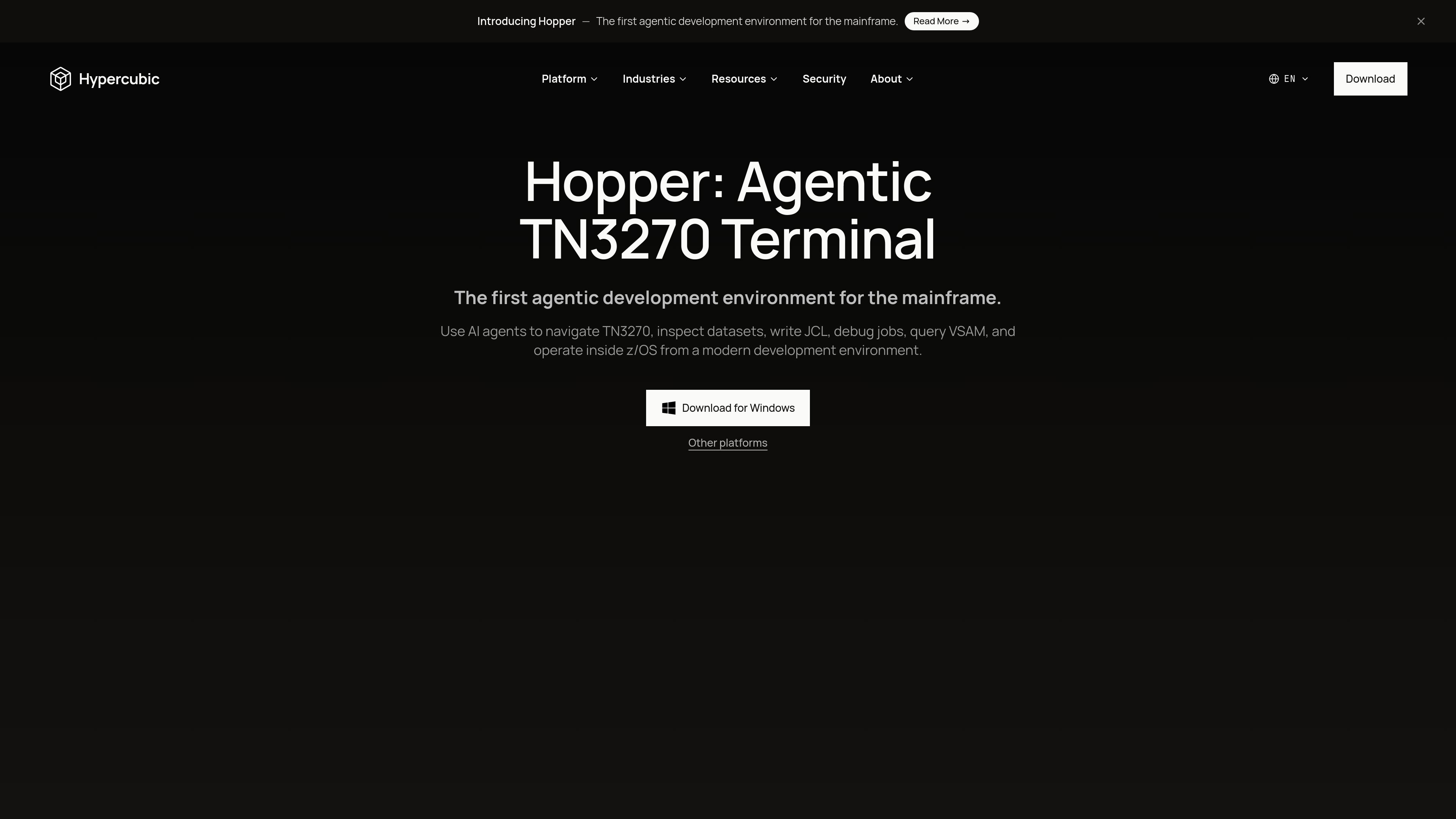
Hopper is Hypercubic’s agentic TN3270 terminal emulator for mainframe work inside z/OS. It is positioned as a modern development environment for teams that need to navigate ISPF, inspect datasets, write column-strict JCL, debug failed jobs, and query VSAM without leaving the terminal workflow.
The product combines natural-language agent behavior with a real TN3270 terminal interface. According to the site, it can drive ISPF by panel ID, parse JES return codes, decode spool failures into structured diagnostics, and still behave like a traditional terminal when full PF, PA, and attention-key support are needed.
Lets AI agents navigate TN3270 sessions, including ISPF panel flows, by operating inside the mainframe environment rather than only describing it.
Writes column-strict JCL and can drive the job workflow from prompt to execution, with pauses for approval before changes.
Parses JES return codes and decodes spool failures such as JESMSGLG, JESYSMSG, and SYSUDUMP into structured diagnostics.
Queries VSAM directly and presents it as a SQL-like interaction for working with mainframe data.
Works like a real TN3270 terminal when needed, including full PF, PA, and attention-key support.
Supports connections to a user’s own mainframe or LPAR, with downloads provided for macOS, Windows, and Linux.
Use Hopper to move through ISPF panels and mainframe screens with agent assistance instead of manually stepping through every screen yourself.
Use the product to write column-strict JCL, run jobs, and inspect return codes when handling routine operations or change-driven releases.
Use Hopper to triage failing batch or online jobs by reading JESMSGLG, JESYSMSG, and SYSUDUMP output into a structured failure analysis.
Use the SQL-like VSAM access path when you need to inspect mainframe data sets from a modern interface.
Use Hopper as a terminal-first workflow when you still need PF, PA, and attention-key behavior from a TN3270 session.
Hopper is an agentic TN3270 terminal emulator for working inside z/OS. The site describes it as a way to navigate ISPF, inspect datasets, write JCL, debug failed jobs, and query VSAM from a modern development environment.
The homepage shows Hopper as available for download on macOS, Windows, and Linux, with separate packages for Apple Silicon and Intel on macOS, plus a Windows installer and Linux .deb and AppImage downloads.
Hopper is built to work with a real TN3270 terminal when needed, and the homepage notes support for full PF, PA, and attention keys.
The site lists a free Hobby plan that includes core Hopper features and does not require a credit card, plus an Enterprise plan with SAML SSO, MCP Server Access, admin and model controls, org-wide privacy controls, no model training, priority support, and on-prem or VPC deployment.
The source does not provide public setup instructions beyond downloading Hopper and connecting to your own mainframe or LPAR.

CreateOS Sandbox is an isolated compute environment for running code and agent workloads inside Firecracker micro-VMs. It is designed for workflows that need machine-level isolation, private networking between sandboxes, and programmatic control through SDK, CLI, or MCP.

AakarDev AI helps teams manage AI provider access, project-level setups, logs, and analytics from one dashboard. It supports BYOK workflows and lists providers including OpenAI, Google Gemini, Anthropic, Groq, Mistral AI, and Perplexity AI.

Trigger.dev chat agent is a durable AI chat backend for developers building stateful conversations that can survive refreshes, crashes, and long-running turns. It connects with the AI SDK `useChat` flow and runs on managed infrastructure with no timeout on a turn.

ByteAsk is a terminal-first AI coding agent for C and C++ that edits repositories and verifies changes with the real compiler, debugger, sanitizers, and tests before showing a diff. It offers a free tier plus paid plans, with editor connectors and zero-retention handling described in the source.

Codex Plugins bundle reusable skills, app integrations, and MCP servers into workflows you can install in the Codex app or use from Codex CLI. They help extend Codex with connected-service tasks, reusable instructions, and shared team workflows.

hob is an independent workspace for coding agents that keeps agent sessions, terminals, history, and follow-up work organized around the tools and providers you already use. It is aimed at developers who want local control over routing, history, and workspace structure rather than a bundled model stack.