
Zero-latency playback
Key Opera plays sounds immediately when you press a key, with the homepage describing Core Audio playback and sub-millisecond response.

Key Opera is a Mac app that adds mechanical keyboard sounds to typing, with menu bar controls, downloadable sound packs, and terminal-based management. It is aimed at users who want keyboard audio feedback on a Mac without using a physical mechanical keyboard.
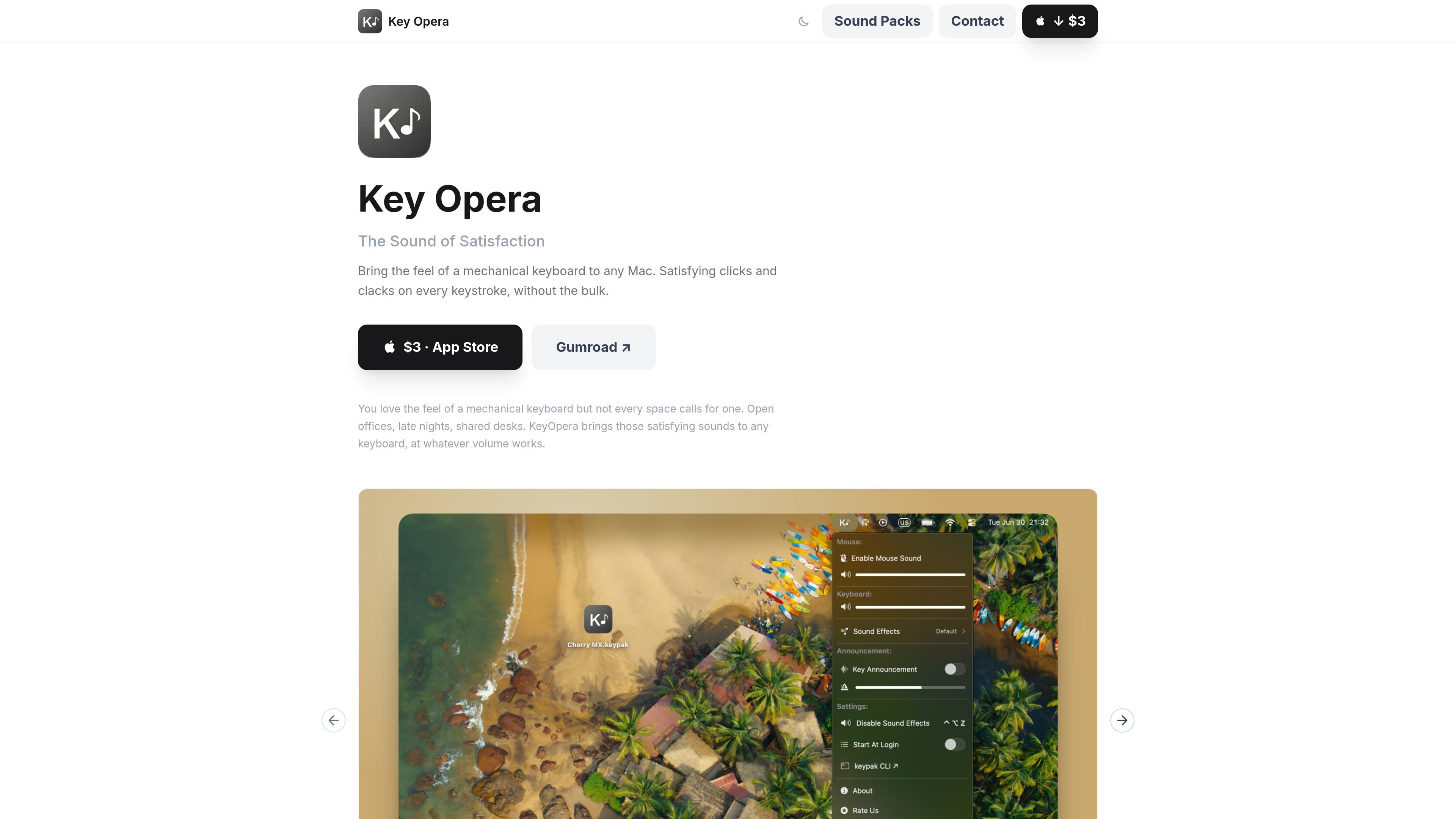
Key Opera is a Mac app that adds mechanical keyboard sounds to typing. The homepage positions it for people who like the feel of a mechanical keyboard but do not always want to use one, especially in shared or quieter spaces such as open offices, late nights, and shared desks.
The product offers instant keystroke playback, menu bar controls, downloadable sound packs, and a terminal CLI for users who want to change effects or manage audio from scripts. It also includes key announcements and VoiceOver support, making the app usable both as a typing sound layer and as an accessibility-oriented keyboard feedback tool.
Key Opera plays sounds immediately when you press a key, with the homepage describing Core Audio playback and sub-millisecond response.
The app lives in the macOS menu bar and can be enabled or silenced with one click, without opening a preferences window.
It uses sampled mechanical keyboard sounds rather than synthetic approximations, including switch and keycap combinations such as Cherry MX Black PBT and ABS, EG Oreo, and EG Crystal Purple.
You can import .keypak files from the Sound Effects panel or by double-clicking them in Finder, and remove packs you no longer want from the menu.
A terminal CLI lets power users switch effects, adjust volume, mute or unmute, and install packs; the page shows Homebrew installation commands.
The app includes key announcements that speak the names of keys such as A, Space, Backspace, and Caps Lock, with adjustable speech speed and VoiceOver support for the menu controls.
Use Key Opera when you want the feel and feedback of a mechanical keyboard while typing on a Mac, without carrying a physical mechanical board.
The homepage explicitly calls out open offices, late nights, and shared desks as places where someone may want the sound experience at whatever volume works for the room.
Power users can manage effects, volume, and pack installs from the terminal, which suits workflows that are already scripted or controlled through Homebrew.
If you want spoken confirmation of keys instead of only audio clicks, the Key Announcements feature reads key names such as A, Space, Backspace, and Caps Lock on.
Users who want different sound profiles can install downloadable packs or import their own .keypak files, then delete unused packs from the menu.
It lives in the macOS menu bar and can be turned on or off with a single click. The homepage also notes terminal control through the keypak CLI for switching effects, adjusting volume, muting, and installing packs.
Yes. The homepage says you can import any .keypak sound pack from the Sound Effects panel or by double-clicking a file in Finder.
The page copy says Key Opera uses Core Audio for sub-millisecond playback and is built for instant response on each keystroke.
The page presents Key Opera as a Mac app and mentions Homebrew and a terminal CLI, but the supplied source does not confirm support for other operating systems.
The homepage lists an App Store link and a Gumroad link, but the separate pricing URL in the collected sources returns a 404, so pricing details are not confirmed from the evidence provided.

MacSpoof — смена MAC-адреса в macOS: меняйте или рандомизируйте Wi‑Fi MAC, чтобы переподключаться и меньше светить идентификатор в публичных сетях.

NomNak — бесплатное приложение для iPhone, где находят рестораны по рекомендациям друзей, сохраняют места, ведут food passport и ищут по городам.

TyeGit — нативный Git-клиент на Rust и Tauri для точного управления staging, коммитами, ветками и remotes в Windows, macOS и Linux.

Loomal is a payments layer for agentic commerce that lets developers add paywalls to APIs, MCP tools, or hosted files. It settles agent payments in USDC on Base and is aimed at services that want per-request payment from AI agents.

idmly converts self-contained HTML designs into editable Adobe InDesign (.idml) files. It is built for designers and teams that need browser-made or AI-generated layouts turned into InDesign without rebuilding them by hand.

MacYaps — приложение для строки меню macOS: проигрывает смешные аудиоклипы при системных событиях. Встроенные голосовые пакеты, загрузка своих аудио и пожизненная лицензия.