
Project-to-paste workflow
Select a folder, let the app filter noise, and produce one structured context block instead of copying files one by one.

AICodePrep v2 is a local Rust app that scans a project folder, filters out noise, and packs the result into one AI-ready context block. It is built for copying project context into ChatGPT, Claude, Gemini, or similar chats without a file-by-file workflow.
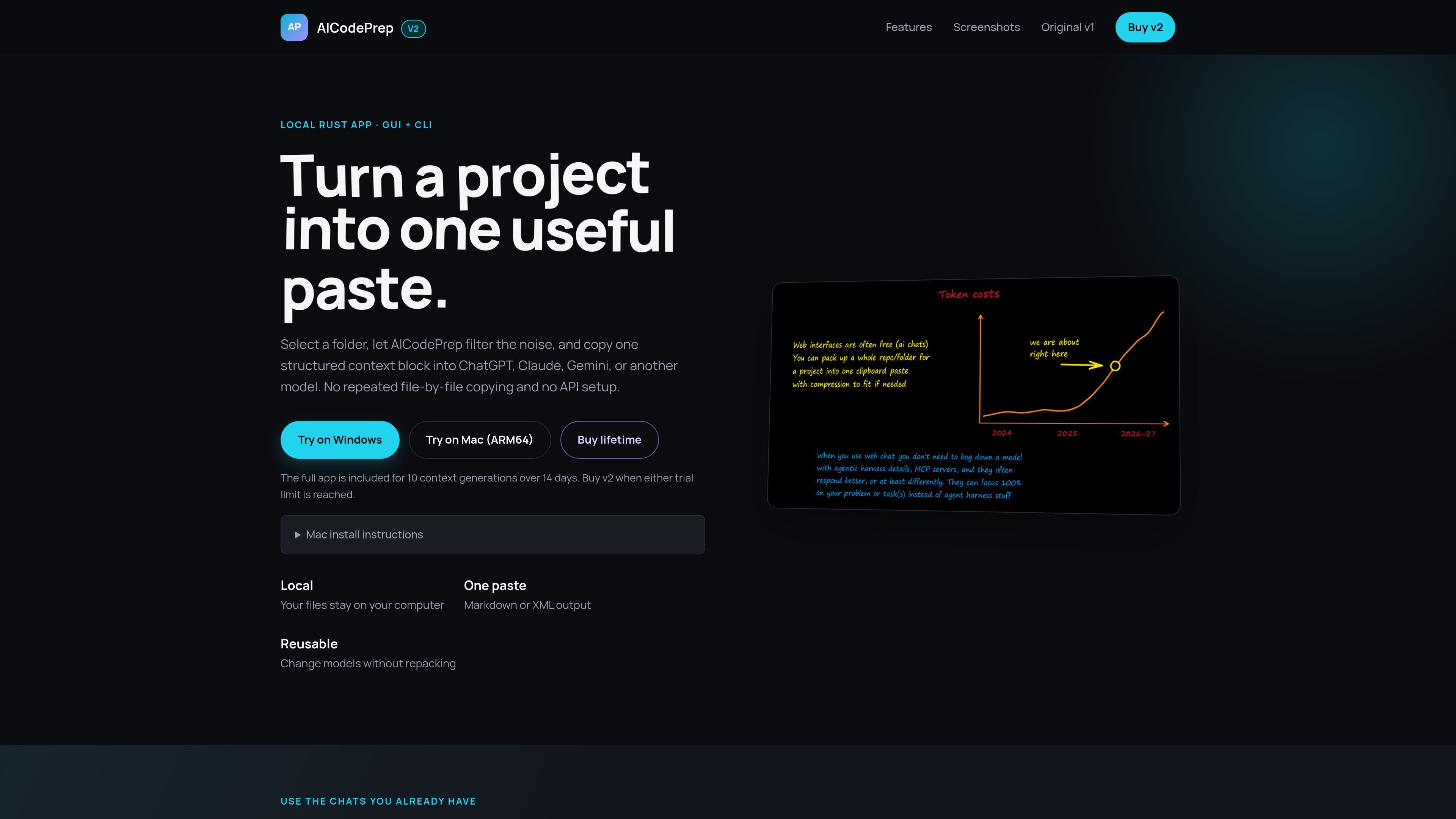
AICodePrep v2 is a local Rust app for turning a project folder into one AI-ready context paste. It is built for people who want to move code or other project files into ChatGPT, Claude, Gemini, or similar web chats without copying files individually or setting up an API workflow.
The page describes a scan, filter, and pack process that runs on your computer. It combines file selection, ignore-rule handling, optional secret review, and output generation into a single context block, with both a native GUI and a command-line path for reuse in scripts and agent workflows.
The product emphasizes reusing the same context across different models. Instead of repacking for every chat, you can paste one block into a standard model chat and switch models as needed, which is presented as useful when agent limits are tight or when you want to avoid additional API charges or another subscription.
Select a folder, let the app filter noise, and produce one structured context block instead of copying files one by one.
Automatically include source and project files while skipping dependencies, build output, caches, and other generated files.
Review likely credentials and optionally redact them before the context is copied into a chat.
Generate structured Markdown or XML that includes paths, contents, token totals, and your prompt.
Count tokens for the target model, compare compression levels, and fit larger projects into smaller context windows.
Use the native GUI or run `aicodeprep-fast pack <folder>` from scripts and agent workflows.
Prepare a codebase once, then paste the same structured block into ChatGPT, Claude, or Gemini without rebuilding the bundle for each model.
Use the CLI in scripts or agent workflows to generate a context block from a folder and copy or write the output as part of a repeatable process.
Review large repositories while skipping dependencies, build artifacts, caches, and other generated files that do not help the model understand the project.
Check for likely secrets before copying context into an AI chat, then redact any sensitive material if needed.
Compare compression levels and token totals to fit a larger project into a smaller context window before sending it to the model.
It appears to support copying one structured context block into ChatGPT, Claude, Gemini, or another model after scanning a project locally. The page also notes Markdown or XML output.
The page presents a local Rust app with a GUI and CLI. It describes a desktop app for selecting a folder in a native interface or running a command such as `aicodeprep-fast pack <folder>` in scripts.
The product page says the app keeps files on your computer and performs scanning, ignore-rule filtering, selection, concatenation, and output in one local pass.
The page says the app includes 10 context generations over 14 days in the trial, and that the full app is included before buying. It also mentions a one-time lifetime purchase.
The page specifically mentions chat-based use with ChatGPT, Claude, and Gemini web chats. It does not list deeper integrations or API setup on the page.

ByteAsk is a terminal-first AI coding agent for C and C++ that edits repositories and verifies changes with the real compiler, debugger, sanitizers, and tests before showing a diff. It offers a free tier plus paid plans, with editor connectors and zero-retention handling described in the source.

Ghost — терминальный AI-ассистент для чата, генерации кода и запуска задач в командной строке. Бесплатные модели, Linux, macOS, Windows, open source.

Devin is an AI coding agent and software engineer that helps developers and engineering teams plan and execute complex software tasks. It is available through desktop, cloud, JetBrains, and CLI surfaces, with plans for individuals, teams, and enterprises.

imgcook is a design-to-code tool that converts design drafts into front-end code. It supports plugin-based and developer workflows for Sketch, Photoshop, VS Code, and CLI usage.

Open Computer Use is an open-source Computer Use service wrapped as MCP for macOS, Linux, and Windows. It helps AI agents and MCP clients run desktop automation workflows through client setup commands or manual MCP configuration.

CreateOS Sandbox is an isolated compute environment for running code and agent workloads inside Firecracker micro-VMs. It is designed for workflows that need machine-level isolation, private networking between sandboxes, and programmatic control through SDK, CLI, or MCP.