
Playwright-style API
Use a Playwright-style TypeScript API to locate elements by role, label, or text, then chain actions and assertions in familiar code.

Mobilewright is a TypeScript-based mobile automation framework for iOS and Android apps. It helps developers and AI agents write deterministic tests, scripts, and inspections with Playwright-style locators, auto-waiting, and local reporting.
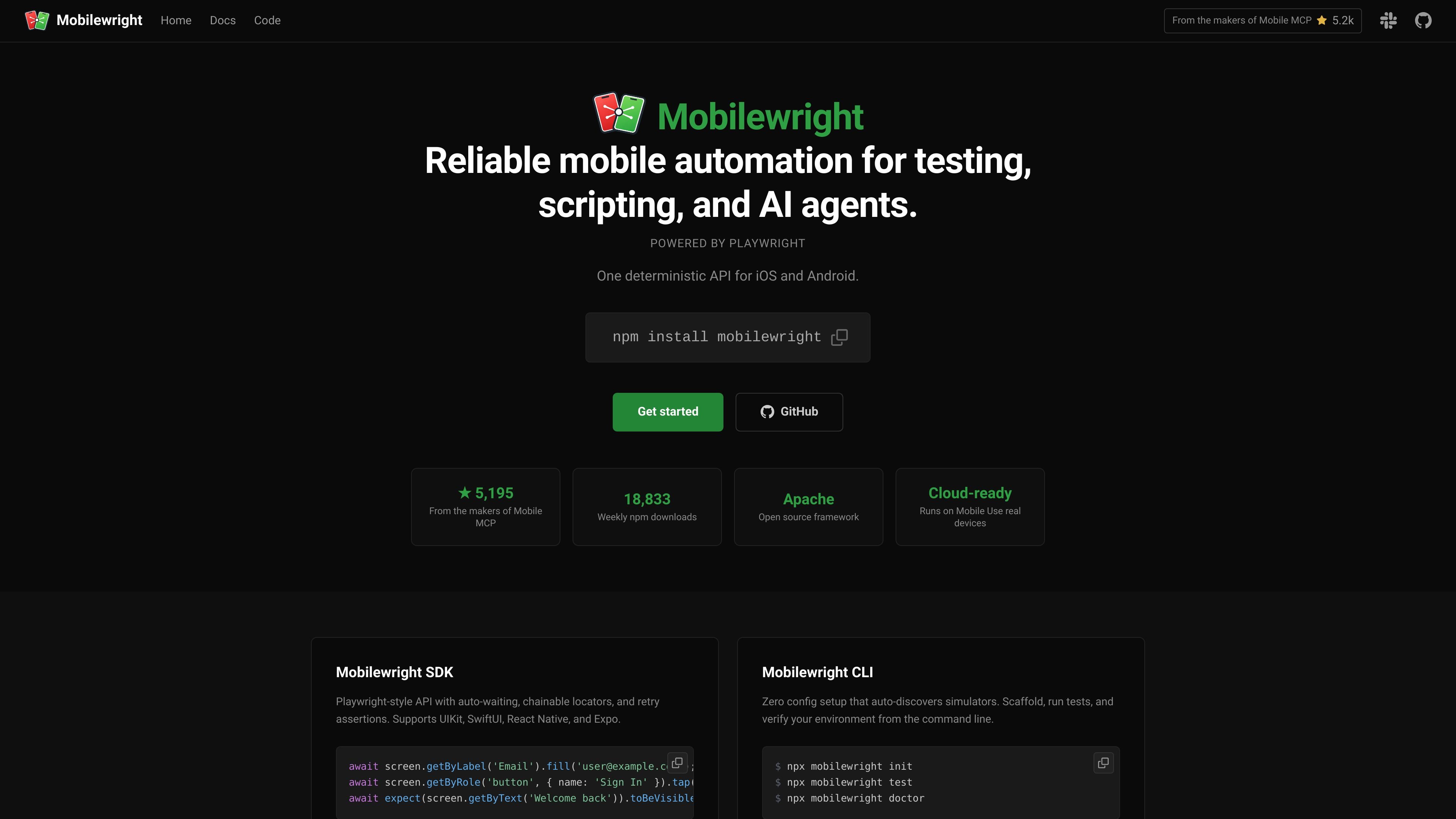
Mobilewright is an end-to-end testing framework for mobile applications. It provides a TypeScript API for automating iOS and Android devices with a Playwright-style interaction model, built-in auto-waiting, assertions, and test reporting.
The product is positioned for developers and AI agents who need deterministic mobile automation for testing and scripting. Its examples show support for simulators, emulators, and real devices, with integrations around the platform accessibility tree and a CLI that can initialize projects, run tests, and generate reports.
Use a Playwright-style TypeScript API to locate elements by role, label, or text, then chain actions and assertions in familiar code.
Actions and assertions retry until elements exist, are visible, enabled, and stable, reducing the need for manual waits or sleeps.
Run the same test flow across iOS and Android, including simulators, emulators, and real devices, from one API.
Set up projects with `npm init mobilewright@latest`, which creates a config file and example test, and use the CLI to run or inspect tests.
Inspect the accessibility tree and attach it on failure so agents and debugging tools can work with roles, labels, and values instead of screenshots alone.
Use the HTML reporter to view test results locally, filter runs, inspect errors, and review screenshots from the browser.
Write mobile end-to-end tests in TypeScript using familiar locators and assertions when you want test code that is readable and reviewable.
Automate repetitive in-app flows, such as sign-in, onboarding, or checkout, with auto-waiting actions that reduce the need for manual pauses.
Run the same test logic across iOS and Android devices, including simulators, emulators, and physical hardware, when you need cross-platform coverage.
Use the accessibility tree and failure-time view tree to help AI agents or debugging tools interact with real UI elements instead of guessing from screenshots.
Generate local HTML reports to inspect failures, screenshots, and error details after a test run.
Mobilewright is a TypeScript-based end-to-end testing framework for mobile apps. It uses a Playwright-style API so you can automate iOS and Android devices with role-, label-, and text-based locators, auto-waiting actions, and retrying assertions.
The docs describe support for iOS and Android, including simulators, emulators, and real devices. The site also notes support for UIKit, SwiftUI, React Native, and Expo in examples.
Installation is npm-based: install the package, run `npm init mobilewright@latest` to scaffold a project, then use `npx mobilewright test` to run tests. The framework also includes `npx mobilewright doctor` for environment checks and `npx mobilewright show-report` for HTML reports.
Yes. The comparison pages describe Mobilewright as built for AI agents, with access to the platform accessibility tree and optional view-tree attachment on failure for debugging. The homepage also positions it for developers and AI agents.
The source does not show published pricing. The pricing URL currently returns a missing-file error, so the site content available here does not support specific plan details.

EAS Observe is a production performance monitoring tool for Expo and React Native apps. It shows startup metrics, session timelines, release markers, and errors inside the Expo dashboard.

ByteAsk is a terminal-first AI coding agent for C and C++ that edits repositories and verifies changes with the real compiler, debugger, sanitizers, and tests before showing a diff. It offers a free tier plus paid plans, with editor connectors and zero-retention handling described in the source.

CreateOS Sandbox is an isolated compute environment for running code and agent workloads inside Firecracker micro-VMs. It is designed for workflows that need machine-level isolation, private networking between sandboxes, and programmatic control through SDK, CLI, or MCP.

GitBot is a local browser-based workspace for creating reusable coding bots powered by Claude Code, Codex, or OpenCode. It helps developers run those agents across repository folders with persistent threads and configurable permissions.

Codex Plugins bundle reusable skills, app integrations, and MCP servers into workflows you can install in the Codex app or use from Codex CLI. They help extend Codex with connected-service tasks, reusable instructions, and shared team workflows.

Wallie is an open-source AI streamer that watches your screen, hears chat, and generates live commentary in a configurable persona. It runs locally on your machine with your own keys and is aimed at faceless content, autonomous streams, and real-time reactions.