
Business learning from your materials
Connect a website and add supporting materials such as videos, photos, and Zoom call recordings. Munch Studio uses that input to learn the business before creating content.

Munch Studio is an AI-powered social media content platform that creates done-for-you posts, strategy, and planning support for businesses. It helps teams, creators, and agencies keep social channels active across major platforms without handling every post manually.
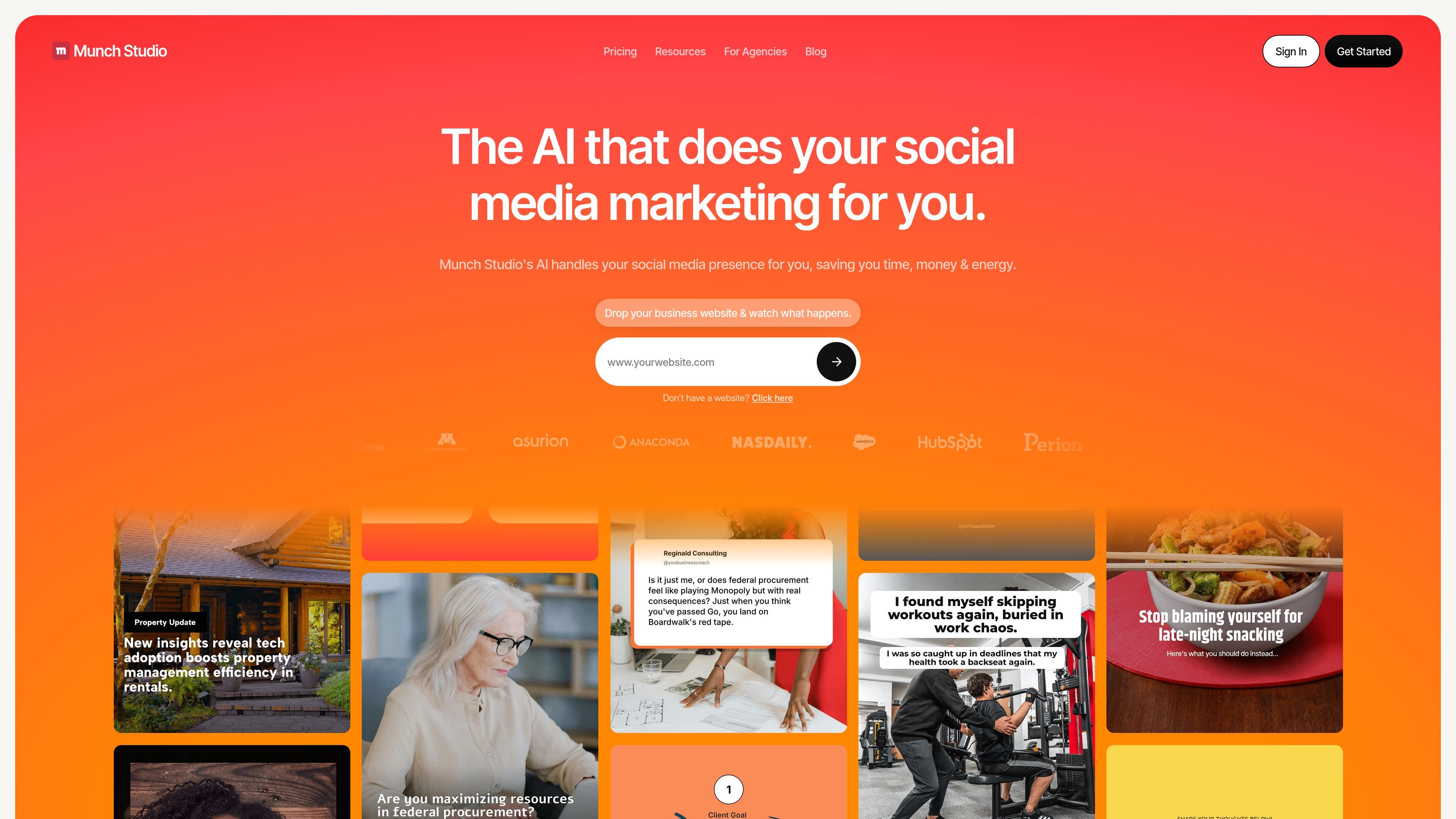
Munch Studio is an AI-powered social media content platform that creates done-for-you posts and content strategy for businesses. It is designed for teams and solo operators who want to keep a consistent presence without writing and designing everything themselves.
The product workflow starts by learning from a business website and other brand materials, then generates relevant posts, lets users review or edit them, and supports publishing to major social platforms. The site also includes planning and performance tools, plus multi-brand options for agencies and businesses managing more than one brand.
Connect a website and add supporting materials such as videos, photos, and Zoom call recordings. Munch Studio uses that input to learn the business before creating content.
Generate social posts and a content strategy tailored to the business. The homepage says the AI creates endless relevant posts in minutes and builds a custom strategy.
Work across Instagram, Facebook, LinkedIn, YouTube, and TikTok. The pricing page lists these platforms under publish-to-social support.
Review suggested content, edit it if needed, and post with one click. The homepage describes a simple approval step before publishing.
Plan content and review results from the product dashboard. The pricing page mentions a smart content planner and a performance dashboard for tracking posts across platforms.
Use the multi-brand setup for agency workflows. The agency page says each client can get a separate workspace with its own strategy, tone, and posting calendar.
A small business can provide its website and brand assets, then use the generated post ideas and strategy to keep social channels active without starting from a blank page every week.
An individual creator or consultant can draft posts for LinkedIn or Instagram from existing materials, then choose the versions they want to publish and make quick edits if needed.
A marketing team can plan content in advance and monitor results from the dashboard instead of juggling separate tools for scheduling and reporting.
An agency can manage several clients from a multi-brand plan, with each client kept in its own workspace, tone, and posting calendar.
A business with long-form videos can use the video repurposing and generated video limits shown on pricing to turn source content into more social output.
Munch Studio is a social media content tool that learns a business from its website, brand materials, photos, videos, and optional Zoom call recordings, then generates posts and a content strategy for selected platforms. Users can review, edit, and publish the content from the workflow shown on the site.
Yes. The site says there is a 7-day free trial on the main pricing plans, and the agency section mentions a custom free trial for agencies after a short call.
The homepage and pricing page name Instagram, Facebook, LinkedIn, YouTube, and TikTok as supported platforms. The homepage workflow also shows Instagram, Facebook, and LinkedIn during setup.
No. The homepage says Munch Studio creates posts and strategy, and Step 3 says you can choose favorites and post with one click or edit without technical skills. The site also says it handles your social media presence for you.
The pricing page includes separate single-brand and multi-brand plans. The agency page also says multi-brand plans give each client its own isolated workspace, strategy, tone, and posting calendar.

PromptScout tracks how ChatGPT, Gemini, Google AI Overviews, and Perplexity mention your brand or competitors, then pairs those results with source analysis and website audits. It helps teams decide what to fix in content, positioning, or site readiness next.

SaveMRR is a Stripe retention tool for SaaS teams that scans billing data for churn and MRR leaks, then automates recovery through dunning, cancel-save offers, win-back emails, and onboarding nudges. It is built for founders and bootstrapped teams using Stripe.

Hype is a web tool for finding trending YouTube topics by category, time range, and scoring mode. It helps creators spot emerging ideas, inspect source videos, and decide what to cover next.

Sleek Analytics is a privacy-friendly web analytics tool with real-time visitor tracking, Core Web Vitals, and revenue attribution. It helps site owners understand traffic and conversions without cookie banners or a heavy setup.

Struere is an AI-native platform for turning spreadsheet data into structured operational software with dashboards, alerts, and automations. It is aimed at teams that want to replace manual spreadsheet workflows without building custom tools from scratch.

Все-в-одном AI платформа, которая объединяет инструменты для изображения, видео, голоса, письма и чата для повышения креативности и сотрудничества.