
Guided business intake
The setup wizard collects basic business details such as business name, services, hours, and prices, then uses them to build the assistant configuration.

OpenClaw Setup is a no-code wizard for deploying an OpenClaw AI assistant on Telegram, WhatsApp, or Discord. It helps businesses configure a customer-facing assistant without manual coding, server setup, or terminal commands.
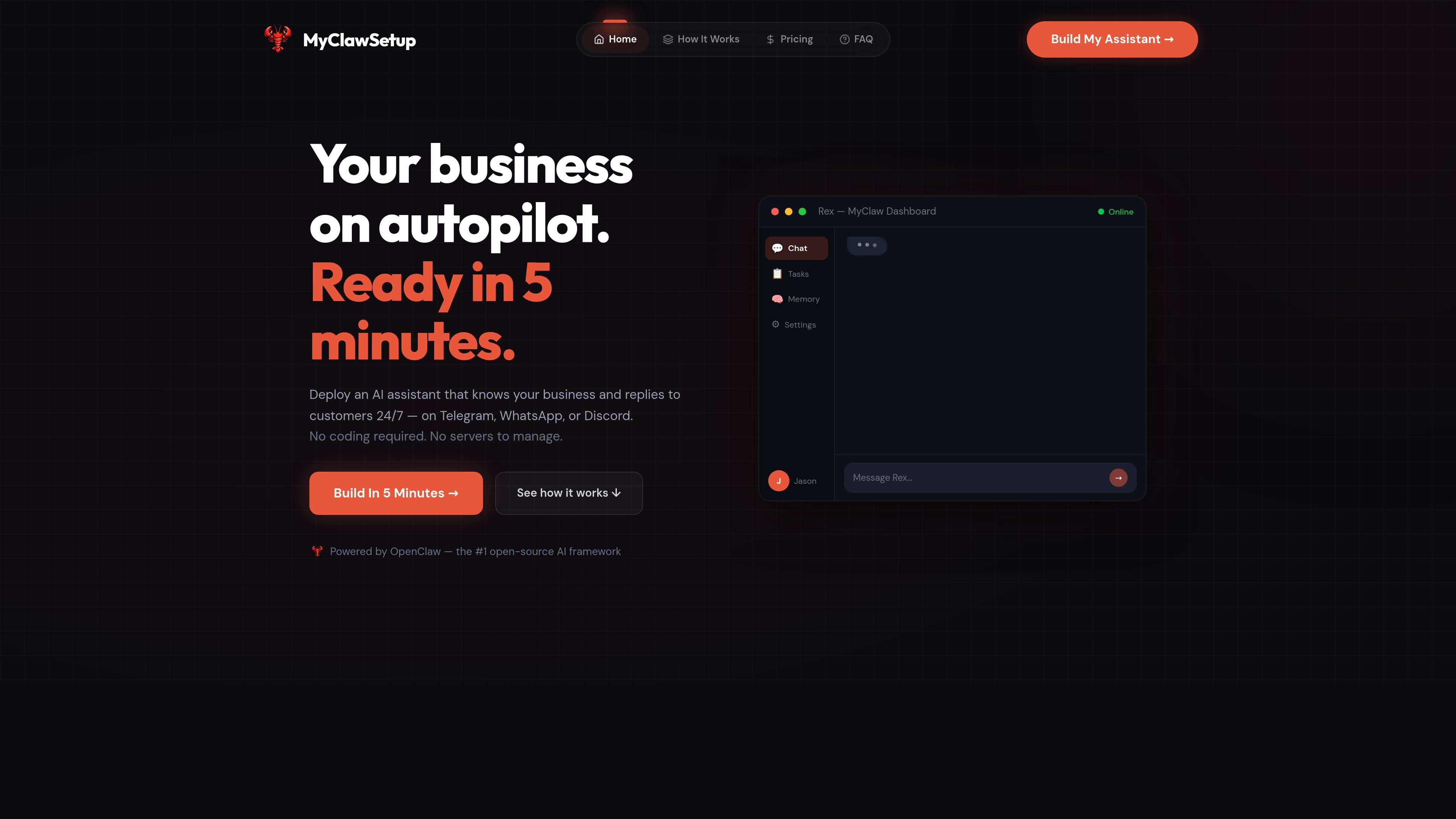
OpenClaw Setup is a no-code setup wizard for deploying an OpenClaw AI assistant for customer conversations. It is designed for people who want a business assistant that can answer questions, handle routine messaging, and run on Telegram, WhatsApp, or Discord without manual configuration.
The product guides users through three steps: share business details, choose the assistant’s personality, and install the setup on Mac, Windows, Linux, or a cloud VPS. The site positions it as a way to get an OpenClaw assistant running quickly while keeping the setup process simple and self-contained.
The setup wizard collects basic business details such as business name, services, hours, and prices, then uses them to build the assistant configuration.
Users can choose the assistant’s name and tone, with options such as friendly, professional, casual, witty, and direct.
The product can generate a downloadable setup package or a one-command cloud install, depending on where you want to run it.
OpenClaw Setup connects to Telegram, WhatsApp, and Discord so the assistant can reply where customers already message you.
A security step lets users choose strict, balanced, or open settings to control what the assistant can and cannot do.
The site says the assistant is built on OpenClaw and that setup includes free updates after purchase.
A small business owner can answer customer questions after hours without learning Docker, Node.js, or command-line setup.
A salon, clinic, restaurant, or other local business can build an assistant that knows services, hours, and prices from the information entered in the wizard.
A business that wants consistent messaging can choose a tone such as friendly or professional so replies match its brand voice.
A team that needs 24/7 availability can deploy to a cloud VPS so the assistant keeps running even when a laptop is closed.
A business already using Telegram, WhatsApp, or Discord can place the assistant in those channels instead of asking customers to use a new app.
OpenClaw Setup is a no-code wizard that helps you deploy an OpenClaw AI assistant on Telegram, WhatsApp, or Discord.
No. The site says you do not need to know how to code; the wizard asks simple questions and generates the setup for you.
The product supports local setup on Mac, Windows, or Linux, and it also offers a cloud (VPS) option for 24/7 uptime.
The pricing page shown in the source is a 404, but the home page states a one-time price of $29.99 and mentions separate AI API key and optional cloud server costs paid to those providers.
Yes. The FAQ states that business data, customer conversations, and files stay on your computer or server, and MyClawSetup generates the configuration without routing that data through its systems.

Trigger.dev chat agent is a durable AI chat backend for developers building stateful conversations that can survive refreshes, crashes, and long-running turns. It connects with the AI SDK `useChat` flow and runs on managed infrastructure with no timeout on a turn.

CreateOS Sandbox is an isolated compute environment for running code and agent workloads inside Firecracker micro-VMs. It is designed for workflows that need machine-level isolation, private networking between sandboxes, and programmatic control through SDK, CLI, or MCP.

Codex Plugins bundle reusable skills, app integrations, and MCP servers into workflows you can install in the Codex app or use from Codex CLI. They help extend Codex with connected-service tasks, reusable instructions, and shared team workflows.

Ably Chat is a chat API platform for building custom realtime chat applications. It supports room-based messaging, typing indicators, presence, reactions, and message updates, with usage-based pricing options for different deployment stages.

Wallie is an open-source AI streamer that watches your screen, hears chat, and generates live commentary in a configurable persona. It runs locally on your machine with your own keys and is aimed at faceless content, autonomous streams, and real-time reactions.

Make Real is a Next.js app that turns hand-drawn wireframes into working HTML prototypes using the tldraw SDK and AI models. It helps users sketch on a canvas, generate code, and review the result in an embedded preview.