
Multi-source device discovery
Combines Bonjour, ARP, SSDP, NetBIOS, and active probing so Apple devices, smart TVs, IoT gear, and quiet hosts can appear in one merged device list.

Netfox is a native macOS network monitor and security toolkit for home networks. It shows connected devices, history, alerts, and port-risk findings in a local-only app for macOS 15+.
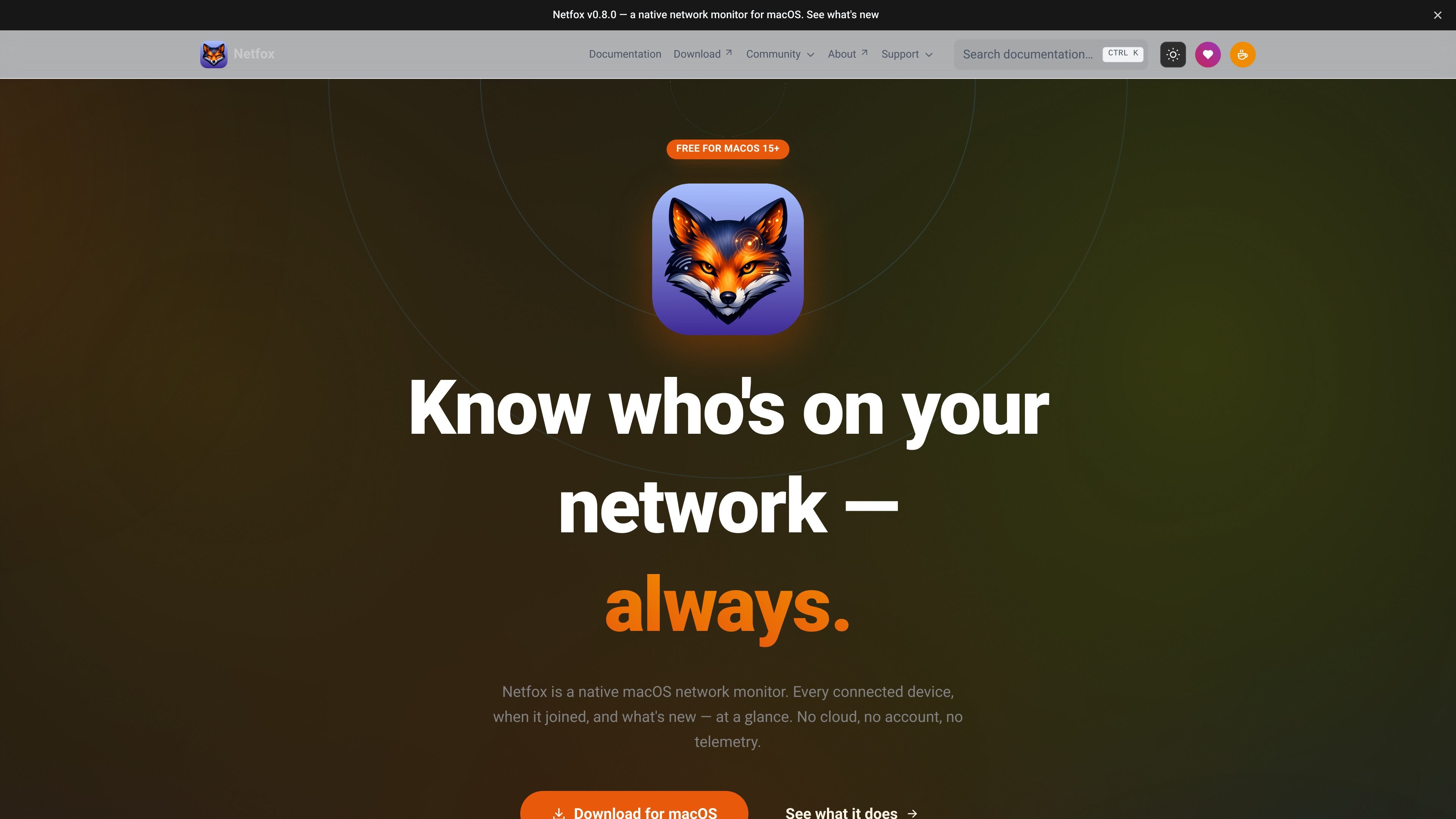
Netfox is a native macOS network monitor and security toolkit for home networks. It helps you see which devices are connected, when they first appeared, when they were last seen, and whether any reachable service looks risky.
The app combines device discovery, history, alerts, and port checks in one Mac-native interface built with SwiftUI for macOS 15 and later. It keeps the data on your Mac, supports a menu bar view for quick status checks, and includes optional tools such as Demo Mode and a Prometheus-compatible metrics endpoint.
Combines Bonjour, ARP, SSDP, NetBIOS, and active probing so Apple devices, smart TVs, IoT gear, and quiet hosts can appear in one merged device list.
Runs a curated port check against reachable devices and classifies results with plain-English explanations and colour-coded risk badges.
Tracks when each device was first seen, last seen, and when it changes state or address, with history that persists across launches.
Shows new-device, returning-device, risky-arrival, port-state-change, and new-service alerts with an inbox, persistent log, and per-device mute controls.
Adds a menu bar popover for quick status at a glance, including online devices, risk level, public IP, VPN state, and active alerts.
Keeps data local, supports a one-keystroke Demo Mode for masking names and addresses, and exposes a Prometheus-compatible metrics endpoint when enabled.
Check which devices are on your home network, when they joined, and whether anything newly appeared since the last launch.
Scan reachable devices for exposed ports and review the plain-English risk notes before deciding what to fix.
Keep an eye on device status from the menu bar when you want a quick view without opening the full app.
Use the Prometheus-compatible metrics endpoint to feed Netfox data into Grafana or an existing monitoring stack.
Mask names, MAC addresses, IPv6 values, and Wi-Fi SSIDs before sharing screenshots or bug reports.
Netfox is a native macOS app focused on monitoring a home network. It keeps a local device list, records first-seen and last-seen history, and can flag risky open ports on reachable devices.
Yes. The site states that Netfox is currently free for macOS 15 or later.
Netfox is built for macOS 15 (Sequoia) or later and uses SwiftUI. The app is available as a native Mac application rather than a web app.
Netfox combines five discovery passes: Bonjour/mDNS, ARP cache, SSDP, NetBIOS, and active ICMP probing. Those results merge into one device record per physical device.
Netfox keeps all findings on your Mac. The site says it uses no cloud account, no telemetry, and no usage analytics; the optional metrics endpoint is also off by default and local unless you deliberately expose it.

PromptScout tracks how ChatGPT, Gemini, Google AI Overviews, and Perplexity mention your brand or competitors, then pairs those results with source analysis and website audits. It helps teams decide what to fix in content, positioning, or site readiness next.

Sleek Analytics is a privacy-friendly web analytics tool with real-time visitor tracking, Core Web Vitals, and revenue attribution. It helps site owners understand traffic and conversions without cookie banners or a heavy setup.

MacSpoof — смена MAC-адреса в macOS: меняйте или рандомизируйте Wi‑Fi MAC, чтобы переподключаться и меньше светить идентификатор в публичных сетях.

ClawTick is an AI agent automation platform for scheduling jobs from the CLI, dashboard, or REST API. It is aimed at developers and teams running LangChain, CrewAI, webhook, or custom agent workflows that need monitoring, alerts, and logs.

OpenFlags is an open-source, self-hosted feature flag platform for modern JavaScript teams. It supports local evaluation, targeted rollouts, and controlled launches while keeping flag data in your own infrastructure.

Benchspan is an AI agent security platform that discovers agents, blocks prompt injection and data exfiltration in real time, and supports pre-launch red teaming. It is aimed at teams running agents in production and includes Python and TypeScript SDKs.