
Static image to particle effect
The product turns a still image into a particle-based visual effect, shifting the image from a static asset into an animated or interactive experience.

Particle Studio is a browser-based tool that transforms static images into particle experiences. It appears to provide presets, controls, and shortcuts for refining particle-style visuals from an image.
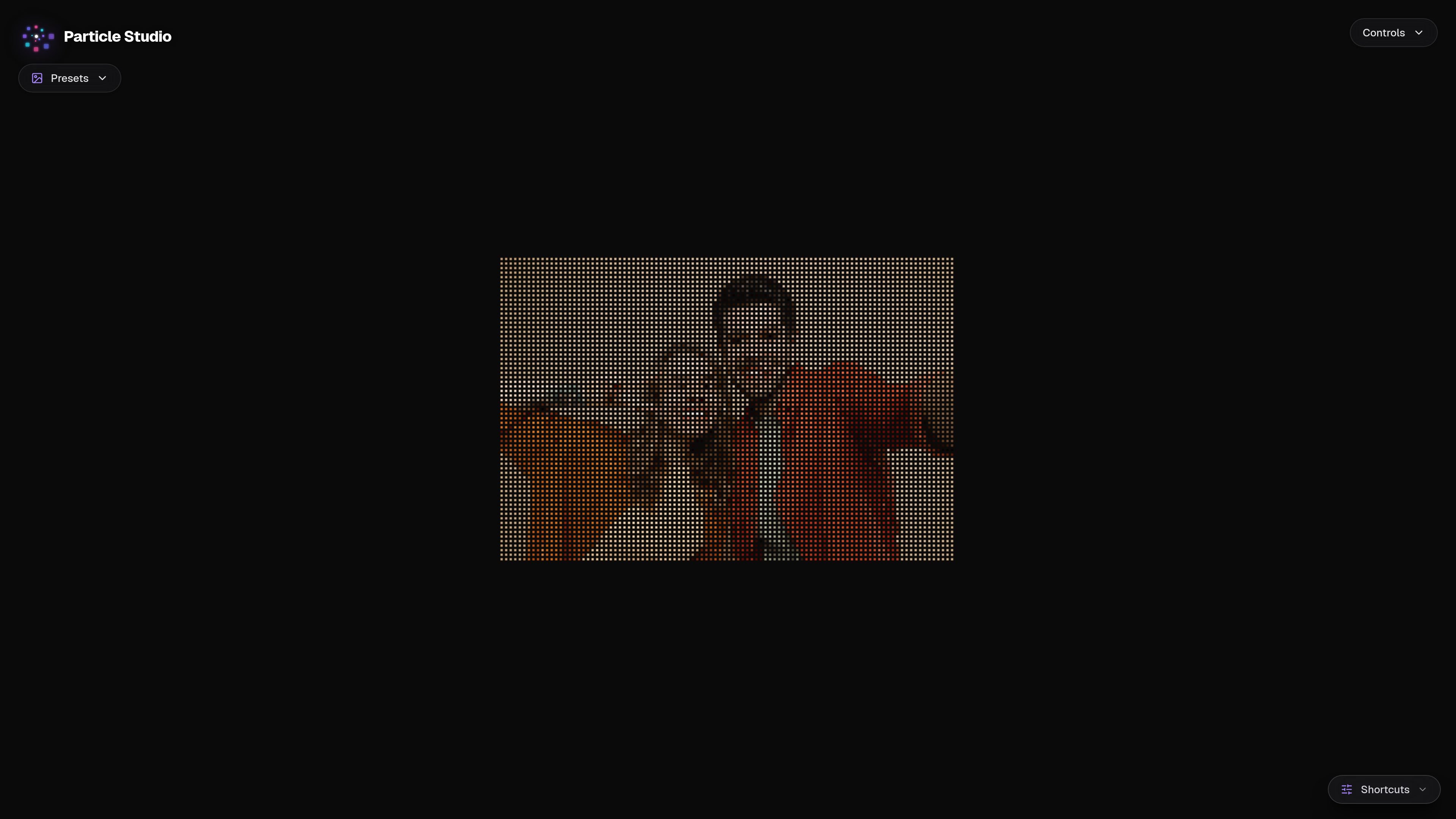
Particle Studio is a browser-based product for transforming static images into dynamic particle experiences. The homepage copy positions it as a studio where an image can be turned into particle-based motion and adjusted through presets, controls, and shortcuts.
From the available page text, the product appears to focus on hands-on visual experimentation rather than simple one-click generation. Its interface cues suggest a workflow built around previewing and refining particle effects applied to an image.
The product turns a still image into a particle-based visual effect, shifting the image from a static asset into an animated or interactive experience.
The homepage text references presets, suggesting users can start from prebuilt effect configurations instead of building every effect from scratch.
Controls are surfaced directly in the interface, indicating that the particle output can be adjusted rather than generated only once.
The page also shows shortcuts, which points to keyboard-assisted interaction for faster editing or navigation.
The presence of a dedicated control area suggests a focused editing environment for experimenting with particle behavior and appearance.
Use the tool when you want to convert a still image into a particle-style visual for experimentation or presentation.
Start with a preset when you need a fast baseline for a particle look and then refine it with controls.
Use the shortcuts and controls to adjust particle behavior while staying inside a focused visual workspace.
Use the product to explore different particle presentations from the same source image without rebuilding the project from scratch.
The site describes Particle Studio as a tool for transforming static images into dynamic particle experiences. The homepage also surfaces controls and shortcuts, which suggests an interactive editing workflow.
The pricing page returned a 404 in the collected sources, so there is no reliable pricing, trial, or plan information to report.
The homepage text mentions presets, controls, and shortcuts, indicating a browser-based interaction focused on adjusting particle effects from an image, but the sources do not spell out export formats or file requirements.
Based on the available evidence, the product is aimed at people who want to create particle-style visual effects from still images. The source does not specify a more detailed audience such as designers, marketers, or developers.

Pixelcut is an AI photo editor for creating and editing product images, social content, and video assets. It offers free and paid plans, plus mobile app and browser access for individual users and teams.

Petalica Paint is a web service for automatically coloring line art and tracing line drawings from photographed images. The home page says it can be used under the stated terms for commercial and noncommercial work, but it is scheduled to end on 2025-07-31 at 16:00 JST.

Wearvue AI generates personalized outfit previews from a photo, lets users refine the style for an occasion, and surfaces similar real products to shop. It is aimed at people who want to preview outfit ideas before buying and compare them with shoppable alternatives.

Upscale.media is an AI image upscaling and enhancement tool from Pixelbin that enlarges low-resolution or pixelated images and improves clarity in the browser. It offers free individual image use, paid credit plans, and team-oriented workflows such as bulk processing and API integration.

imgcook is a design-to-code tool that converts design drafts into front-end code. It supports plugin-based and developer workflows for Sketch, Photoshop, VS Code, and CLI usage.

Beautiful.ai is an AI presentation platform for individuals, teams, and enterprises. It helps users create branded slide decks with Smart Slides, collaborative editing, and export options while reducing manual formatting work.