
Real-time collaboration
Build together with other people and see changes appear in real time, which supports synchronous collaboration on the same project.

Play with Putty is a Google Labs experiment for collaborative vibe coding, focused on real-time co-building and natural-language edits to UI elements. The public landing page invites users to join a waitlist.
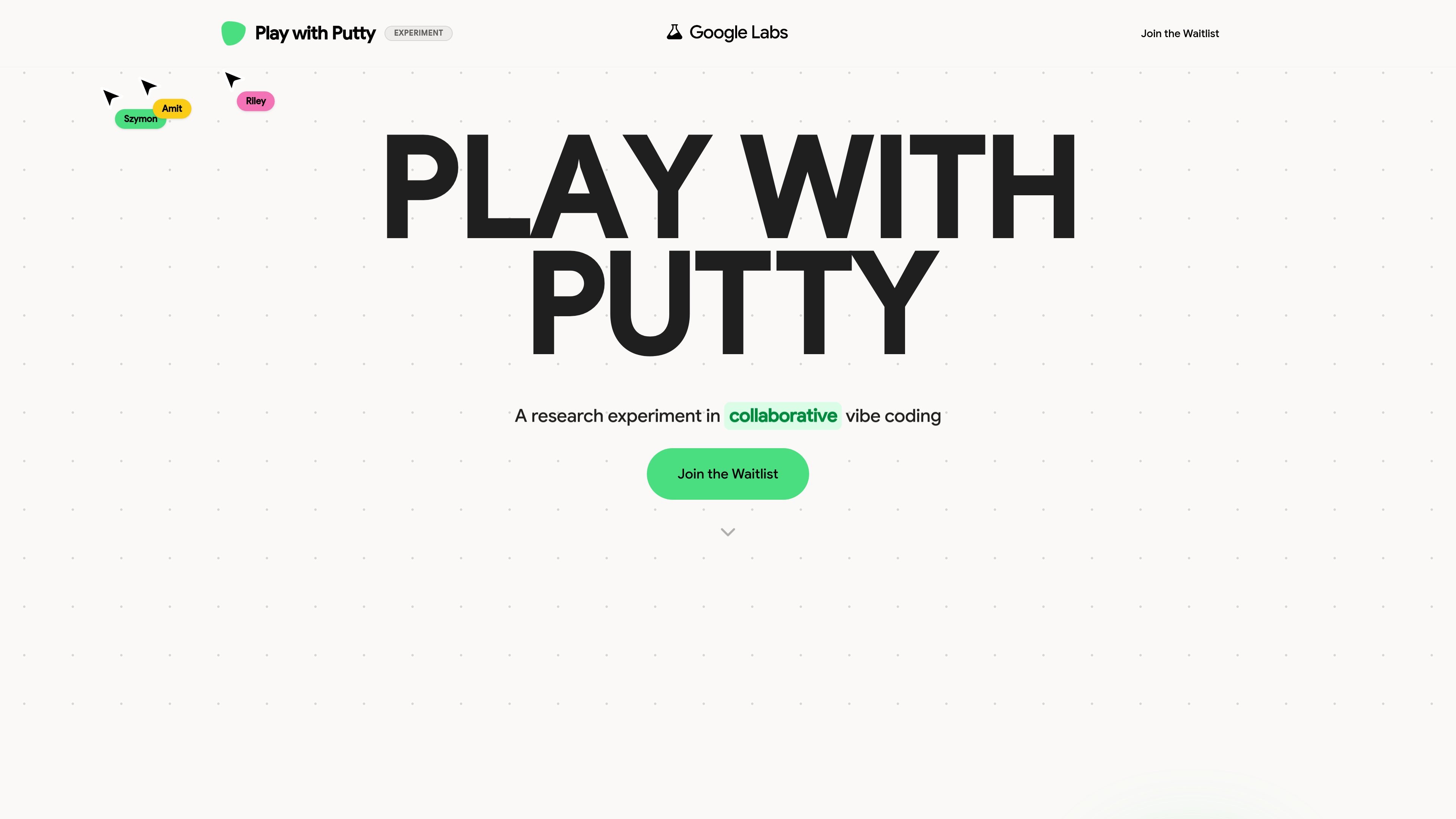
Play with Putty is a Google Labs experiment for collaborative vibe coding. The landing page frames it as a way for people to build tools and websites together in real time, with AI helping keep the creative flow moving while participants work in a shared environment.
The product is positioned around frictionless co-creation rather than a traditional solo editor. Its public page emphasizes real-time collaboration, natural-language interaction with UI elements, and project history that lets collaborators review and revisit changes as the work evolves.
Build together with other people and see changes appear in real time, which supports synchronous collaboration on the same project.
Edits sync instantly across participants so the shared workspace stays aligned while the project changes.
Multiple people can edit at once, making the product suitable for collaborative sessions instead of solo-only drafting.
Select a component and give it instructions in natural language to change its behavior or appearance.
Track changes over time through version history, with entries such as drafts, layout updates, design updates, and the initial commit.
Review a shared history and ledger so contributors can move backward through the project timeline and understand what changed.
Teams can use the shared workspace to prototype a website or tool together while seeing edits sync immediately.
Designers or builders can point to a UI component and ask for changes in plain language instead of editing each property manually.
Project contributors can review the version trail to understand how a layout or feature evolved over time.
Groups working in live sessions can coordinate on the same build without switching between disconnected drafts.
The page describes Play with Putty as an experiment in collaborative vibe coding. It is presented as a waitlist product rather than a publicly launched tool on the landing page.
The public page highlights real-time collaboration, instant sync, multi-player editing, natural-language instructions for UI elements, and shared history with version trails.
The source does not provide setup steps or supported platforms. Access appears to be through the waitlist on the public landing page.
The landing page does not list integrations, pricing, or product limits. It also does not provide documentation for team roles, permissions, or deployment workflows.

hob is an independent workspace for coding agents that keeps agent sessions, terminals, history, and follow-up work organized around the tools and providers you already use. It is aimed at developers who want local control over routing, history, and workspace structure rather than a bundled model stack.

Speculos is a deployment tool for Claude Code that publishes what you built to a shareable URL. It supports private, org-wide, or public apps and adds team controls for company domains, data connections, and customer-cloud deployments.

ByteAsk is a terminal-first AI coding agent for C and C++ that edits repositories and verifies changes with the real compiler, debugger, sanitizers, and tests before showing a diff. It offers a free tier plus paid plans, with editor connectors and zero-retention handling described in the source.

MeetStream is a meeting bot API for Zoom, Google Meet, Microsoft Teams, and Webex. It helps developers record, stream, and analyze meetings programmatically, with usage-based pricing and a $5 free credit to start.

CreateOS Sandbox is an isolated compute environment for running code and agent workloads inside Firecracker micro-VMs. It is designed for workflows that need machine-level isolation, private networking between sandboxes, and programmatic control through SDK, CLI, or MCP.

Biji - это универсальная платформа, разработанная для повышения продуктивности с помощью инновационных инструментов и функций.