
Importance-based inbox categorization
Quartz assigns incoming messages to importance-based categories so important mail stays visible and lower-priority items collapse out of the way.

Quartz is a Mac email app that uses local AI to categorize messages by importance and draft replies in your writing style. It is in public beta and supports Gmail connection.
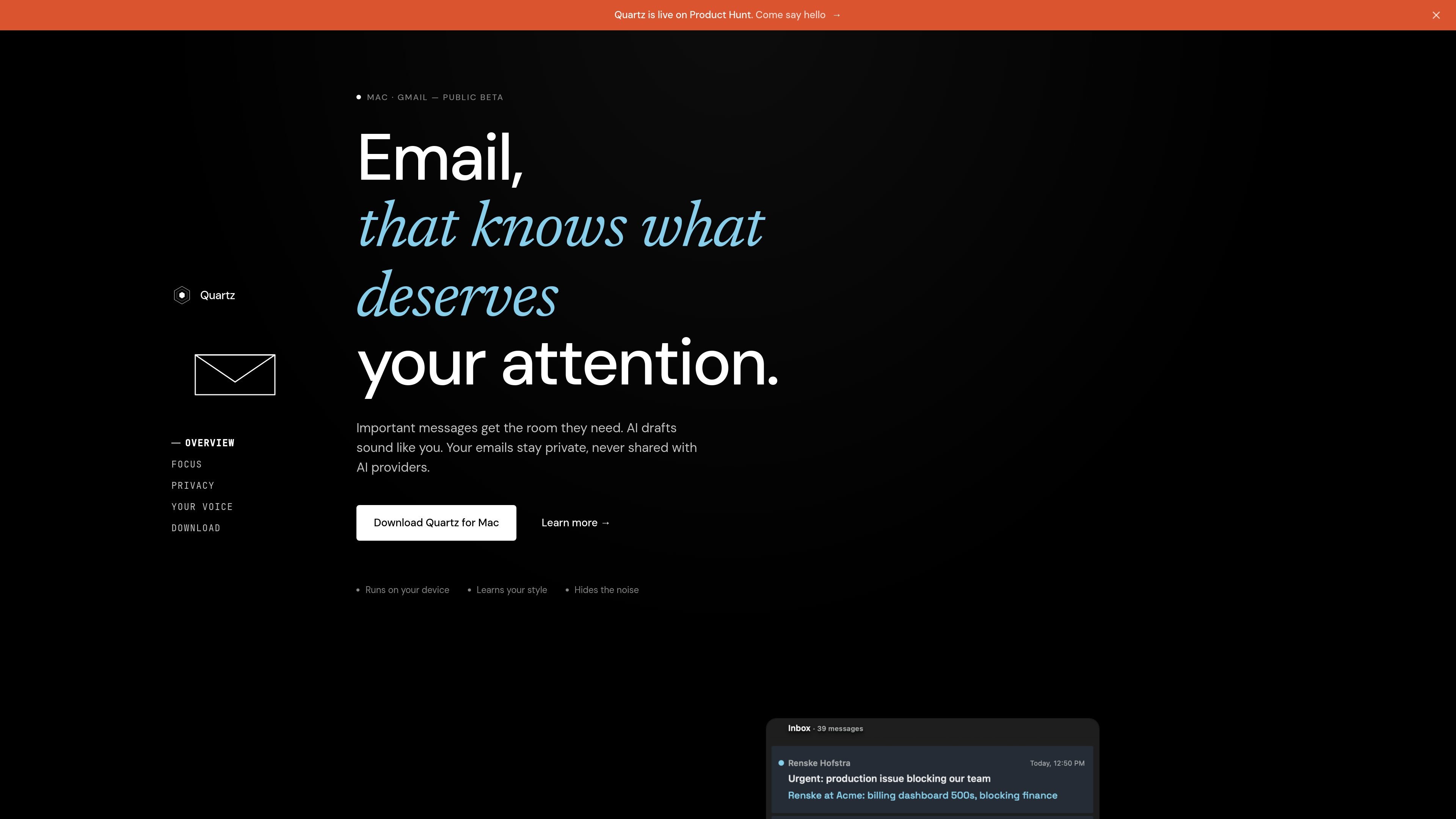
Quartz is an AI-native email app for Mac that focuses on sorting incoming mail by importance and helping you draft replies in your own voice. It is currently in public beta and is positioned around reducing inbox noise while keeping important messages easy to act on.
The product runs its sorting and drafting model locally on your Mac, and the site says your mail is never uploaded to Quartz servers. Quartz also says it learns your writing style over time, so drafts can reflect your phrasing, cadence, and warmth instead of sounding generic.
Quartz assigns incoming messages to importance-based categories so important mail stays visible and lower-priority items collapse out of the way.
The app learns from your behavior over time, using your choices to refine how it classifies future messages.
Quartz generates reply drafts from a few bullet points and adapts to your writing style, relationship to the sender, and thread context.
The model for sorting and drafting runs locally on your Mac, so mail is processed on the device rather than uploaded to Quartz servers.
Mail is encrypted on your device with keys you hold, and the site says Quartz never uploads your mail to its servers.
Quartz is in public beta for Mac users and the site invites users to connect Gmail to get started.
Use Quartz when you want incoming mail sorted so urgent items stay visible and routine messages do not dominate the inbox.
Use it when you have a reply in mind but want Quartz to turn a few bullet points into a draft that sounds closer to how you write.
Use it if you want email processing to stay on your Mac instead of being uploaded to a remote service.
Use it when you want the app to learn which messages matter more to you over time, rather than relying on a fixed priority rule set.
Quartz is available as a Mac app and is currently in public beta. The site says you can download it for Mac and connect your Gmail account.
Quartz says classification and drafting run locally on your Mac, and it is limited to Apple Silicon for on-device AI processing.
The homepage describes Quartz as an AI-native email product that auto-categorizes messages by importance and drafts replies in your style.
The homepage says Quartz is free for beta users. A pricing page exists, but it currently returns a 404, so no public paid plan details were available from the source.
The site does not describe team features or shared inbox workflows in the provided source, so its fit for teams is unclear from the current evidence.

Dirac is an AI email assistant that prepares a morning brief, prioritizes important threads, and drafts replies in your voice. It is positioned for founders and other busy professionals who use Gmail and want to reduce morning inbox triage.

Goldfish is an AI memory app for macOS that helps you reply, write, summarize, and continue using the context already on your Mac. It stores memory locally and writes in your tone.

Liam is an AI copilot for managing inboxes, writing replies, prioritizing email, and scheduling meetings. It is offered free for individuals, with custom pricing for teams and enterprise.

ProWritingAid is a writing assistant for storytellers that offers grammar checking, style editing, paraphrasing, and story analysis inside popular writing apps. It includes a free plan, paid tiers, and tools for chapter critique, manuscript review, and collaborative editing.

Paperpal 是一款面向学术写作的 AI 工具,提供文献阅读、语言润色、引用、查重、AI 检测和投稿前检查。它适合需要在英文论文和学术材料上进行写作、修改与合规自检的学生、研究人员和教师。

Sanota is an app that turns spoken memories, reflections, and interviews into clear written stories. It supports personal storytelling, family history, and shared memories, with guided prompts and subscription pricing.