
Look-away protection
Use a camera or compatible AirPods to estimate when you have turned away, with calibration, brief-glance filtering in Camera mode, and transitions that clear when you face the display again.

QuietGlass is an open-source native macOS menu bar app that protects visible screen content with automatic look-away detection, nearby-person alerts, and manual blur controls. It is designed for people working in cafés, shared offices, classrooms, and other settings where others may see their display.
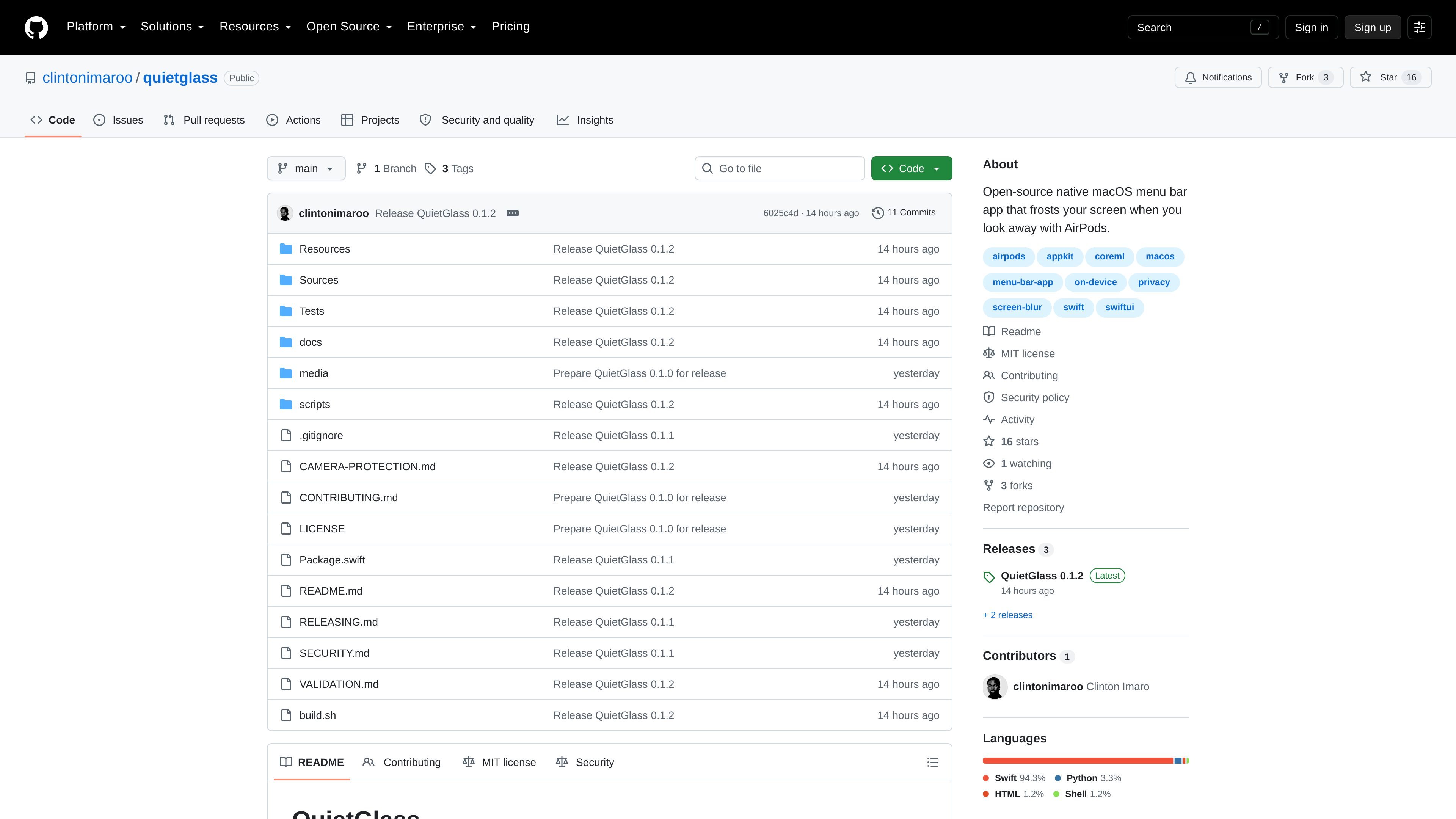
QuietGlass is an open-source native macOS menu bar privacy app for people who work where others may see their display. It can frost or blur screens when camera or compatible AirPods-based head tracking indicates that the user has looked away, then clear the protection when the user faces the screen again.
The app also supports direct privacy controls that do not require head-tracking hardware, including full-screen, window, selected-area, and Focus modes. Camera-based nearby-person detection can warn about another face or blur the display, while local text recognition can respond to supported sensitive content and custom phrases. Screen content, camera frames, recognized text, and motion data are processed on the Mac.
Use a camera or compatible AirPods to estimate when you have turned away, with calibration, brief-glance filtering in Camera mode, and transitions that clear when you face the display again.
Blur every display with a shortcut or the menu bar and floating controls; manual blur can be cleared immediately with Escape or temporarily revealed with the peek shortcut.
Protect a selected window or area, restore saved areas for matching app and window titles, or use Focus mode to keep the active window visible while surrounding content is covered.
Choose Home, Office, Public, or Focus profiles, adjust blur and sensitivity, and set per-app head-tracking sensitivity with automatic protection for visible windows.
Detect supported sensitive text and custom phrases using local text recognition, and monitor additional faces with either estimated facing direction or a more cautious extra-face count response.
Optionally enroll the owner's face with Touch ID or a Mac password, run camera coverage checks, and choose whether a nearby-person warning gives time to respond or blurs automatically.
Enable look-away protection while working in a café, library, or shared office so the display can blur when your attention moves away. Camera mode can be calibrated to your normal position, or compatible AirPods can provide head tracking.
Use Nearby people detection during presentations, study sessions, or desk work in an open room. The app can warn you, allow a response window, or blur after a sustained additional face is detected.
Add an application under App rules and automatically protect its visible windows. Saved areas can return for windows with matching app and title after relaunch, which suits recurring workflows involving particular documents or tools.
Use Focus mode when you need one active window visible while surrounding content fades, or select a specific area when only part of a display contains material that should remain covered.
Set custom phrases or use supported sensitive-text recognition for an additional local response to visible content, alongside profiles such as Home, Office, Public, and Focus.
QuietGlass requires macOS 14 or later. Download the DMG or ZIP, move the app to Applications, launch it, and grant Screen Recording access. Camera or Motion & Fitness permissions are requested only for the camera- or AirPods-based features you enable. The current download is locally signed but not Apple-notarized, so macOS may require using Open Anyway on first launch.
For camera head tracking, open Settings → Head tracking, choose Camera, start tracking, and calibrate while facing the screen. Camera mode estimates head direction rather than eye gaze and filters brief glances. Compatible AirPods can also provide head tracking through Motion & Fitness access.
Yes. Manual full-screen blur, window protection, selected-area protection, Focus mode, and some text-based protection controls work without AirPods or a camera. A camera is required for nearby-person detection, camera head tracking, coverage checks, and optional owner recognition.
QuietGlass processes screen content, recognized text, camera frames, and motion data on the Mac. The product states that these inputs and motion history are not saved or uploaded by QuietGlass; preferences, app rules, saved areas, and custom phrases remain local. Optional owner face enrollment stores a face template in the encrypted macOS Keychain.
QuietGlass is distributed as a Mac application from the project's GitHub releases. The 0.1.2 release includes a universal DMG for Apple silicon and Intel, a ZIP alternative, checksums, and package information. Updates are checked and installed manually.

Blurt is a free, open-source Mac dictation app that uses AssemblyAI's Dictation API to place finished spoken text into the field where you are typing. It is intended for people who want to replace some keyboard input with a hold-to-talk voice workflow.

Diurnal is a native Mac app for planning a day through fast keyboard or voice capture. It converts natural-language tasks into dated entries, with optional Google Calendar context, reminders, offline use, and focus timers.

Edyt is a desktop AI text assistant for macOS and Windows that lets users rewrite, proofread, explain, translate, and process selected text with custom prompts inside other apps. It also offers on-device text recognition for PDFs, images, and screenshots, with results returned in the current workflow or an accompanying panel.

Fulvid is an open-source desktop editor for Markdown and MDX files on Linux, Windows, and macOS. It helps writers and developers edit local source files, navigate documentation folders, preview inert HTML, and export HTML without moving documents into a cloud workspace or proprietary format.

gg-friggin-ez is a Node.js package for detecting profanity and toxicity in multilingual, transliterated, code-mixed, and obfuscated user text. It provides quick boolean checks or detailed moderation results for chat, game communications, comments, and other user-generated content.

Hola AI is an AI voicemail and call-answering service that handles missed calls, screens spam, and sends structured summaries through the app, SMS, or email. It is intended for individuals and professionals who need call context when they cannot answer.