
Filesystem-first editing
Open a file or folder through native dialogs and edit the original source directly. Save and Save As write Markdown or MDX rather than converting documents into an app-specific format.

Fulvid is an open-source desktop editor for Markdown and MDX files on Linux, Windows, and macOS. It helps writers and developers edit local source files, navigate documentation folders, preview inert HTML, and export HTML without moving documents into a cloud workspace or proprietary format.
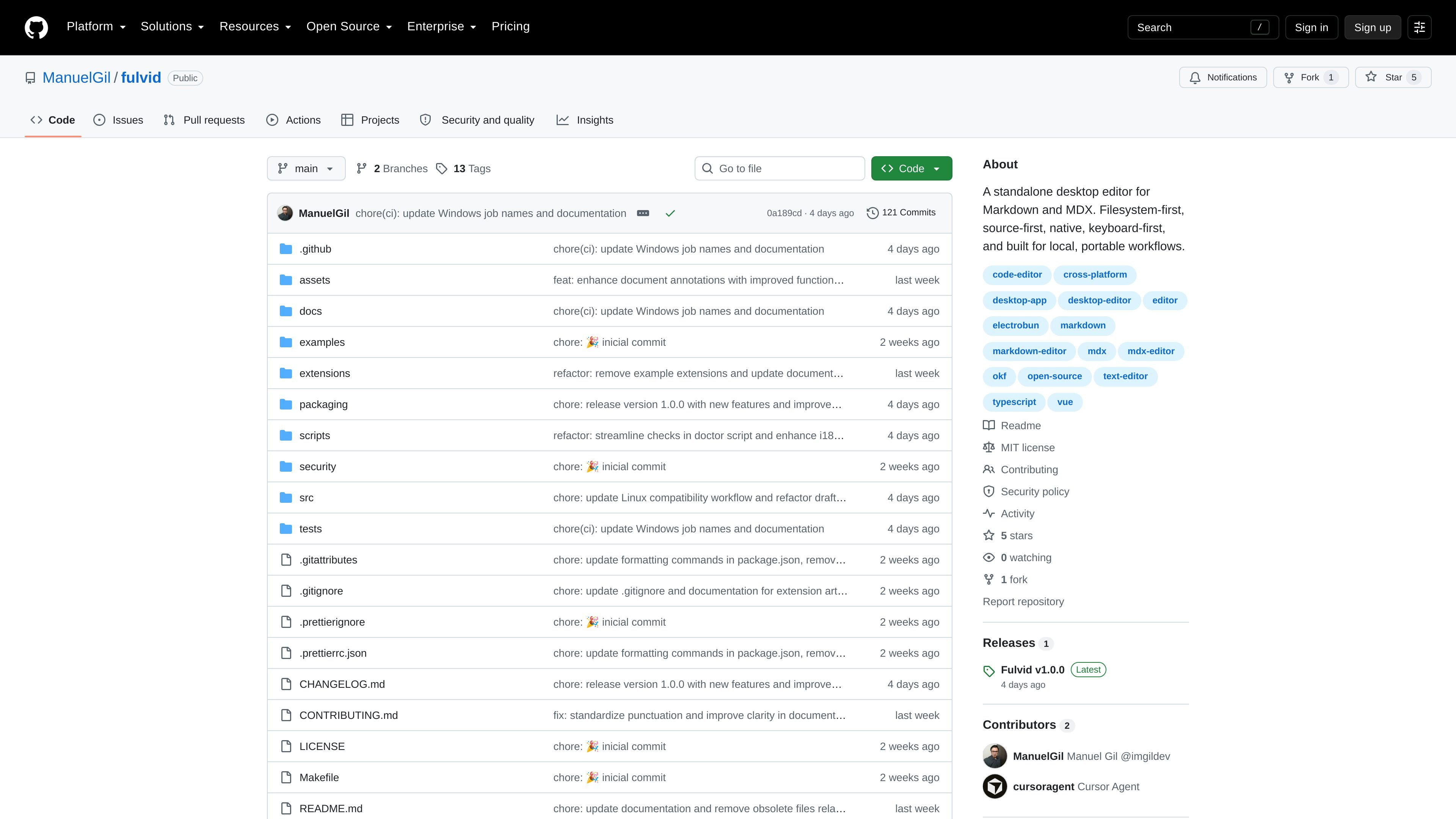
Fulvid is an open-source desktop editor for people who keep Markdown and MDX documents on disk. It opens individual files or folders, edits the source in place, and saves back to the same path. The filesystem remains the source of truth: there is no account, cloud workspace, proprietary document format, or separate vault described by the project.
The app is designed for local, source-oriented workflows rather than document runtime features. Markdown and MDX can be previewed as readable, inert HTML, while MDX JSX remains text and is not executed. This makes Fulvid suited to notes, documentation trees, and MDX source that must remain usable by Git, other editors, or an external static-site toolchain.
Open a file or folder through native dialogs and edit the original source directly. Save and Save As write Markdown or MDX rather than converting documents into an app-specific format.
Work with .md, .markdown, and .mdx files in the same editor. MDX remains source text, including JSX, and is syntax-highlighted without being executed.
Use local find, folder-wide Global Search, and Quick Open to locate documents by title, filename, or path. Explorer and the other folder views are optional.
View the active buffer beside the editor as inert HTML, then export that representation to a .html file. The preview does not run MDX or fetch network content.
Follow links in Markdown or Wikilink mode, inspect heading outlines and document context, and view a graph of links resolved within the open folder.
Install local extensions for bounded actions such as menu commands, note templates, and selection transforms. Extension packs are ordinary files and do not receive filesystem, network, or live-editor access.
Edit a folder of Markdown notes without importing them into a proprietary library or changing their location and format. Files remain available to Git and other editors.
Work through documentation trees that contain both Markdown and MDX. Folder search, Quick Open, outlines, link resolution, and the graph help navigate the existing files.
Inspect and revise MDX source while keeping JSX visible as text. Use the editor for source changes, then rely on an external static-site or component toolchain for execution and rendering.
Draft a file in an untitled tab, save it later, and use Preview or HTML export when a readable representation is needed without modifying the source format.
Fulvid is a standalone desktop application for Linux, Windows, and macOS. It runs locally and works with files on the computer rather than a cloud workspace.
Open a Markdown or MDX file through the native file dialog, or open a folder for Explorer, Quick Open, Global Search, Graph, and Document Context. You can also work with untitled tabs before choosing a save location.
Fulvid opens and edits Markdown files with .md or .markdown extensions and MDX files with the .mdx extension. Existing Markdown files remain Markdown, while new documents default to MDX.
No. Fulvid treats MDX as source code: it can syntax-highlight JSX, but it does not execute JSX, load components, compile MDX, or turn Preview into a React runtime.
Preview displays the active buffer as inert HTML. Embedded HTML is escaped, MDX is not executed, images are shown as placeholders, and the preview does not fetch from the network. Export HTML writes the same representation to a .html file.

MacSpoof — смена MAC-адреса в macOS: меняйте или рандомизируйте Wi‑Fi MAC, чтобы переподключаться и меньше светить идентификатор в публичных сетях.

DemoTV is an audience-ranked station for discovering and comparing independent product demos. Founders can submit videos, embed approved demos on their websites, collect viewer inquiries and optionally commission demo production or labelled promotion without buying ranking.

NomNak — бесплатное приложение для iPhone, где находят рестораны по рекомендациям друзей, сохраняют места, ведут food passport и ищут по городам.

CAPTA is a mobile GPS waypoint app for quickly saving, organizing, and revisiting locations. It supports offline use, camera-based coordinate capture, optional cross-device synchronization, and GPX export for fishermen, explorers, and field professionals.

Ctrl+Shift+3 is a calm, text-first community platform with a chronological feed, profiles, RSS, and private groups called Clicks. It is built for reading, posting, and joining smaller communities without algorithmic ranking or vanity counts.

Hexel Editor is a macOS hex editor for opening, searching, inspecting, and editing binary files. It is aimed at developers, reverse engineers, and security researchers who need structured byte-level analysis on the Mac.