
AI-powered QA testing
The product is positioned around AI-assisted QA rather than manual-only test management, with a focus on automated testing workflows.

Replay QA is an AI-powered QA testing platform for setting up and running quality checks on web apps. It focuses on automated explorations, journey testing, and polish analysis, with setup starting from an app URL.
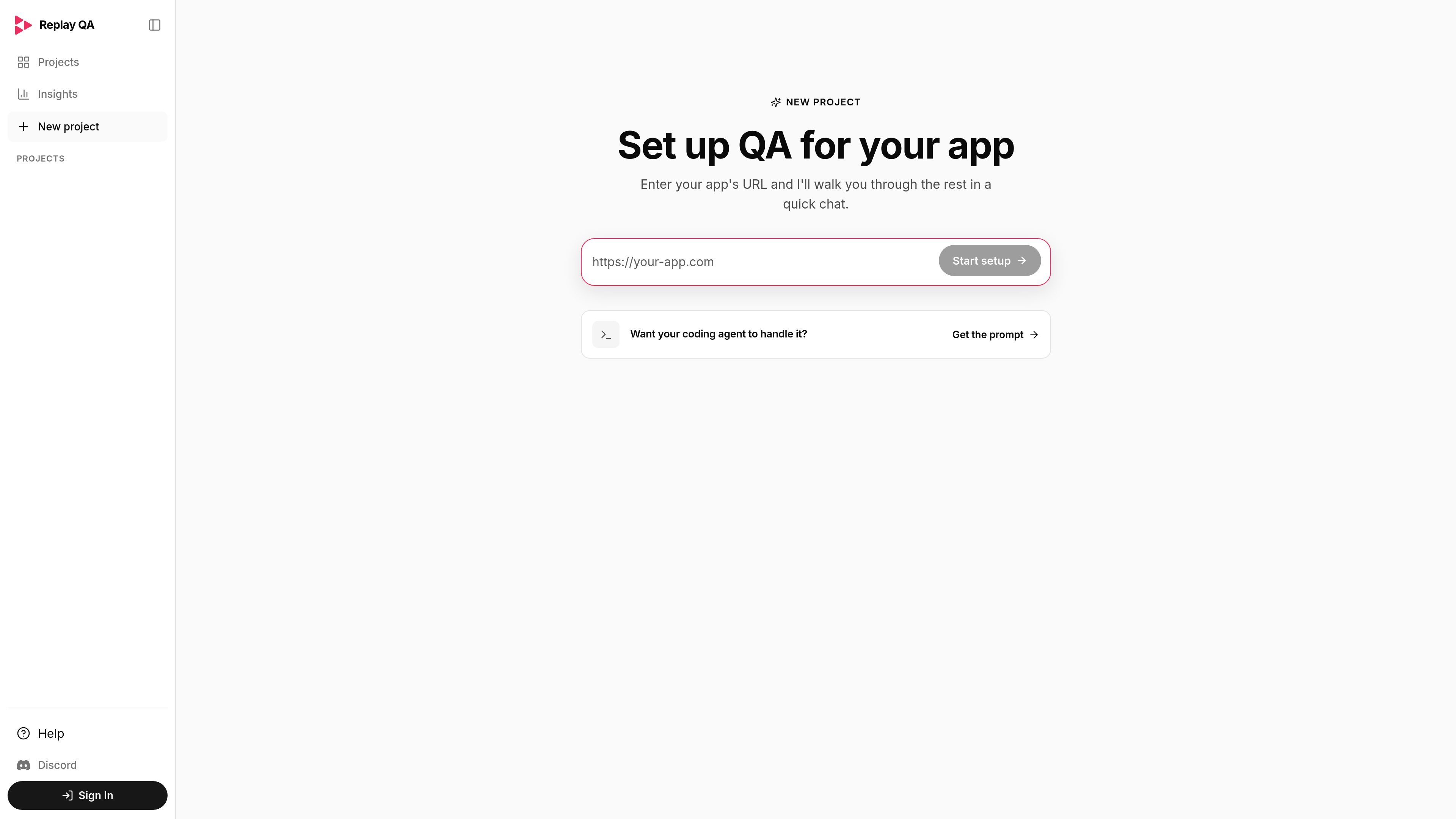
Replay QA is an AI-powered QA testing platform for setting up and running quality checks on an app from a browser-based workflow. The homepage describes three named capabilities: automated explorations, journey testing, and polish analysis.
The product appears to center on guided setup: users enter their app’s URL and continue through a quick chat, or hand off setup to a coding agent using a prompt. The navigation also includes Projects and Insights, suggesting a workspace for managing testing work and reviewing results.
The product is positioned around AI-assisted QA rather than manual-only test management, with a focus on automated testing workflows.
The homepage names automated explorations as one of the main workflows, suggesting the platform can inspect an app’s behavior with limited setup.
Journey testing is called out separately, indicating support for testing multi-step user flows instead of isolated checks only.
Polish analysis is listed alongside testing workflows, implying an extra pass for identifying presentation or experience issues.
Setup starts from the app’s URL, and the page offers a prompt for a coding agent, which points to a guided onboarding flow.
The site navigation includes Projects and Insights, showing that the product provides a project workspace and a separate area for reviewing results or findings.
Teams can use Replay QA when they want a guided way to begin QA work for a web app without building a fully manual process from scratch.
The journey testing workflow fits situations where a team wants to validate end-to-end user flows, such as sign-up, checkout, or other multi-step paths.
Automated explorations are suited to finding issues through broader app coverage when the team wants the system to inspect behavior across the product surface.
Polish analysis is useful after features ship or before release when the team wants a pass focused on presentation and experience issues.
Projects and Insights suggest a workflow for organizing testing work and reviewing what the system found over time.
Replay QA is presented as an AI-powered QA testing platform for setting up testing on an app by entering the app’s URL and continuing through a setup flow.
The site highlights automated explorations, journey testing, and polish analysis as its core QA workflows.
The homepage says you can start setup by entering your app’s URL, or ask a coding agent to handle the setup by using the provided prompt.
The pricing page is available, but the collected source text does not expose specific plan names or prices.

ByteAsk is a terminal-first AI coding agent for C and C++ that edits repositories and verifies changes with the real compiler, debugger, sanitizers, and tests before showing a diff. It offers a free tier plus paid plans, with editor connectors and zero-retention handling described in the source.

Manta AI is an autonomous web app testing tool for teams that want to map application behavior, catch regressions, and generate tests without writing scripts or maintaining selectors. It works from a URL and supports plain-English test flows, run results with screenshots, and scheduled or deployment-triggered checks.

FixMyCWV is a web-based Core Web Vitals audit tool that produces developer-focused recommendations for improving LCP, INP, and CLS. It works across many site stacks and claims to handle sites with bot protection.

PromptLayer is an LLM operations platform for versioning, testing, and monitoring prompts and agents. It helps AI engineering teams and domain experts collaborate on prompt workflows without working directly in code.

Evidently AI is an open-source platform for evaluating and monitoring LLMs, RAG systems, AI agents, and predictive ML models. It helps teams run tests, generate synthetic data, and track production quality with built-in and custom metrics.

TestSprite is an AI testing agent and automation platform that helps software teams plan, generate, run, debug, and report tests with minimal input. It supports cloud-based verification workflows and integrates with MCP, IDE, and CI-based development setups.