
Multiple badge endpoint types
Badges are served from simple, documented URL patterns such as /npm/{package}, /github/{owner}/{repo}, /discord/{serverId}, /skills/{owner}/{repo}/{skill}, and /badge/{label}-{message}-{color}.

shieldcn generates README and docs badges styled like shadcn/ui buttons. It supports direct URL-based badges for services like npm, GitHub, and Discord, with PNG, SVG, and JSON outputs.
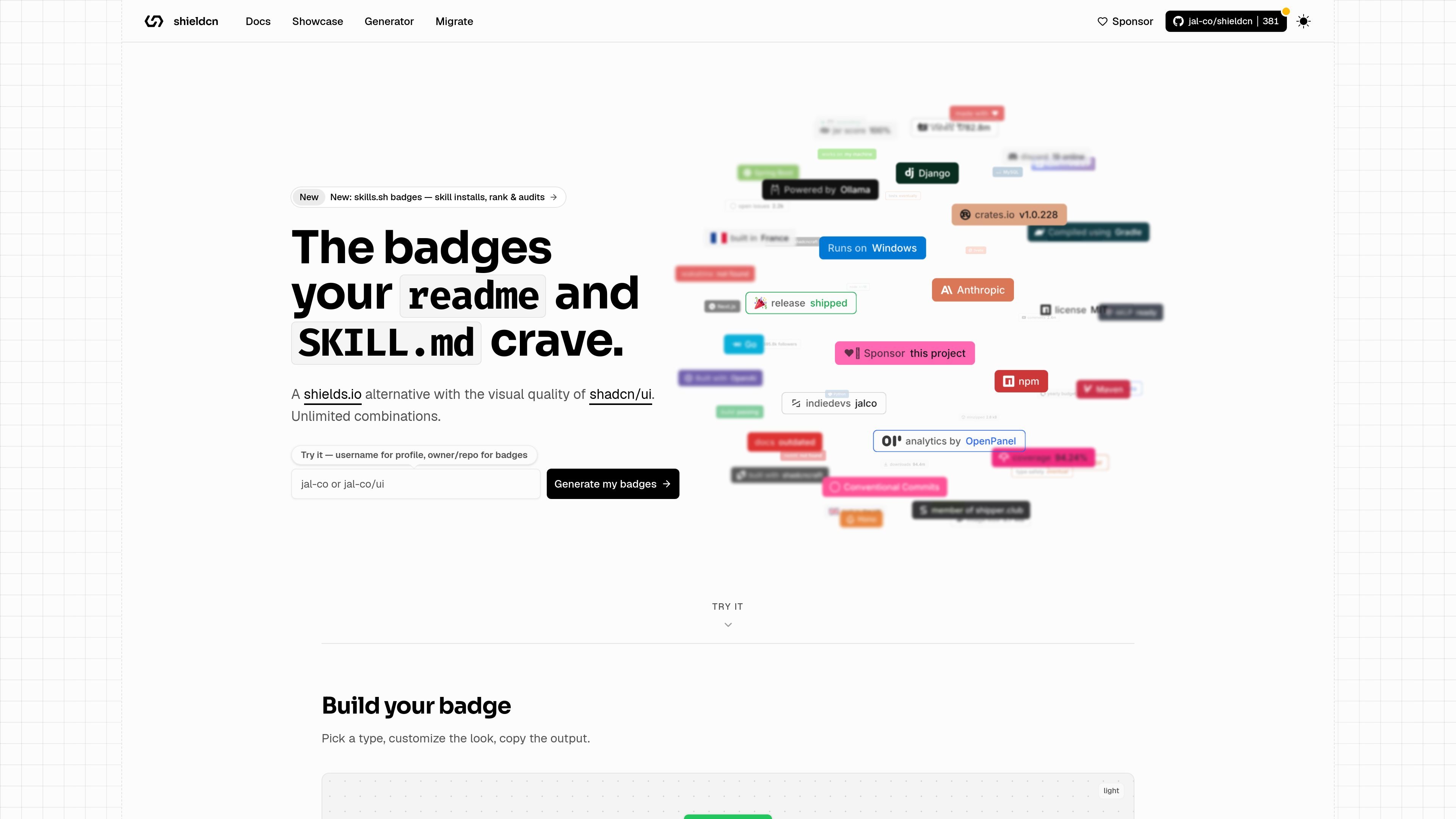
shieldcn is a badge generator and endpoint service for README, docs, and similar places that accept image URLs. It presents badges styled like shadcn/ui buttons and exposes them through predictable paths for npm, GitHub, Discord, Homebrew, Tokscale, skills.sh, static, and dynamic JSON badges.
The product is designed as a drop-in shields.io replacement with no required API key or build step for basic use. It supports .png and .svg output, and the docs also describe .json and /shields.json responses for raw data or shields.io compatibility.
Badges are served from simple, documented URL patterns such as /npm/{package}, /github/{owner}/{repo}, /discord/{serverId}, /skills/{owner}/{repo}/{skill}, and /badge/{label}-{message}-{color}.
Every badge can be rendered as .png or .svg, with .json and /shields.json available for raw or shields.io-compatible data.
Badges support shadcn Button variants, size options, themes, fonts, colors, icon overrides, label and layout controls, and SVG-only animation effects like pulse, glow, and shimmer.
Icons are auto-detected by provider, and the docs also allow explicit Simple Icons slugs, React Icons names, disabling the icon, or passing a custom SVG data URI.
The generator can auto-detect a stack from a GitHub repository URL and export copy-paste badge markup for README use.
Add npm, GitHub, Discord, or similar badges to a project README using a direct image URL. The docs specifically recommend PNG for GitHub READMEs because it renders more consistently across clients.
Generate badges from a GitHub repository URL, let the tool detect the stack, and copy the resulting markdown or image URL into docs or repo pages.
Create buttons and status-style badges for product docs, landing pages, or internal documentation where image tags are accepted.
Use static, dynamic JSON, group, and custom badge endpoints when you need a badge that is not tied to a single package or repository metric.
Swap between PNG and SVG depending on your rendering needs, using PNG for broad compatibility and SVG when you want scalable output or SVG-only animation effects.
Generate skill-install and ranking badges for skills.sh repositories, or profile badges from a username-based flow for personal README pages.
It generates badge images from predictable URL patterns. For example, the docs show npm, GitHub, Discord, X/Twitter, Homebrew, Tokscale, skills.sh, static, dynamic JSON, flag, and grouped badge endpoints.
Yes. The generator page supports GitHub repository URLs or owner/repo input for repo badges, and it also points profile badge generation to a username-based flow for profile READMEs.
Yes. The docs say both .png and .svg are supported, and any endpoint can also be requested as .json or via /shields.json for shields.io compatibility.
The docs say no configuration, API keys, or build step are required for basic badge URLs.

ByteAsk is a terminal-first AI coding agent for C and C++ that edits repositories and verifies changes with the real compiler, debugger, sanitizers, and tests before showing a diff. It offers a free tier plus paid plans, with editor connectors and zero-retention handling described in the source.

Epherem is a static security scanner for web apps built with AI coding tools such as Lovable, Bolt, v0, Replit, Cursor, and Claude Code. It checks source files and dependencies for common security mistakes, then provides categorized findings and suggested fixes without running the app.

CreateOS Sandbox is an isolated compute environment for running code and agent workloads inside Firecracker micro-VMs. It is designed for workflows that need machine-level isolation, private networking between sandboxes, and programmatic control through SDK, CLI, or MCP.

GitBot is a local browser-based workspace for creating reusable coding bots powered by Claude Code, Codex, or OpenCode. It helps developers run those agents across repository folders with persistent threads and configurable permissions.

hob is an independent workspace for coding agents that keeps agent sessions, terminals, history, and follow-up work organized around the tools and providers you already use. It is aimed at developers who want local control over routing, history, and workspace structure rather than a bundled model stack.

Ably Chat is a chat API platform for building custom realtime chat applications. It supports room-based messaging, typing indicators, presence, reactions, and message updates, with usage-based pricing options for different deployment stages.