
Smart global search
Search is designed to find files and folders quickly, including typo-tolerant matching for wrong case, word order, missing words, missing symbols, and missing file extensions.

Sigma File Manager is a free, open-source file manager for Windows and Linux, with macOS mentioned as supported in principle but without provided builds. It focuses on fast search, tabs, split view, extensions, and other workflows for navigating, organizing, and sharing files.
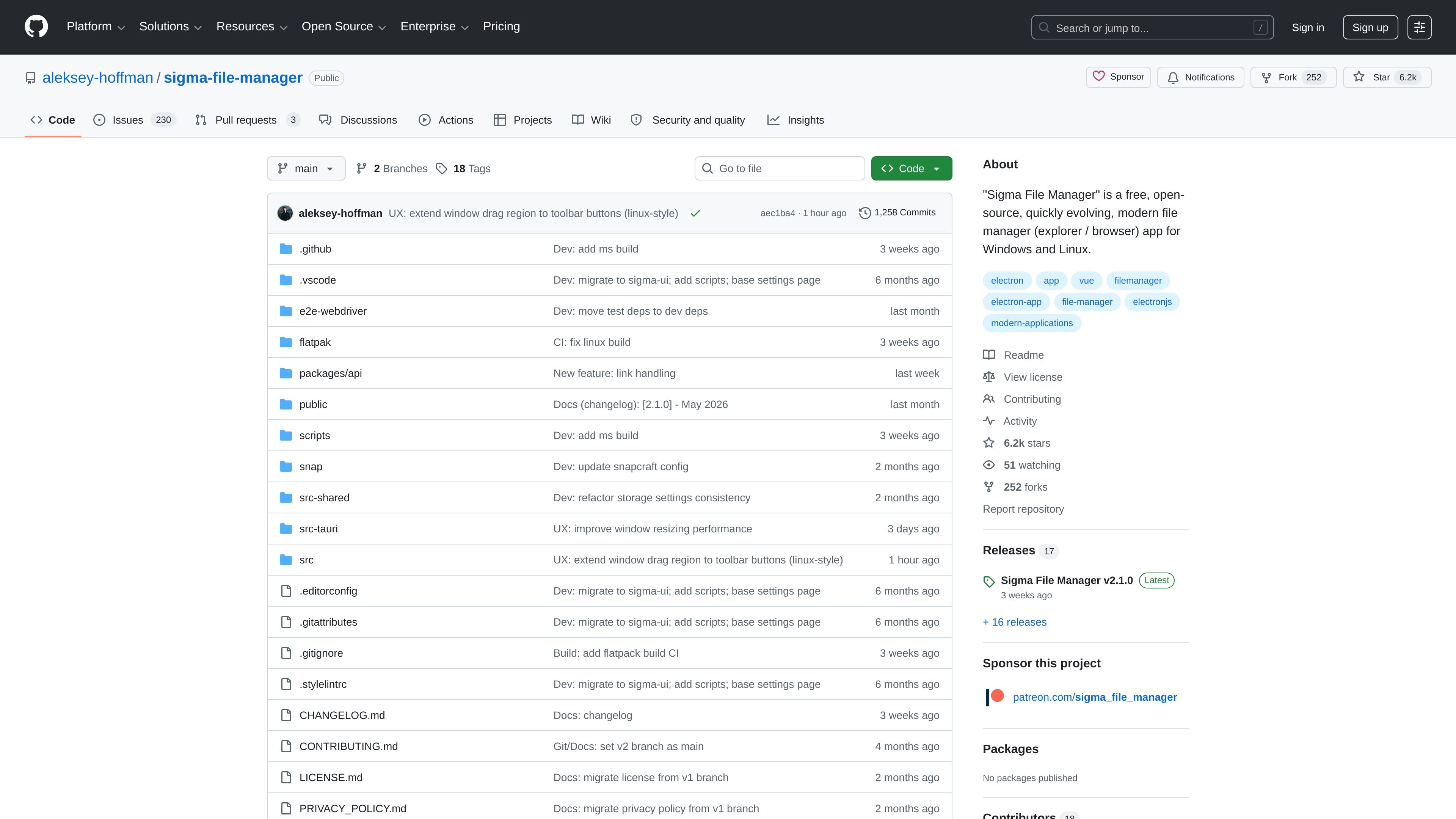
Sigma File Manager is a free, open-source file manager for Windows and Linux, with macOS mentioned as supported in principle but without provided builds. It is positioned as a modern replacement for or companion to the default file browser, with a focus on quick navigation, keyboard-friendly workflows, and extension-driven customization.
The README highlights capabilities such as smart global search, tabbed browsing, split view, a built-in extension marketplace, LAN file sharing, quick previews, tags, zip archive handling, and in-app updates. The project also notes support for WSL drives on Windows and alpha-stage network location access for SSHFS, NFS, SMB, and CIFS.
Search is designed to find files and folders quickly, including typo-tolerant matching for wrong case, word order, missing words, missing symbols, and missing file extensions.
Multiple directories can stay open at once, and any tab can be split into two independent panes for side-by-side navigation and file transfer.
The app includes a built-in marketplace and can also load extensions from local folders, with extensions able to add commands, pages, shortcuts, settings, and more.
Users can share or stream files and folders over a local network with browser access, QR codes, and FTP support, while network locations such as SSHFS, NFS, SMB, and CIFS are listed as alpha-stage support.
The interface includes an address bar, item filters, smart drag and drop, keyboard shortcuts, command palette, dashboard, tags, zip handling, quick view, in-app updates, and WSL drive browsing on Windows.
The UI can be personalized with custom images, videos, built-in artwork, transparency, blend modes, and other visual controls.
Keep several folders open at once and move between them with tabs and split panes, which is useful when organizing projects or comparing directory contents.
Search a large drive quickly when you only remember part of a filename, a typo, or an approximate word order.
Browse files with a keyboard-first workflow using the address bar, shortcuts, and command palette instead of relying only on mouse navigation.
Share files on a local network with browser access or FTP, or connect to remote locations that the project lists as alpha support.
Extend the manager with custom commands, pages, shortcuts, or settings through the built-in marketplace or local extension folders.
Sigma File Manager is designed for Windows and Linux. The README also notes that macOS is supported in theory, but compiled builds are not provided.
The project is open source and distributed from its GitHub repository. The source text does not describe a paid tier or subscription for the app itself.
The README lists several installation paths, including Winget, the Microsoft Store, an unsigned Windows installer, AppImage, Flatpak, and Snapcraft is marked as soon.
Yes. The README says the app can replace File Explorer on Windows for most everyday file actions.
The README describes a built-in marketplace plus support for local extension folders. Extensions can add commands, pages, shortcuts, settings, and more.

Codex Plugins bundle reusable skills, app integrations, and MCP servers into workflows you can install in the Codex app or use from Codex CLI. They help extend Codex with connected-service tasks, reusable instructions, and shared team workflows.

Snapmark is a VS Code extension that lets you annotate clipboard screenshots before pasting them into AI chats. It supports blur redaction, numbered callouts, and automatic resizing for large images.

PDFTools is a browser-based suite of free and premium PDF utilities for editing, conversion, and document handling. It helps users work on PDFs locally in the browser without uploading files to a server.

Open Computer Use is an open-source Computer Use service wrapped as MCP for macOS, Linux, and Windows. It helps AI agents and MCP clients run desktop automation workflows through client setup commands or manual MCP configuration.

Osaurus is a native macOS AI agent platform for Apple Silicon that keeps models and data on your Mac. It can also connect to ChatGPT, Claude, or Gemini when a task needs a cloud model.

Privacy-First Toolbox is a free browser-based collection of file and text conversion tools that processes data locally on your device. It is designed for users who want common utilities without uploading files or creating an account.