
Bot-free local recording
Spellar records audio directly on your device, so it can capture meetings without adding a bot participant. The site says this works with Zoom, Google Meet, Teams, Webex, and in-person meetings recorded on iPhone.

Spellar is a bot-free AI meeting note taker for Mac, iPhone, iPad, and Web. It records meetings locally and turns them into transcripts, summaries, action items, and follow-up chat, with support for multiple AI models and workflow integrations.
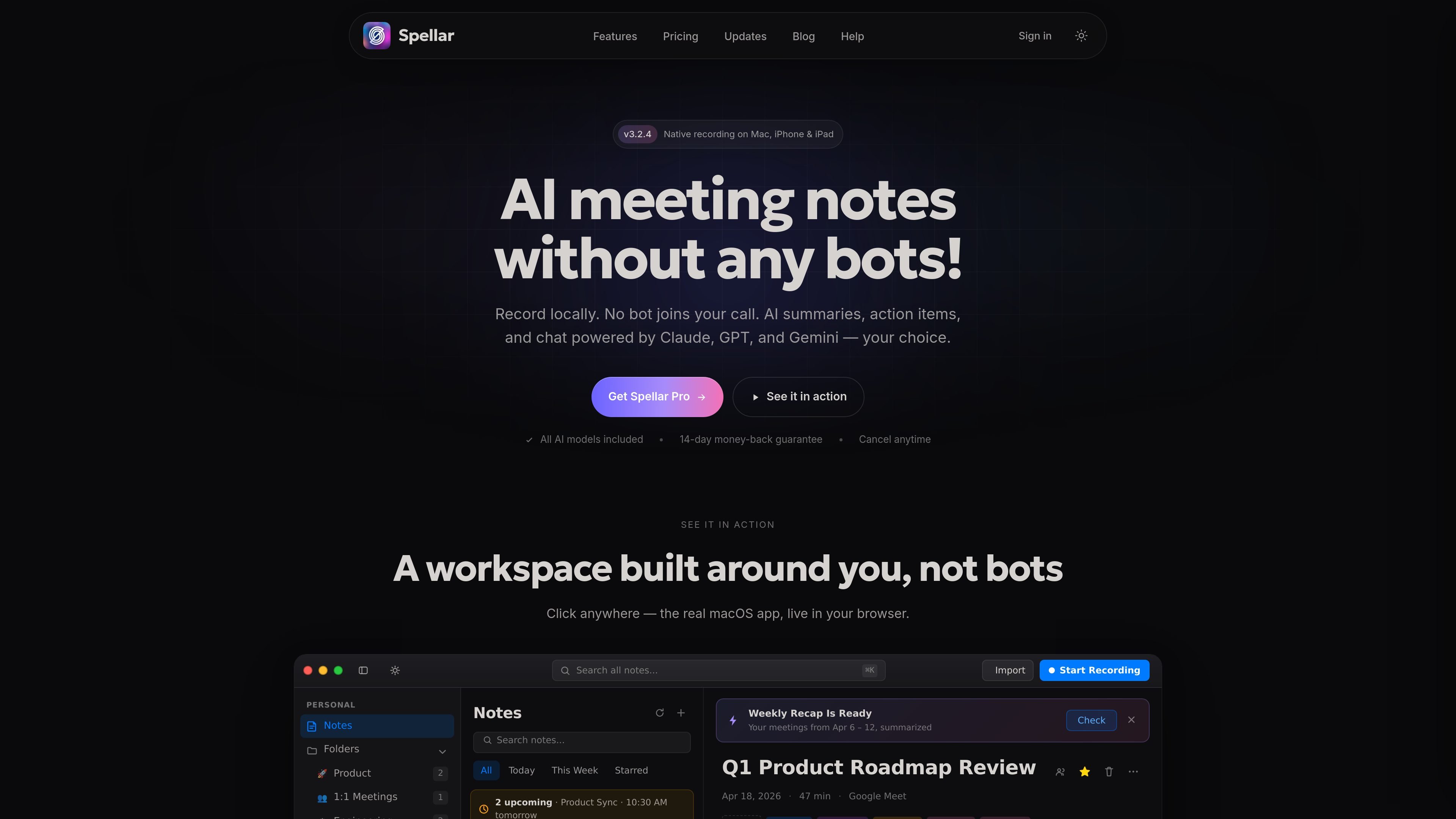
Spellar is a bot-free AI meeting note taker for Mac, iPhone, iPad, and Web. It records meeting audio locally, then produces transcripts, summaries, action items, and searchable AI chat without adding a meeting participant to the call.
The product is built around privacy controls and workflow handoff. Users can keep transcription on-device or opt into server-side AI transcription, choose among GPT, Claude, Gemini, and Perplexity, and send notes into tools such as Notion, Linear, Slack, Jira, Google Docs, and Google Drive.
Spellar records audio directly on your device, so it can capture meetings without adding a bot participant. The site says this works with Zoom, Google Meet, Teams, Webex, and in-person meetings recorded on iPhone.
The product supports GPT, Claude, Gemini, and Perplexity, and lets you choose the model per meeting, per template, or per question. You can also bring your own API key for your preferred provider.
Spellar turns meetings into summaries, action items, recaps, and transcripts, with AI chat available for follow-up questions. The interface shows cited answers that link back to the moment a point was said.
The site lists more than 20 native integrations, including Notion, Linear, Slack, Jira, Salesforce, HubSpot, Asana, Google Docs, Google Drive, and Zapier/webhooks. It also supports two-way sync with Linear and Jira on the pricing page.
Spellar includes built-in templates for common meeting types such as standups, 1:1s, retros, sales calls, customer interviews, and project recaps. Users can create custom templates with natural-language prompts.
The product is available on Mac, iPhone, iPad, and Web, and the site shows shared folders, notes, AI chats, and centralized billing for teams.
Capture live calls without adding a bot participant, then review summaries, action items, and transcripts after the meeting. This fits recurring Zoom, Google Meet, Teams, or Webex calls where the host wants a low-friction recording workflow.
Use templates and AI chat to turn interviews into structured notes, extract decisions, and ask follow-up questions across the transcript. The product’s citation-linked answers are useful when you need to trace a quote or decision back to the meeting moment.
Share recaps and action items into tools like Notion, Linear, Jira, Slack, or Google Docs so the meeting output lands where the team already works. The pricing page also describes two-way sync for Linear and Jira.
Use shared notes, shared AI chats, folders, and centralized billing to keep meeting context in one workspace. The Teams plan is positioned for groups that need shared meeting intelligence rather than individual note taking.
Record on iPhone for in-person conversations or mobile note capture when a laptop is not practical. The site explicitly calls out iPhone use for in-person meetings and native iPhone/iPad apps.
Spellar records audio on your Mac, iPhone, iPad, or web session without adding a meeting bot. The support and pricing pages describe sign-in and start-up as a free-to-start flow, and the product can work with Zoom, Google Meet, Teams, Webex, or in-person meetings recorded on iPhone.
No. Spellar is designed as a bot-free meeting assistant, and the pricing page says no bot joins your call. Recording happens locally on your device, with server-side AI transcription available only if you opt in.
Spellar includes GPT, Claude, Gemini, and Perplexity on Pro. The pricing page says you can switch models per meeting, per template, or per question, and you can also bring your own API key.
Yes. The pricing page says Spellar Pro and Spellar Teams support canceling anytime, with a 14-day money-back guarantee listed on the pricing page and a 7-day refund mentioned in the page header text.
Spellar Teams starts at 5 seats and includes shared notes, shared AI chats, centralized billing, seat management, and team integrations. The site also says teams above 50 seats can request volume pricing and custom contract terms.

QuickQuill is a macOS dictation and transcription app that runs locally on the device. It helps users record meetings, transcribe audio, generate summaries, and export notes without using a cloud service.

Tactiq is an AI note taker for Google Meet, Zoom, and Microsoft Teams that transcribes meetings live and turns them into summaries, action items, and follow-up outputs. It is built around a Chrome extension and supports team workflows through sharing and integrations.

Scripta is a privacy-first AI notetaker that records, transcribes, and summarizes meetings directly on your device. The public site currently shows a Mac beta download and a Windows waitlist.

Wendi is an AI workspace for people managers that captures meeting context, organizes it by person, and helps managers plan next steps. It is designed for workplace conversations, follow-ups, and policy-aware guidance rather than generic chat.

Liam is an AI copilot for managing inboxes, writing replies, prioritizing email, and scheduling meetings. It is offered free for individuals, with custom pricing for teams and enterprise.

Инструмент на основе ИИ, который быстро и эффективно суммирует PDF-документы, предоставляя четкие идеи и позволяя пользователям взаимодействовать с содержимым.