
Automatic pixel-grid correction
Upload an image through drag-and-drop or the browse picker, then let the tool snap inconsistent pixels back onto a cleaner grid.

Sprite Fusion Pixel Snapper is a free, open-source tool that cleans up messy, blurry, or off-grid pixel art by snapping it to a cleaner pixel grid. It supports browser use, a desktop edition, and PNG export for images that need pixel-perfect cleanup.
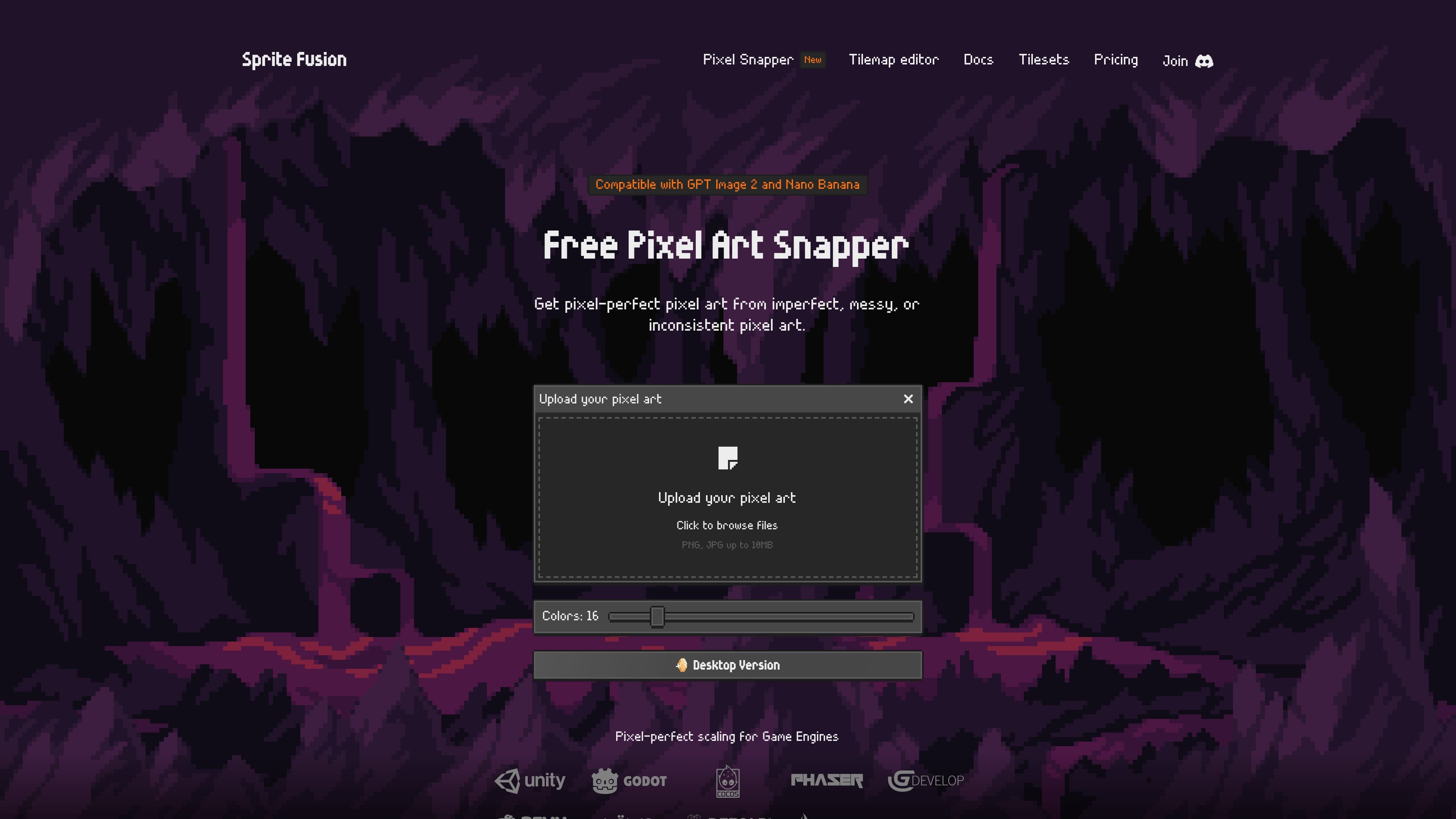
Sprite Fusion Pixel Snapper is a free, open-source tool for cleaning up pixel art that is messy, blurry, or off-grid. It takes an uploaded image and snaps the pixels into a more regular pixel grid, with the goal of making imperfect pixel art easier to use.
The product is aimed at AI-generated pixel art as well as hand-drawn images that need cleanup. The docs note that it works best when the source is already close to pixel art, and the interface lets you choose an output color count before downloading the corrected image as a PNG.
Upload an image through drag-and-drop or the browse picker, then let the tool snap inconsistent pixels back onto a cleaner grid.
Adjust the output palette from 8 to 64 colors to better handle noisy source images, gradients, dithering, or subtle ramps.
Download the processed result as a PNG after the pixels are fixed and the image is re-saved.
Designed to preserve details such as dithering and curves instead of flattening the image into a generic filter effect.
Available as a browser version, a standalone desktop edition, a CLI from the open-source project, and a WASM module for web integration.
The desktop edition is described as offline, open source, and supported on Mac, Linux, and Windows.
Clean up AI-generated pixel art that has uneven edges, blurry pixels, or off-grid color placement before using it in a game or mockup.
Convert hand-drawn pixel-style images into a more consistent grid when the original artwork needs a tidier base.
Prepare sprites, tilesets, tilemaps, or 2D textures that need crisp pixel-perfect scaling in downstream tools.
Use the desktop edition when you want offline batch processing for repeated cleanup jobs on multiple images.
Pixel Snapper is a free tool that fixes messy, blurry, or inconsistent pixels by snapping them back onto a clean pixel grid. The docs say it works best when the source image is already close to pixel art.
You upload an image, choose the number of colors, and download the result as a PNG. The web version supports drag-and-drop or clicking to browse for a file.
The web version is free to use for hobby and commercial projects, and the docs say there are no feature limitations or login requirements. A Collector Edition desktop version is also offered as a one-time purchase.
Yes. The website states that Pixel Snapper is compatible with GPT Image 2 and Nano Banana, and the docs also mention a web integration available as a WASM module and local usage as a CLI from the open-source project.
The web version is browser-based and works on modern devices. The desktop edition is available for Mac, Linux, and Windows.

Pixelcut is an AI photo editor for creating and editing product images, social content, and video assets. It offers free and paid plans, plus mobile app and browser access for individual users and teams.

Petalica Paint is a web service for automatically coloring line art and tracing line drawings from photographed images. The home page says it can be used under the stated terms for commercial and noncommercial work, but it is scheduled to end on 2025-07-31 at 16:00 JST.

Wearvue AI generates personalized outfit previews from a photo, lets users refine the style for an occasion, and surfaces similar real products to shop. It is aimed at people who want to preview outfit ideas before buying and compare them with shoppable alternatives.

Upscale.media is an AI image upscaling and enhancement tool from Pixelbin that enlarges low-resolution or pixelated images and improves clarity in the browser. It offers free individual image use, paid credit plans, and team-oriented workflows such as bulk processing and API integration.

PixelForge turns a single photo into a game-ready 2D character sprite pack, including a 4×4 sheet, transparent frames, direction strips, and looping walk GIFs. It is designed for engine-ready use in Godot, Unity, Phaser, GameMaker, and web games.

PhotoAid’s AI Image Enlarger is a free browser-based tool for upscaling images without a standard blur-heavy resize. It supports JPEG, WEBP, and PNG uploads and is described as working best for photos with faces.