
PDF editing and conversion
The site lists tools to merge, split, rotate, crop, reorder, compress, annotate, redact, sign, fill, OCR, and inspect PDF files locally.

StayLokal is a browser-based collection of local file tools for PDFs, images, video, audio, documents, and ZIP files. It helps users convert, edit, compress, and inspect selected files without uploading them or creating an account.
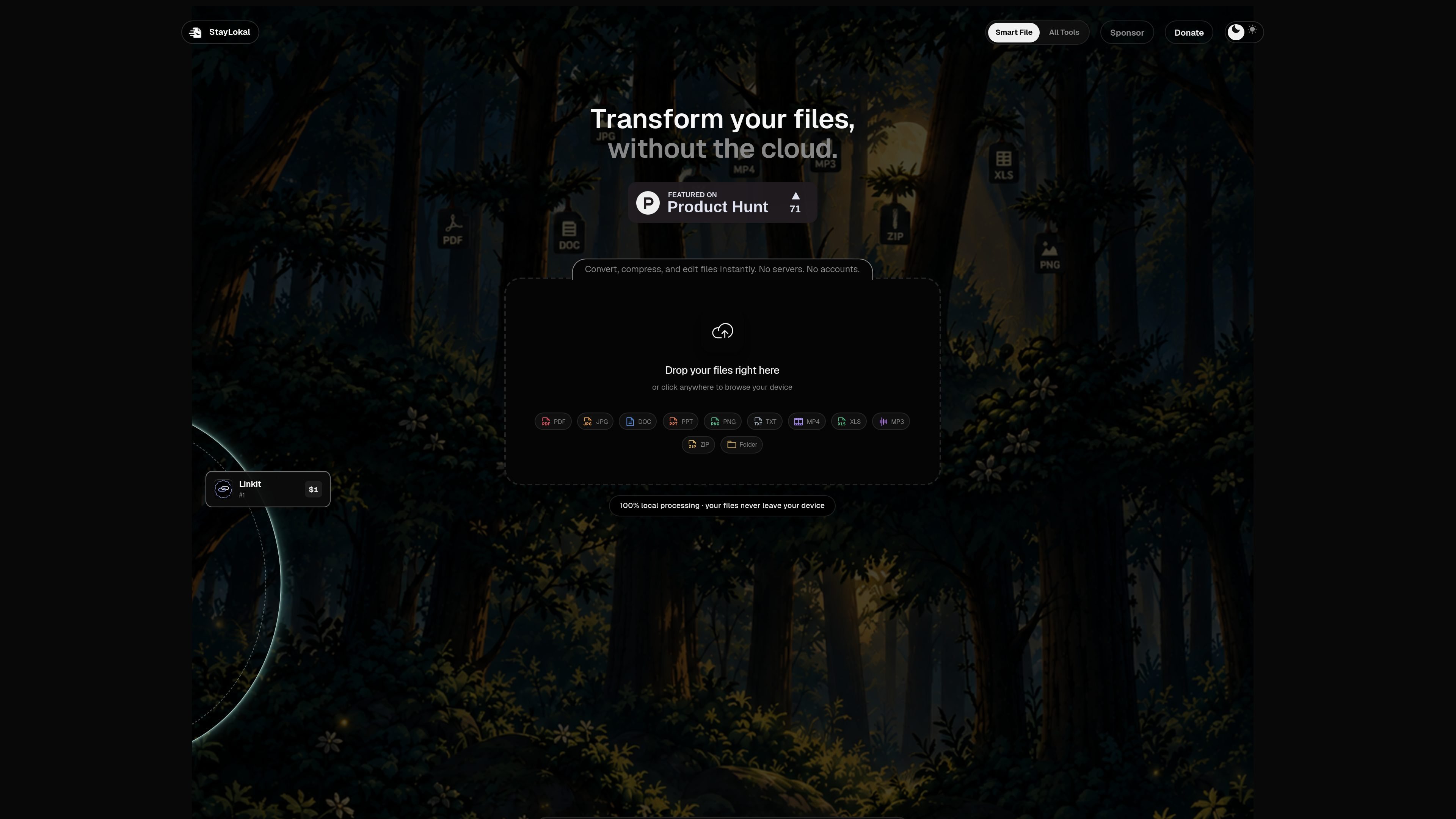
StayLokal is a browser-based collection of file utilities for working with PDFs, images, video, audio, documents, and ZIP files. Its core workflow is local processing: users select or drop files, choose an operation, and download the result without sending the files to a processing server.
The tool directory includes detailed PDF, image, and video operations, from page management and PDF OCR to image conversion and video trimming. StayLokal does not require an account for its file tools; its separate sponsor leaderboard and donation checkout support the project rather than forming part of the file-editing workflow.
The site lists tools to merge, split, rotate, crop, reorder, compress, annotate, redact, sign, fill, OCR, and inspect PDF files locally.
Resize, crop, rotate, flip, re-encode, watermark, upscale, remove backgrounds, create thumbnails, make GIFs, and convert among listed raster image formats in the browser.
Trim, cut, split, compress, convert, resize, change frame rate or speed, mute, extract audio, and convert between video and GIF formats.
The home page presents a direct workflow: drag or select files, choose a tool, process them locally, and download the result.
The product is presented as requiring no upload and no account for file processing. The tools directory describes the individual tools as private and offline-friendly.
Combine, split, reorder, crop, compress, OCR, redact, sign, or annotate PDFs before sharing or archiving them, while keeping the selected documents on the device during processing.
Convert images to common raster formats, resize them for a specific destination, create thumbnails or contact sheets, and add watermarks or captions without opening a separate desktop editor.
Trim or split footage, remove unwanted sections, change resolution or speed, mute clips, extract audio, or create a GIF from a video.
Use the browser workflow when a file task is occasional and does not require an account, shared workspace, or a persistent project library.
StayLokal runs file operations in the browser on files you select. The home page describes a three-step workflow: drop or choose files, select a tool, and download the result directly.
The site states that processing is local, files are not uploaded, and no account is required. Sponsor listings and payment activity are separate server-visible parts of the site, not the file-processing workflow.
The tools page lists operations for PDFs, images, video, audio, documents, and ZIP files. The supplied page text provides detailed examples for PDF, image, and video tools; the available operation set can vary by tool.
No account is required for the file tools. The supplied site information does not document team workspaces, integrations, or shared project features.

MacSpoof — смена MAC-адреса в macOS: меняйте или рандомизируйте Wi‑Fi MAC, чтобы переподключаться и меньше светить идентификатор в публичных сетях.

DemoTV is an audience-ranked station for discovering and comparing independent product demos. Founders can submit videos, embed approved demos on their websites, collect viewer inquiries and optionally commission demo production or labelled promotion without buying ranking.

Ship It: Idle Dev Tycoon is an iPhone incremental simulation game about building apps, managing a software studio, and selling it for lasting progression benefits. It supports offline play, automated builds, adviser collection, and optional in-app purchases.

NomNak — бесплатное приложение для iPhone, где находят рестораны по рекомендациям друзей, сохраняют места, ведут food passport и ищут по городам.

CAPTA is a mobile GPS waypoint app for quickly saving, organizing, and revisiting locations. It supports offline use, camera-based coordinate capture, optional cross-device synchronization, and GPX export for fishermen, explorers, and field professionals.

Ctrl+Shift+3 is a calm, text-first community platform with a chronological feed, profiles, RSS, and private groups called Clicks. It is built for reading, posting, and joining smaller communities without algorithmic ranking or vanity counts.