
Prompt-based app creation
Lets users create an app from a small set of prompts, positioning the workflow around personal customization rather than a traditional blank-code build.

TapGPT is a web app for creating personal apps from a few prompts, with example starting points for tasks like to-do lists, meal planning, goals tracking, and family budgeting. The public site shows an account-based creation flow, but not pricing or integration details.
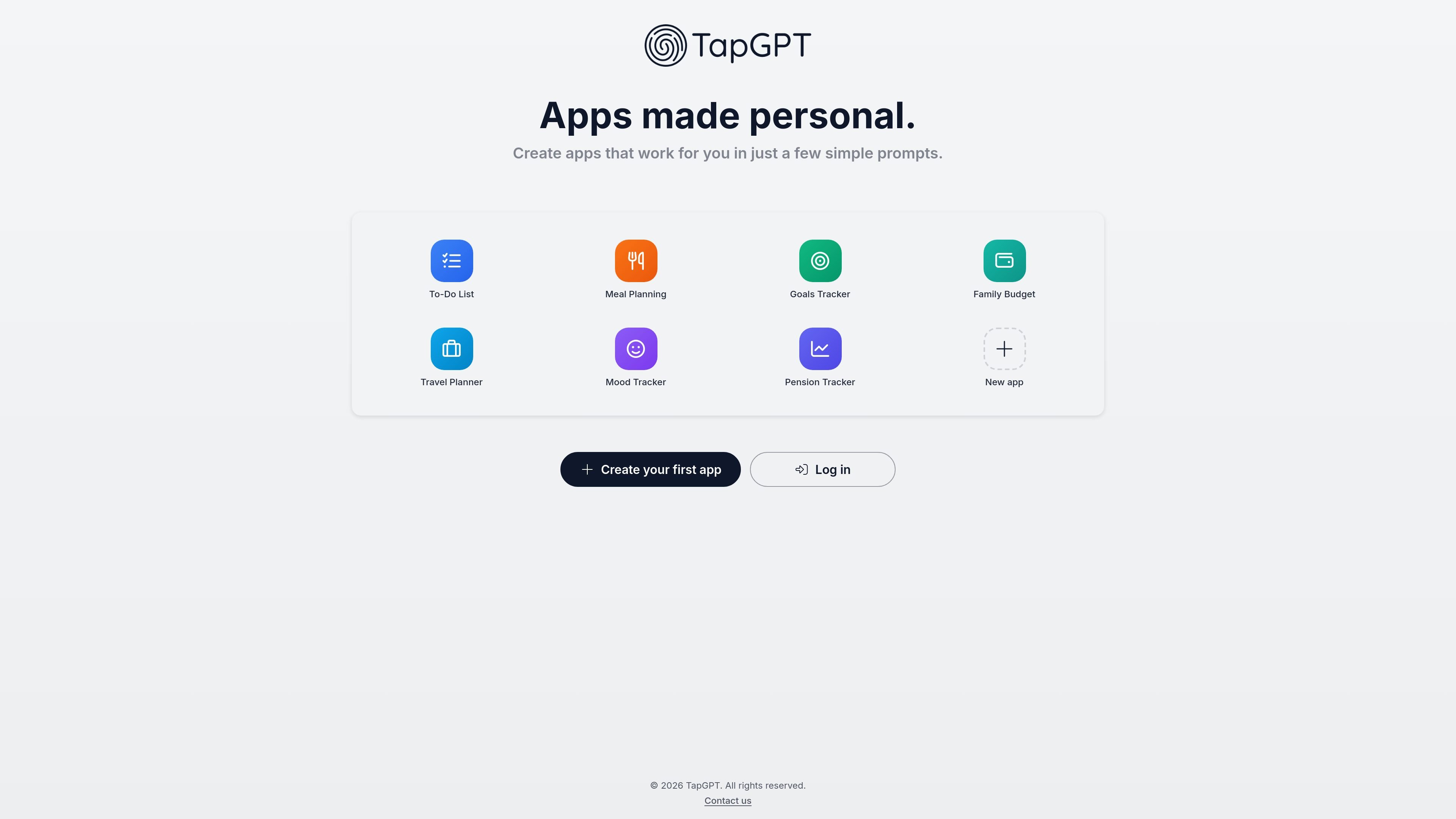
TapGPT is a web product for creating personal apps from simple prompts. Its homepage describes the service as a way to make apps that work for you in a few prompts, and the product surface shows example starting points for common planning and tracking tasks.
The available pages suggest a lightweight app-building workflow centered on account sign-in and prompt-led creation. Public examples include to-do lists, meal planning, goals tracking, family budgeting, travel planning, mood tracking, and pension tracking, which indicates the product is aimed at everyday organization rather than general-purpose software development.
Lets users create an app from a small set of prompts, positioning the workflow around personal customization rather than a traditional blank-code build.
Provides ready-made starting points such as To-Do List, Meal Planning, Goals Tracker, Family Budget, Travel Planner, Mood Tracker, and Pension Tracker.
Supports personal-use scenarios by framing the product as apps that work for you, rather than a generic no-code builder for broad business teams.
Includes a distinct “New app” entry point alongside the example options, indicating that users can start from scratch as well as from a preset example.
Routes users through an authentication flow with Log in and Sign up, showing that app creation happens inside an account-based web experience.
Set up a lightweight task app for tracking daily to-dos without building a full productivity system from scratch.
Create a meal-planning app to organize weekly meals and reduce ad hoc planning.
Track goals in a dedicated app when you want a simple structure for progress and reminders.
Build a family budget app to organize recurring household expenses and planning in one place.
Use the template prompts to spin up a travel or mood tracker when you need a purpose-built personal organizer.
The public site shows TapGPT’s homepage and app entry flow, but it does not document a pricing page or plan details. The available evidence only shows a login/sign-up path and links to Privacy Policy and Terms of Use.
The source material does not describe a browser extension, API, or third-party integrations. Based on the available pages, TapGPT appears to be a web app for creating personal apps from prompts.
The homepage suggests users create apps by entering a few prompts, and the sample flows are organized around specific app examples such as to-do lists, meal planning, and goals tracking.
The site publicly surfaces example app types rather than a full feature list. That means the exact output format, customization controls, and sharing options are not documented in the available source text.

recall is an AI flashcard app that turns reading and notes into study cards through Claude, ChatGPT, or another MCP client. It uses one-time lifetime access pricing and spaced repetition review.

Speculos is a deployment tool for Claude Code that publishes what you built to a shareable URL. It supports private, org-wide, or public apps and adds team controls for company domains, data connections, and customer-cloud deployments.

MakerLoft is a chat-first AI app builder for non-developers who want to create static sites or full-stack apps from a GitHub repository. It supports a free GitHub Pages path and a DigitalOcean-backed app path with sign-ins, payments, and an admin dashboard.

Rork is an AI mobile app builder that turns a text description into a production-ready app using AI and Expo (React Native). It focuses on chat-based creation, browser previews, and Apple-platform publishing workflows.

Magic Notebook is a desktop writing app for bloggers, journalists, authors, and other people who want to write in local files without a cluttered interface or cloud workflow.

Scribeist is an AI-powered writing platform with dedicated workspaces for novels, blogs, essays, and notes. It combines project-aware AI, fiction continuity tools, SEO-focused blog tools, and publishing integrations.