
Name-and-domain search
Search by first name, last name, and company domain to locate likely professional email addresses for a contact or organization.

Truelist Email Finder helps users locate professional email addresses from a person’s name and company domain, then verify the result before outreach. It sits within Truelist’s broader email validation platform for lists, forms, and API workflows.
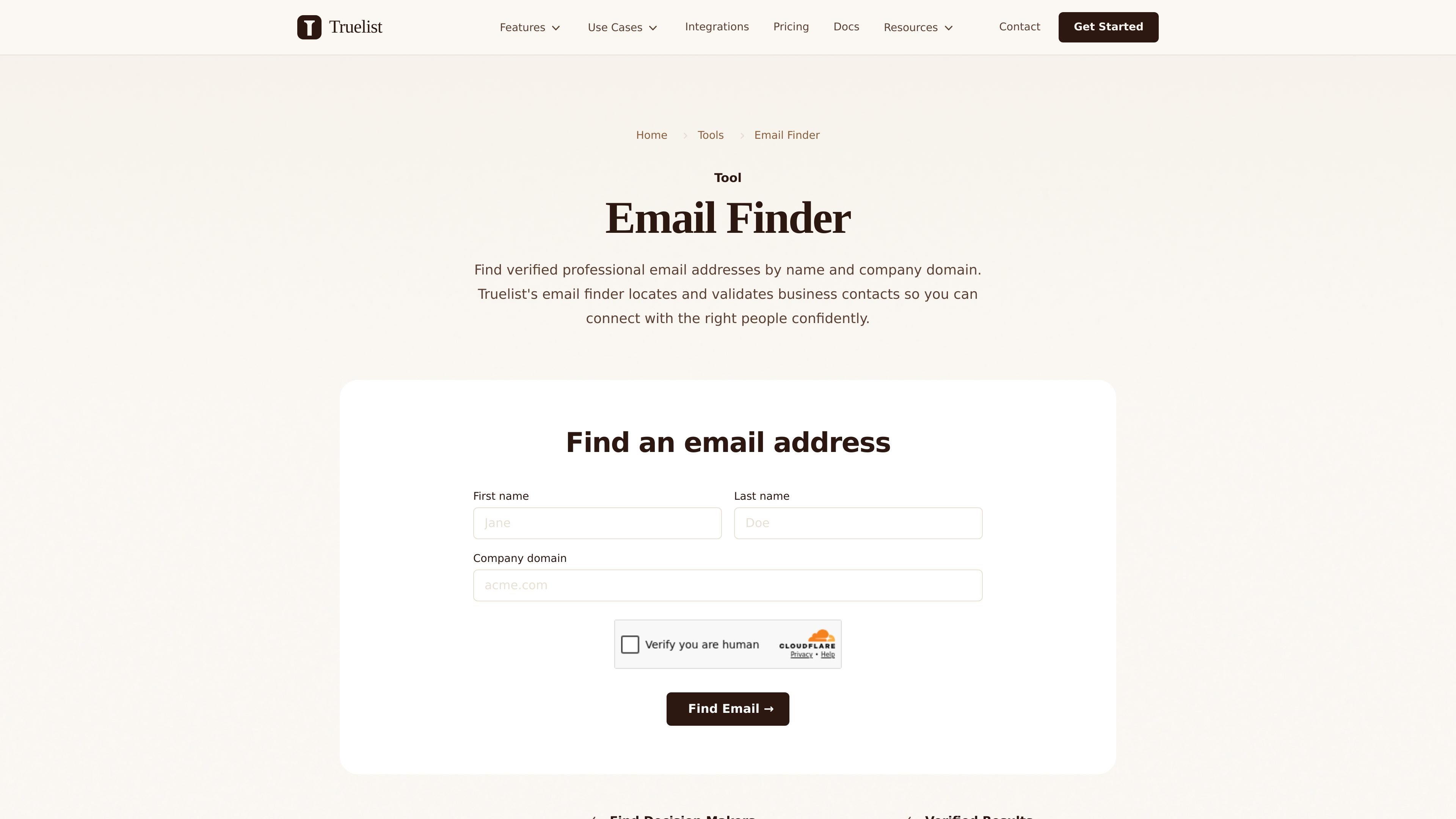
Truelist Email Finder is a tool for locating professional email addresses using a person’s name and company domain. The page describes it as a way to find verified business contacts so users can reach the right people with more confidence.
The supporting site materials position Truelist as an email validation platform with both real-time API workflows and bulk list verification. That means the email finder sits within a broader system for discovering, checking, and cleaning email data before it is used in outreach or product flows.
Search by first name, last name, and company domain to locate likely professional email addresses for a contact or organization.
The product describes using pattern recognition, domain crawling, and verification to identify the most likely business email address.
Found addresses are checked through MX record checks, SMTP verification, and deliverability analysis before they are presented as valid results.
Each result can include a confidence score so users can judge how much trust to place in the match.
The product notes support for common issue flags such as disposable, role-based, catch-all, duplicate, and typo-related addresses in the broader Truelist validation flow.
Use the finder when you need a direct business contact instead of a generic inbox, such as for outreach to a prospect or stakeholder at a specific company.
Use the tool to search by domain and then verify the result before sending campaign emails, reducing the risk of bounces and damaged sender reputation.
In broader Truelist workflows, email validation can be used on signup forms and lead capture flows so invalid addresses are blocked before they enter a system.
Teams migrating data or cleaning older contact files can use Truelist’s list verification workflow to remove invalid, disposable, or inactive addresses in bulk.
Developers can use the API-based validation flow to check emails in product workflows such as checkout, CRM sync, and asynchronous verification jobs.
Truelist’s email finder is described as a tool for finding professional email addresses using a person’s name and company domain. The page says it combines pattern recognition, public data sources, and verification to locate accurate contact information.
No. The page states that the email finder is currently in development. It also points users to the free Email Health Check for verifying email addresses they already have.
The source says Truelist validates found emails before use and that its validation workflow includes MX record checks, SMTP verification, and deliverability analysis. It also says results include validity status, risk score, reason codes, and flags such as disposable or role-based addresses.
The pricing page says Truelist offers monthly plans for unlimited email validations, with a free start option of 200 free validations plus 10 enhanced credits and no credit card required. Higher plans add faster processing, API access on some tiers, and team invites.
The site says Truelist is built for marketers, sales teams, and developers. It also highlights use cases such as signup forms, checkout pages, lead capture, and CRM sync workflows.

Cold Mail Server provides dedicated outbound email infrastructure for cold outreach teams, agencies, and outbound SaaS operators. It offers isolated mail servers, unlimited mailboxes and domains, a unified reply inbox, and deliverability monitoring on flat-rate plans.

Podium is an AI lead generation and lead management platform for local businesses. It centralizes lead conversations, automated follow-up, reviews, payments, and booking, with a 24/7 AI Employee available as an add-on.

Blinked is a free Chrome extension for LinkedIn outreach that helps users research leads, draft personalized messages, and manage follow-ups inside LinkedIn. It is local first, with outreach data kept in the browser rather than on Blinked’s servers.

Sumora is an autonomous outreach agent for finding, qualifying, warming, and booking leads through LinkedIn and Instagram. It helps users manage replies from one inbox while keeping final sends under review.

Liam is an AI copilot for managing inboxes, writing replies, prioritizing email, and scheduling meetings. It is offered free for individuals, with custom pricing for teams and enterprise.

Dirac is an AI email assistant that prepares a morning brief, prioritizes important threads, and drafts replies in your voice. It is positioned for founders and other busy professionals who use Gmail and want to reduce morning inbox triage.