
Per-file backup tracking
Tusk shows backup status at the file and destination level, so you can confirm whether a specific file has been copied to each place you care about.

Tusk is a macOS backup app for project files, designed for video creators, photographers, and developers who need per-file status across drives and cloud destinations. It shows where each file lives even when backup drives are unplugged.
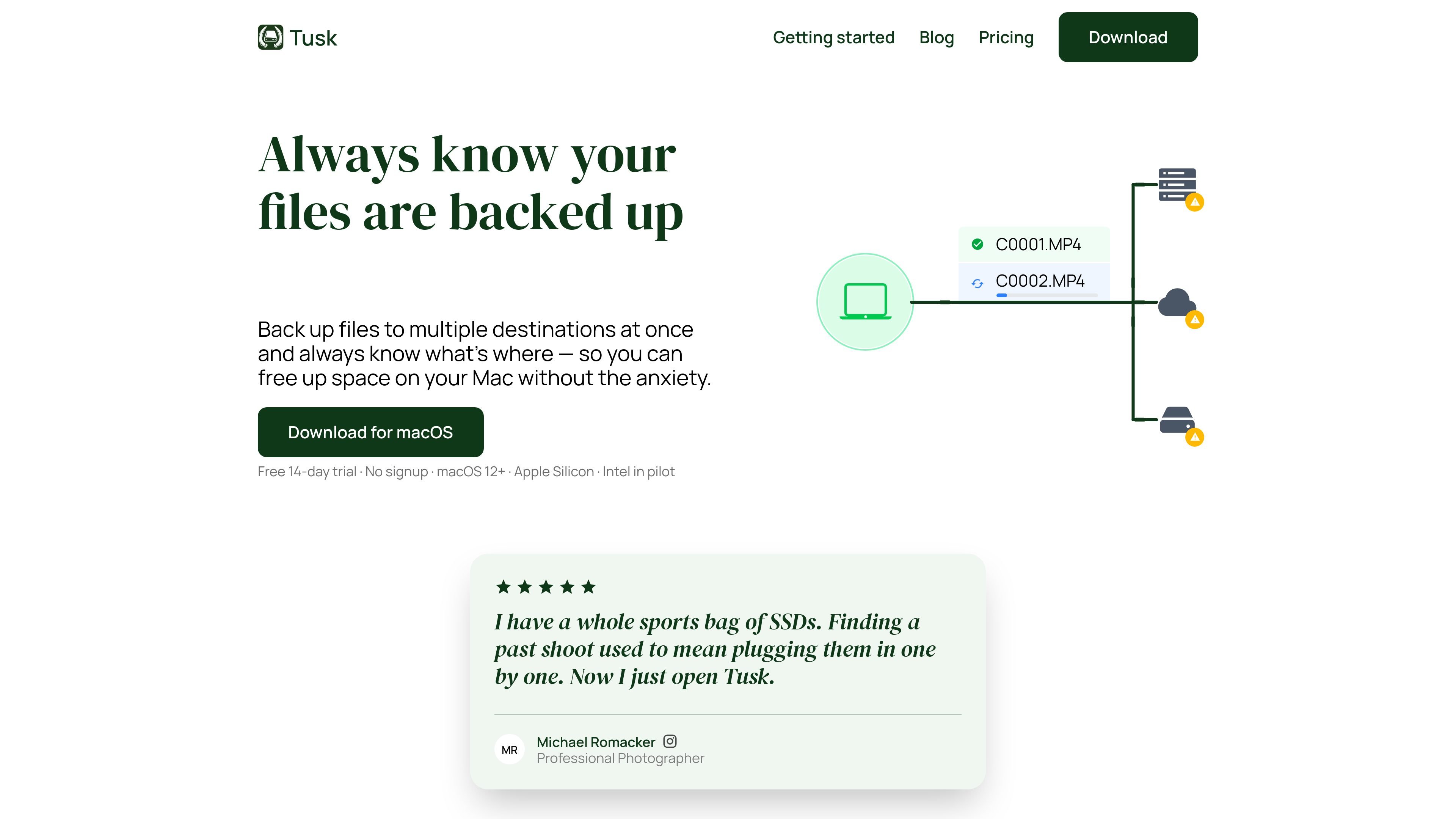
Tusk is a macOS backup app for project files, aimed at people who work with large media folders and need to know exactly where each file has been copied. It tracks backup status per file and per destination, including destinations that are currently unplugged.
The app watches selected folders continuously, syncs changes in the background, and verifies transfers with checksums before treating files as safe. That makes it useful when you want to offload files from a Mac, back them up to multiple drives or cloud services, and later restore individual files without searching through mounted drives by hand.
Tusk shows backup status at the file and destination level, so you can confirm whether a specific file has been copied to each place you care about.
The app watches folders continuously and propagates file changes in the background, so new files, re-exports, renamed clips, and other updates do not require manual runs.
You can send files to multiple destinations at once, including external drives and cloud services, and Tusk syncs to them in parallel.
Before you delete local files, Tusk verifies that each file is present on the connected backup destinations and blocks deletion if the file is not yet backed up.
When working with unplugged drives, Tusk still keeps a catalogue of where files live, using a local database so you can identify which drive or cloud bucket contains a file without plugging everything in.
For offloads, Tusk can stream files from a card to multiple destinations in one read and generate a transfer report with file names, sizes, and checksums.
Photographers and videographers can offload shoots to multiple destinations at once, verify copies as they are written, and later find older projects without plugging in every drive one by one.
Creators who need to free up local storage can remove files only after Tusk confirms they exist on the chosen backup destinations, reducing the chance of deleting the wrong copy.
Teams or solo operators who keep backups on both drives and cloud services can maintain a single project view of where each file lives, even when some storage is disconnected.
Developers or other users who work from watched folders can let Tusk mirror ongoing file changes in the background without starting manual sync jobs.
Anyone restoring a single file from a past project can use Tusk’s location tracking and one-click restore workflow instead of browsing through mounted volumes manually.
Tusk is a macOS backup app that tracks backup status per file and per destination, including destinations that are currently unplugged. It is designed for project files rather than whole-Mac system backups.
Tusk starts a 14-day free trial automatically on first launch. The download page says no signup and no credit card are required, and the app remains available on macOS after the trial if you enter a license key.
Tusk watches a selected folder continuously and syncs changes in the background. If you quit and reopen the app, it resumes where it left off, including queued changes made while it was closed.
Tusk supports external drives, Google Drive, Dropbox, and Amazon S3-compatible storage. The source also says multiple accounts can be used in the same project for Google Drive and Dropbox.
Tusk uses a local database on your Mac to keep track of file locations and status, so you can see where a file lives even when a drive is disconnected. When you need to restore, you connect the destination or pull from the cloud.

Osaurus is a native macOS AI agent platform for Apple Silicon that keeps models and data on your Mac. It can also connect to ChatGPT, Claude, or Gemini when a task needs a cloud model.

Goldfish is an AI memory app for macOS that helps you reply, write, summarize, and continue using the context already on your Mac. It stores memory locally and writes in your tone.

Biji - это универсальная платформа, разработанная для повышения продуктивности с помощью инновационных инструментов и функций.

Codex Plugins bundle reusable skills, app integrations, and MCP servers into workflows you can install in the Codex app or use from Codex CLI. They help extend Codex with connected-service tasks, reusable instructions, and shared team workflows.

Redline is a budgeting tool for Claude Code that paces sessions to stay within time, token, cost, or plan-percentage limits. It uses Claude Code’s native hooks and statusline to help sessions finish with a usable result instead of stopping abruptly.

Claude Overlay is a Windows desktop overlay for Claude Code that reads your screen so you can ask questions, inspect content, and request edits without leaving the current app. It runs on your existing Claude subscription through the Claude CLI, so no separate API key is required.