
Apple Health step tracking
Tracks steps by reading your Apple Health data, so your movement appears in the app without manual entry.

Waymate is a calm step counter for iPhone and Apple Watch that uses Apple Health to track movement and lets you save thoughts by voice or text. It works without an account and keeps steps and notes stored locally with iCloud sync.
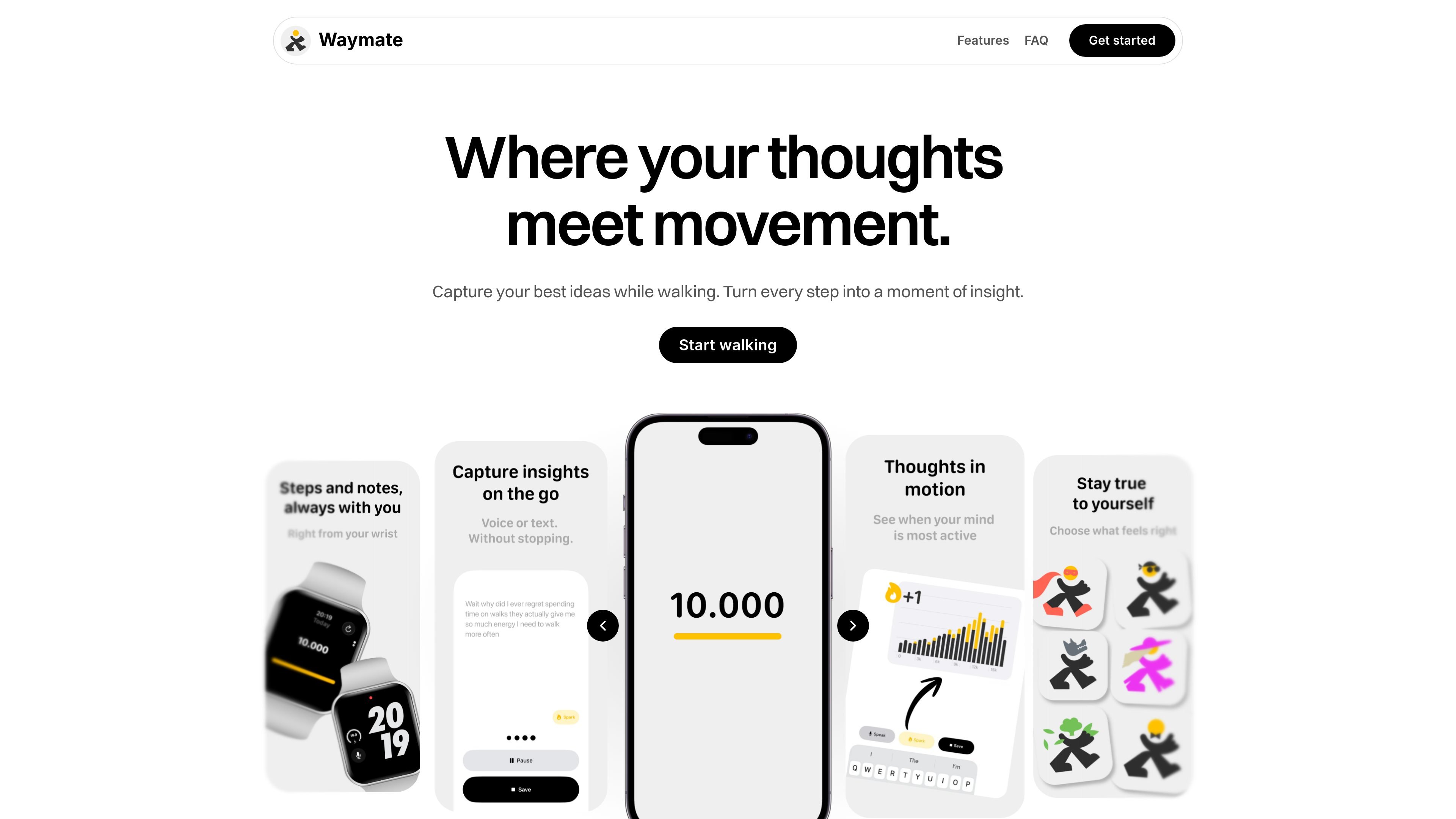
Waymate is a step counter and walking companion for iPhone and Apple Watch users who want to see movement without turning it into pressure. It combines step tracking with quick note capture, so you can save thoughts as they come up during a walk or throughout the day.
The app reads steps from Apple Health, stores notes locally on your device, and syncs data across your devices with iCloud. It works without registration, does not use GPS, and is designed to keep your steps and ideas private on your device.
Tracks steps by reading your Apple Health data, so your movement appears in the app without manual entry.
Lets you capture thoughts by voice or text while you are on the go, so notes can be saved at the moment they occur.
Keeps steps and notes stored locally on the device, with iCloud syncing across your devices.
Works without an account and without third-party trackers or ads, reducing setup and background tracking.
Supports Apple Watch users by showing Watch steps automatically and allowing note capture from the wrist.
Track daily steps while keeping the experience calm and uncluttered, instead of focusing on competitive goals or streak pressure.
Record ideas, reminders, or reflections the moment they appear during a walk, using voice or text input.
Use the app on an iPhone without signing up, with steps pulled from Apple Health and notes saved locally.
Check step progress from an Apple Watch and capture a note from your wrist when you do not want to reach for your phone.
Yes. The homepage says you can track steps, view progress, and save up to 5 ideas for free. Unlimited ideas and additional features require a subscription.
No. Waymate works without registration.
Waymate reads step data from Apple Health using Motion & Fitness sensors. It does not use GPS or send data to the company’s servers.
The app requests read access to Steps in Apple Health. It can also use the microphone and speech recognition when you choose to record thoughts by voice.
No. An Apple Watch is not required. If you have one, Watch steps appear automatically through Apple Health, and you can also capture notes from your wrist.

MIRA vision develops synthetic-data-driven AI for pathology image analysis in medical diagnostics. Its website positions the product for teams that need privacy-compliant training data, automatic annotations, and controlled data generation.

Teloframe is an AI-powered football coaching platform for building tactics, editing drills, planning sessions, and managing player development in one workspace. It includes a Free tier plus Pro and Club plans for coaches and analysts who need more collaboration and team features.

LeanUp is an AI calorie tracker and meal-planning app for logging meals, tracking macros, and getting personalized nutrition guidance. It supports barcode scanning, photo-based food recognition, manual search, and recipe reuse.

TrakMac is a voice-first macro tracking app for fitness-focused users on iOS. It estimates calories and macros from spoken meal descriptions, then helps users log food and stay aligned with their training goals.

recall is an AI flashcard app that turns reading and notes into study cards through Claude, ChatGPT, or another MCP client. It uses one-time lifetime access pricing and spaced repetition review.

Magic Notebook is a desktop writing app for bloggers, journalists, authors, and other people who want to write in local files without a cluttered interface or cloud workflow.