
Grammar correction in any app
Select text in any Mac app, press the Wordwand shortcut, and fix grammar, spelling, punctuation, sentence structure, word choice, and awkward phrasing in place.

Wordwand is an AI writing assistant for Mac that helps users fix grammar, translate, dictate, generate text, and extract tasks inside the apps they already use. It offers a free tier and works with many Mac apps through a shortcut-based workflow.
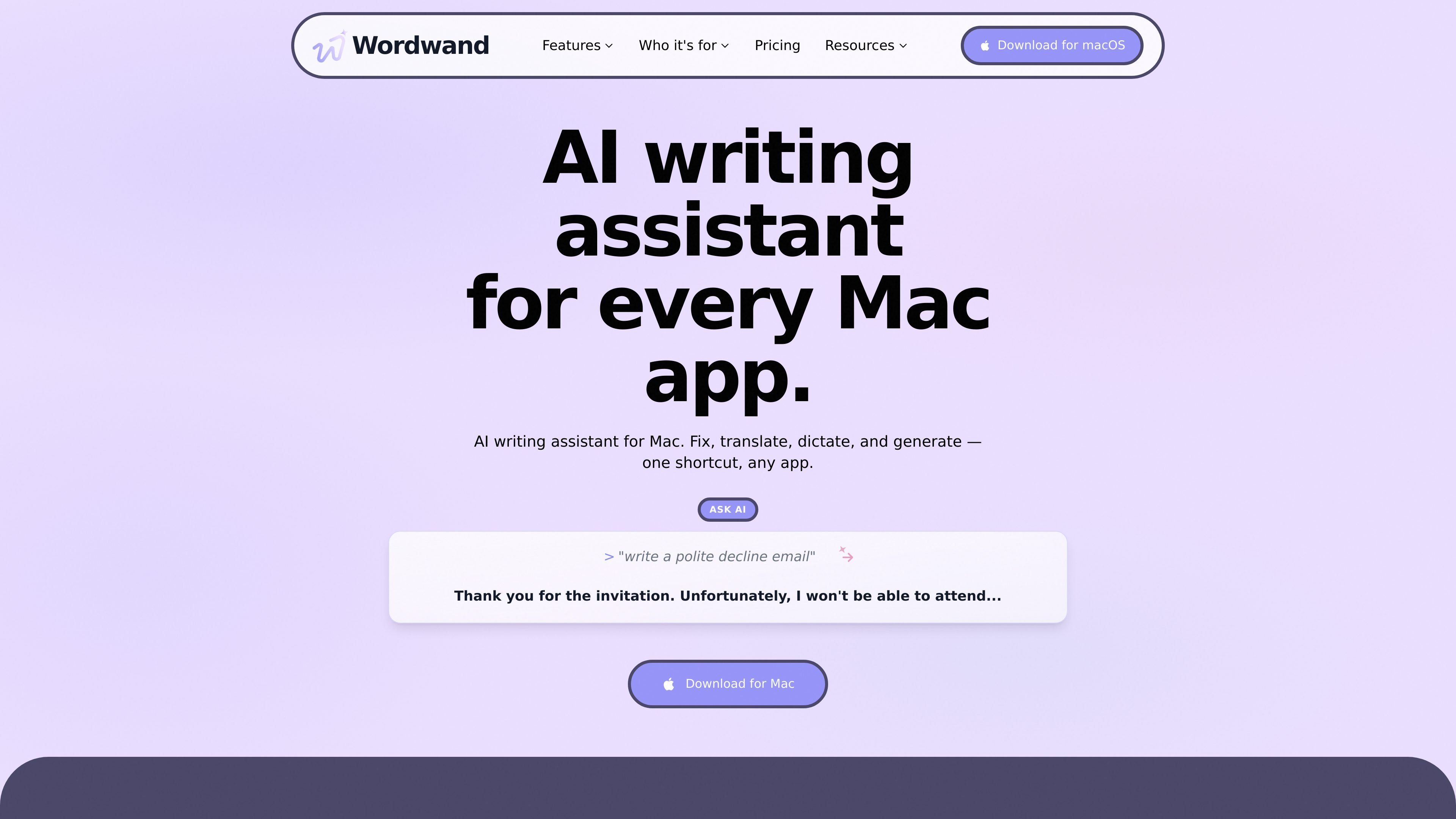
Wordwand is an AI writing assistant for Mac that works inside the apps where you already type. It is designed to help you fix grammar, translate text, dictate by voice, generate new copy from a prompt, and listen to or extract text without moving to a separate editor.
The product is positioned around a single shortcut workflow: select text or speak, choose an action, and have the result appear in place. The site highlights use in Mail, Slack, Notes, Google Docs, Notion, Word, VS Code, and other Mac apps, with support for 40+ languages and a free tier to start.
Select text in any Mac app, press the Wordwand shortcut, and fix grammar, spelling, punctuation, sentence structure, word choice, and awkward phrasing in place.
Type a prompt such as a decline email or creative headline, then let Wordwand generate text directly where you are working instead of switching tools.
Hold Fn and speak naturally to transcribe text at the cursor, with automatic punctuation and formatting, then refine it with the same shortcut flow.
Translate text in place across 40+ languages, including support mentioned for English, Spanish, French, German, Italian, Portuguese, Chinese, and Japanese.
Turn selected text into audio using standard voices on Basic and premium natural voices on Pro, with summary and podcast-style listening modes on Pro.
Extract tasks, action items, or notes from selected text into a clean to-do list, and set different tones per app for contexts like email, Slack, and Messages.
Polish messages before sending by fixing grammar and adjusting tone in Mail, Gmail, Outlook, Slack, or Teams, while keeping the text in the original app.
Draft longer pieces in Google Docs, Notion, Pages, Word, or code editors by dictating rough thoughts first, then refining grammar and clarity afterward.
Translate messages or documents for international colleagues without leaving the app you are using, which suits teams that work across languages.
Turn meeting notes or selected text into a clearer to-do list, or extract action items after a call so they are easier to share and follow up on.
Listen to text as standard audio, a summary, or a podcast-style conversation to review content while commuting or exercising.
Wordwand is a Mac writing assistant that lets you select text, press a shortcut, and then fix grammar, translate, dictate, rewrite, or turn text into audio without leaving the app you are using.
Wordwand uses a keyboard shortcut on Mac. In the examples shown on the site, you select text or hold Fn to dictate, then choose an action such as Fix Grammar, Translate, or Ask AI, and the result is inserted in place.
The site says Wordwand works in Mail, Slack, Notes, Google Docs, Notion, Pages, Word, VS Code, WhatsApp, Teams, iMessage, LinkedIn, and many other Mac apps. The grammar page also says it works in 100+ Mac apps.
The site says Wordwand supports 40+ languages for grammar checking, dictation, and translation. Examples listed include English, Spanish, French, German, Italian, Portuguese, Chinese, and Japanese.
Yes. The pricing page says you can start free, and the site notes that Wordwand Basic includes 5,000 words per month with no credit card required. The pricing page also says Pro can be canceled anytime.

Goldfish is an AI memory app for macOS that helps you reply, write, summarize, and continue using the context already on your Mac. It stores memory locally and writes in your tone.

CAMB.AI Streams dubs live audio in multiple languages in real time for broadcasts on platforms like YouTube, Twitch, and X. It plugs into existing live workflows using common streaming protocols and avoids a post-production step.

ProWritingAid is a writing assistant for storytellers that offers grammar checking, style editing, paraphrasing, and story analysis inside popular writing apps. It includes a free plan, paid tiers, and tools for chapter critique, manuscript review, and collaborative editing.

SpeakoFlow is a free, open-source desktop voice-to-text app for Windows, macOS, and Linux. It supports dictation into any app, voice-driven writing with Flow, cleanup, translation, and a screen-aware assistant.

Paperpal 是一款面向学术写作的 AI 工具,提供文献阅读、语言润色、引用、查重、AI 检测和投稿前检查。它适合需要在英文论文和学术材料上进行写作、修改与合规自检的学生、研究人员和教师。

Sanota is an app that turns spoken memories, reflections, and interviews into clear written stories. It supports personal storytelling, family history, and shared memories, with guided prompts and subscription pricing.