

Connected sessions across devices
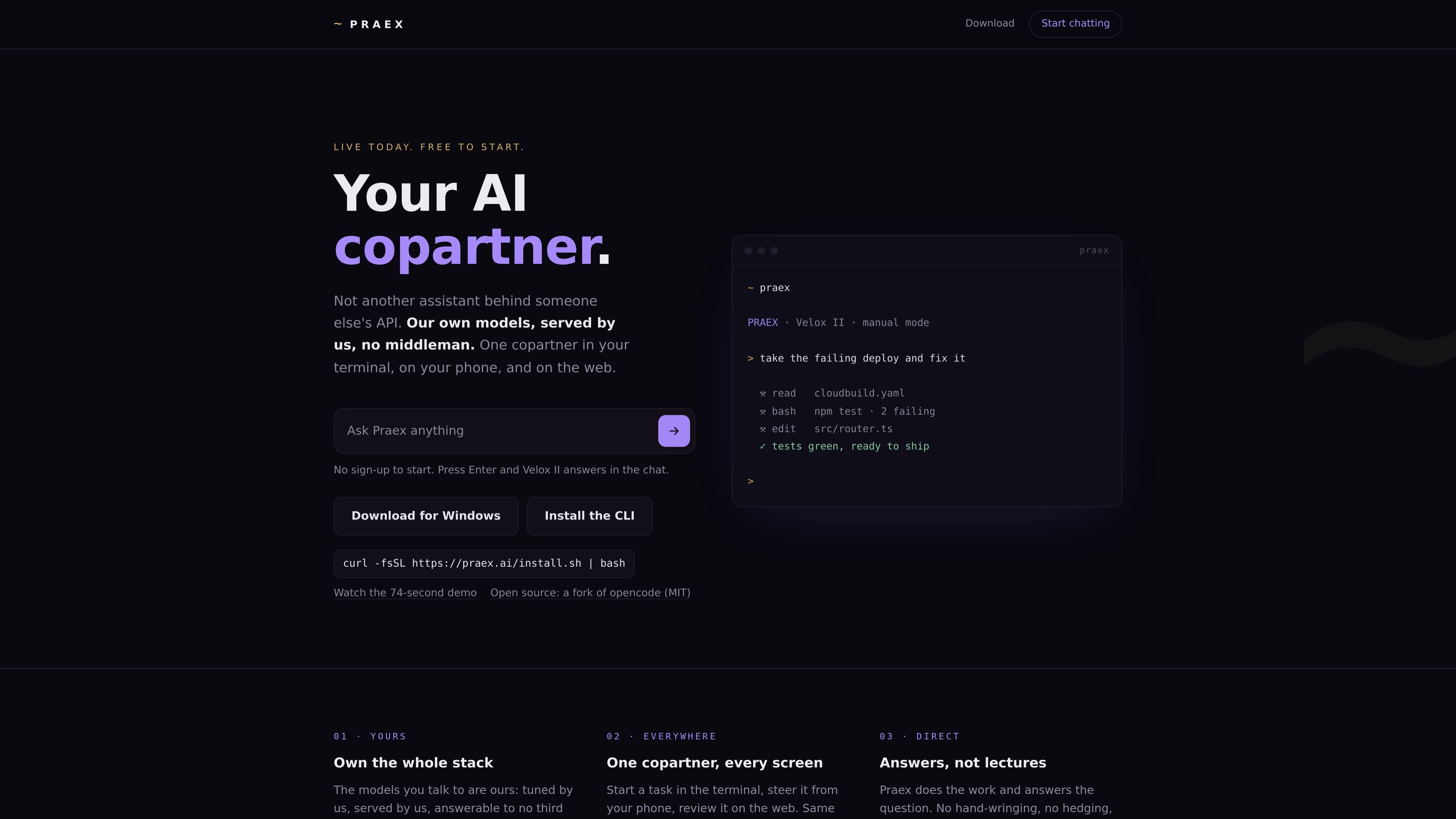
Praex provides a browser chat, terminal CLI, desktop app, and Android app in closed testing. Its site describes continuing a task across screens with the same agent, session, and memory.
Praex is an AI copartner for chat and software work, available in a web browser and terminal, with desktop apps for macOS, Windows, and Linux. It runs hosted Praex models while also allowing users to connect supported external providers, local models, or OpenAI-compatible servers.
For development tasks, the Praex CLI can read repositories, edit files, run commands with permission, and search the live web. Sessions can be continued from the terminal in the web interface and, where available, on mobile devices.
Praex provides a browser chat, terminal CLI, desktop app, and Android app in closed testing. Its site describes continuing a task across screens with the same agent, session, and memory.
The CLI can inspect a repository, edit files, and run commands with user permission. Manual mode is the default, keeping the user involved in code-changing work.
Praex can search the live web when a question requires current information; web search is also presented as a configurable preference in chat.
Praex hosts and serves its own Velox II and Faber II models. It also supports external providers, local Ollama, and OpenAI-compatible endpoints for users who prefer their own models.
The desktop app provides projects, sessions, and a review of every change. The web interface can also surface terminal sessions through Remote Control.
Use the CLI to investigate a failing deployment or test run: it can inspect project files, run commands, make edits with permission, and leave changes available for review.
Start work in a terminal project, then use the web interface to view and continue the session through Remote Control when you are away from that machine.
Use browser chat for tasks such as drafting a message, explaining code, or thinking through a decision. Velox II is available to start without sign-up.
Connect an existing provider key, a local Ollama model, or an OpenAI-compatible server when a workflow requires a particular model or locally hosted endpoint.
No. The web chat lets visitors start with Velox II without signing up; the site says Velox II is free every day in chat and the terminal.
The CLI is available for Linux and macOS. A desktop app is offered for macOS, Windows, and Linux; Windows CLI use is described as running under WSL. An Android app is in closed Google Play testing, while there is no iPhone app yet.
The CLI can read repositories, edit files, and run commands after asking for permission. Manual mode is the default, so users can review and steer work.
Yes. Praex lists OpenAI, Anthropic, Google Gemini, Groq, DeepSeek, Mistral, OpenRouter, xAI, Ollama, and OpenAI-compatible custom endpoints. The web chat says a user-provided key stays in the browser and is sent only to the chosen provider.

ByteAsk 是面向 C 和 C++ 的终端优先 AI 编码 agent,可直接编辑仓库,并在展示 diff 前用真实编译器、调试器、sanitizers 和测试验证修改。提供免费版与付费方案。

GitBot 是基于本地浏览器的工作区,可借助 Claude Code、Codex 或 OpenCode 创建可复用的编程机器人,跨仓库文件夹运行代理,并保留持久线程与可配置权限。

Grok 4.7 是 xAI 推出的软件开发与知识工作模型,支持长时间编码任务和专业分析,可通过 Grok Build、Cursor、Grok API 等平台使用,输入每百万 token 起价 2 美元,输出每百万 token 起价 6 美元。

Ghost 是一款基于终端的 AI 助手,可在命令行中聊天、生成代码并运行任务。内置免费模型,支持 Linux、macOS 和 Windows,且为开源项目。

Vi3ecode 是面向 AI 编程代理的持续开发环境,保留项目上下文、终端、Git、记忆、流程、评审与沟通,围绕你正在使用的 agent 协同工作。

Lucid Train 是一款本地优先的 AI 编码工具,可将仓库代码生成架构图,并把图作为编码代理的规格说明。支持桌面应用与轻量 Rust CLI,可运行本地模型或使用自有 API key。