

Question-led experiments
Start with a what-if question, select a setting such as a social feed, forum, group chat, town square, or workplace, and configure rounds and pace. The app provides a live preview while the experiment is being set up.
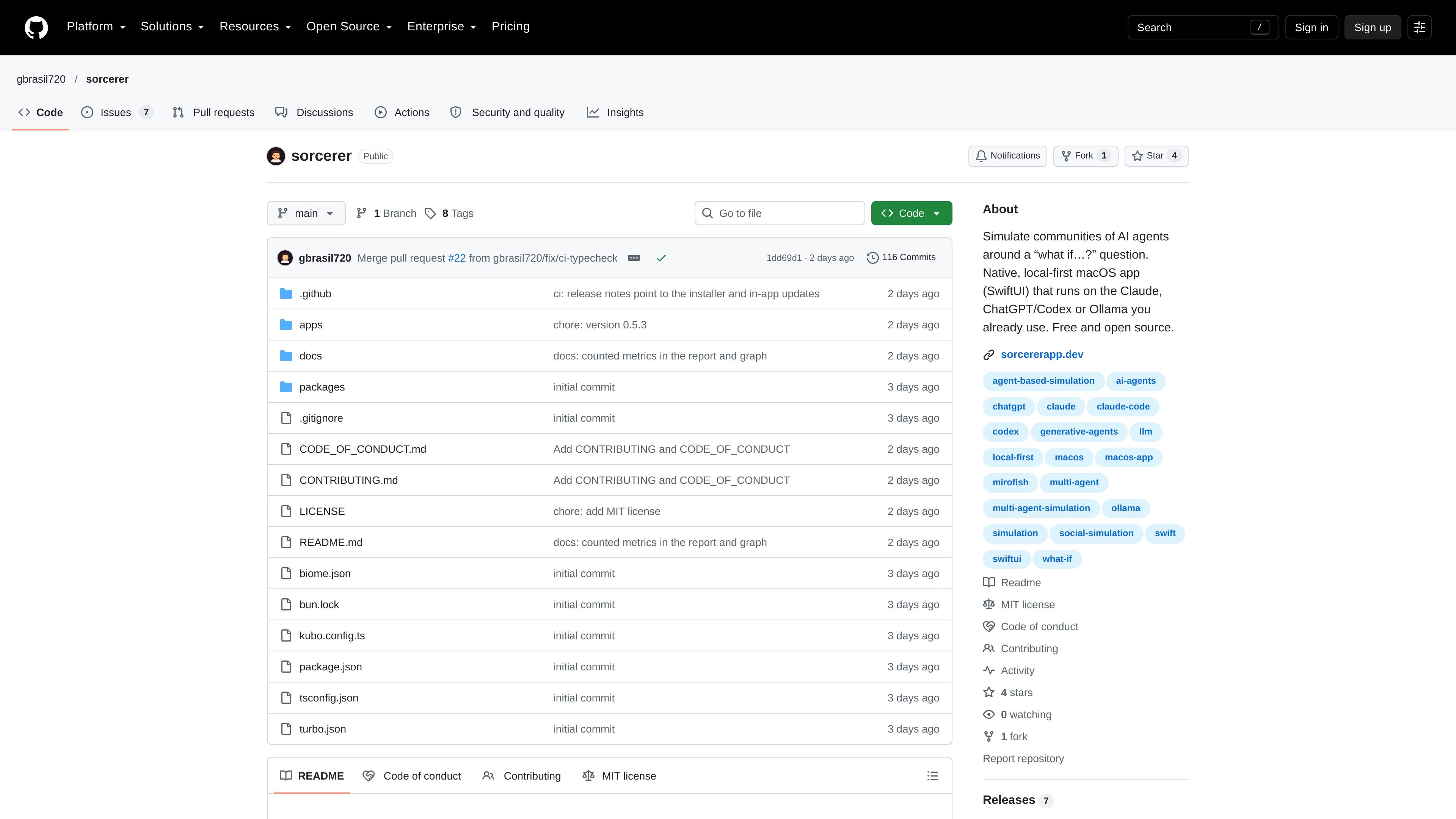
Sorcerer is a local-first SwiftUI application for macOS that simulates a community of AI-driven characters around a hypothetical question. Users define a scenario, provide relevant context, assemble a community, and observe how posts, reactions, opinions, and actions develop across rounds.
The tool is intended for exploring possible reactions, objections, and consequences rather than establishing real-world evidence. It can use Claude through the Claude CLI, ChatGPT through the Codex CLI, or a locally running Ollama instance, while retaining experiment data as local JSON files.
Start with a what-if question, select a setting such as a social feed, forum, group chat, town square, or workplace, and configure rounds and pace. The app provides a live preview while the experiment is being set up.
Build a brief from a GitHub repository through your gh login, a local folder, a website, or files. Facts are labeled by who knows them, including public, insider, and hidden knowledge. The stated reader excludes .env files, keys, credentials, node_modules, and build output.
Create or reuse communities and edit members before a run. Character profiles include personality, interests, goals, relationships, and memories; characters can reply, react, and weight attention toward people they are tied to.
Watch posts arrive round by round in a feed, switch to a relationship map or mood graph, and track listed actions such as choices supplied by a template or proposed from the question. Participants can also leave, return, or invite others into the world.
Ask the community a poll with custom options, either off the record or as a public event that affects the next round. Fork at a chosen round to explore another path, then use a report that compares branches and links findings to source posts.
Model how a fictional customer community could discuss a proposed subscription increase, including possible upgrades, cancellations, and poll responses. Treat the results as prompts for research rather than demand evidence.
Give the community a headline, announcement, or event and observe how responses can circulate through relationships in a group-chat, forum, or social-feed setting. Inject follow-up events to test how the discussion changes.
Load documentation from a repository, local folder, website, or files into a brief, distinguish common from insider or hidden information, and examine how each knowledge boundary changes a simulated discussion.
Fork an experiment at a previous round and alter a decision or event while retaining the community and its memories up to that point. Compare the branches through the report and its cited posts.
Sorcerer is a native macOS application. The latest release states it supports macOS 15 or later and is distributed for both Apple silicon and Intel Macs.
It uses AI tools you are already signed in to: the Claude CLI (Claude Code), the Codex CLI for ChatGPT, or Ollama running locally at localhost:11434. You can select models by provider and assign different models to characters, reports, and one-to-one chats.
Sorcerer stores its data in ~/Sorcerer as plain JSON, including experiments, reusable context briefs, and settings. It can export an experiment with its full history or export a fresh scenario without history for another person to run.
Create an experiment by defining a question and rules, providing context from supported sources or files, and setting up a community. Rounds then stream into the feed; you can pause, inject events, run polls, and fork a branch from a prior round.

Wallie 是一款开源 AI 直播助手,能观看屏幕、聆听聊天并以可配置人设生成实时解说。支持本地运行、使用自有密钥,适合无真人出镜内容、自动化直播和实时互动。

PixelForge 可将单张照片生成可直接用于游戏的 2D 角色精灵包,包含 4×4 雪碧图、透明帧、方向条和循环行走 GIF,适用于 Godot、Unity、Phaser、GameMaker 和网页游戏。

Artflow 是一款 AI 摄影工作室,可基于上传照片、模板和提示词生成角色图像与视频,帮助创建可复用身份、场景变体和编辑结果,适合个人或项目使用。

Hermes plugin 是面向 Hermes Agent bots 的 Humalike 插件,单次安装即可加入轮流发言、人格设定、心智理论和社交学习,让机器人在群聊中更自然。

SCAIL 2 是一款基于浏览器的 AI 视频生成器,可从驱动视频中为参考角色生成动画,无需骨骼提取或绑定。支持 Animate 和 Replace 模式,提供 480p 或 720p 输出,注册即送 15 积分,无需绑卡。

Cast 是面向视频制作的 AI 角色选角平台,支持浏览或创建写实合成角色,并导出 4K 参考图用于 AI 视频工具。提供免费、一次性、订阅和团队商用授权方案。