

Client-side processing
Process files in the browser using JavaScript, Web Workers, and Canvas APIs so content stays on the device.
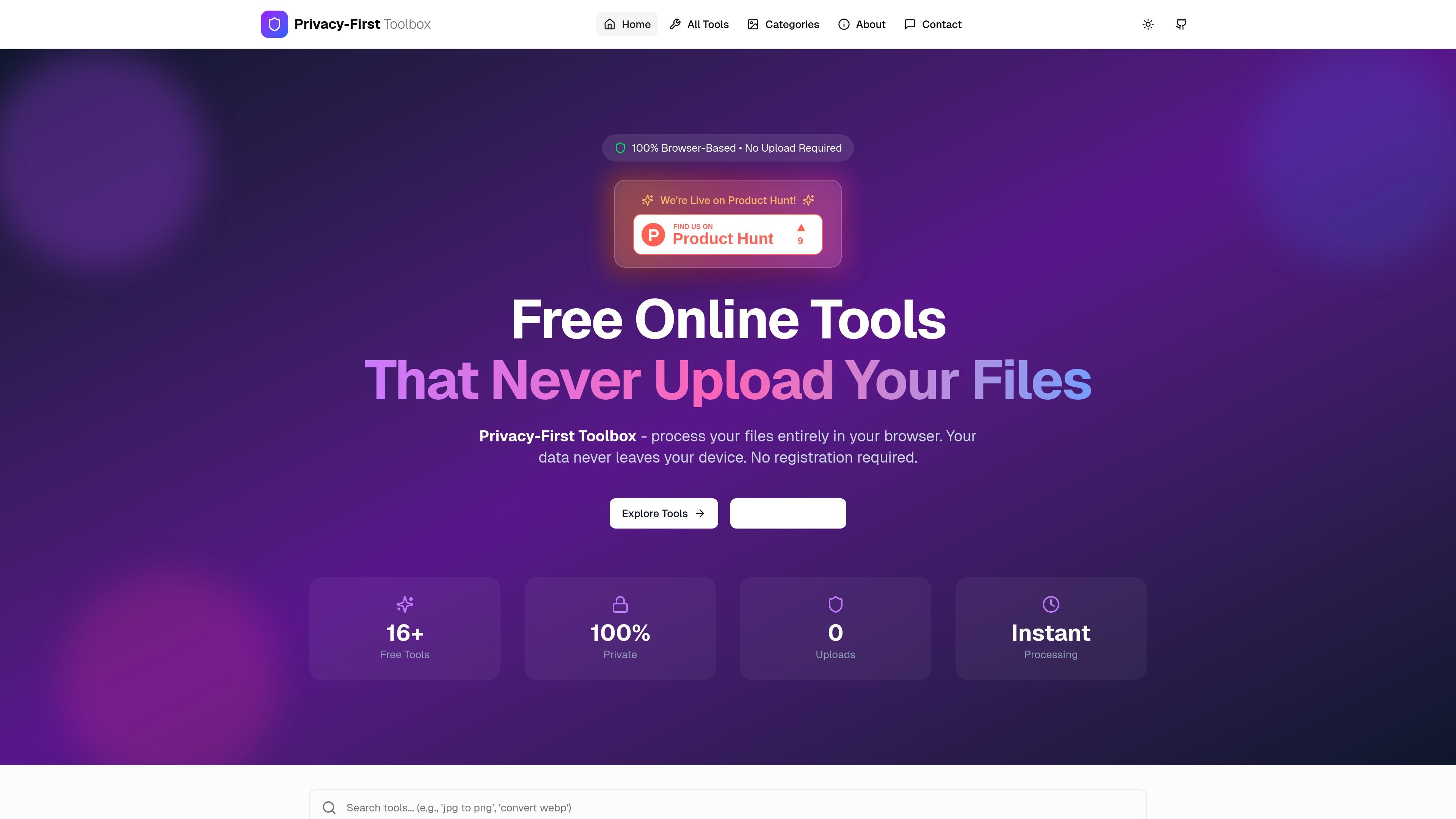
Privacy-First Toolbox is a browser-based collection of online file and text utilities built around local processing. The site says files never leave your device, and the tools run entirely in the browser with no registration required.
The product covers a broad set of workflows, including image conversion, PDF editing, JSON formatting, date and time utilities, crypto and security tools, and web-related converters. The public pages emphasize fast processing, offline use after loading, and support for common formats such as JPG, PNG, WebP, GIF, BMP, SVG, ICO, and PDF.
Process files in the browser using JavaScript, Web Workers, and Canvas APIs so content stays on the device.
Use the tools without uploading files to a server, which is the core privacy model across the site.
Work with common image, PDF, text, JSON, date, crypto, and web utilities from the same toolbox.
Access tools after they load, even without an internet connection, for local or sensitive workflows.
Use the site without creating an account or sharing an email address.
Convert images between JPG, PNG, WebP, GIF, BMP, SVG, and ICO when you want a local workflow without sending files to a server.
Edit PDFs with tasks such as signing documents, adding page numbers, converting pages to PNG, rotating pages, or extracting text.
Format JSON, compare JSON, convert JSON to CSV or TypeScript, and use other developer-oriented utilities in one browser-based toolbox.
Run quick file tasks on sensitive documents or images after the page loads, including offline use when internet access is unavailable.
Use lightweight web tools such as CSS unit conversion alongside the file utilities when working on front-end or content tasks.
Yes. The site says the tools are free, with no hidden costs, no premium tiers, and no usage limits.
Yes. The product states that processing happens entirely in your browser and that nothing is uploaded to a server.
No account is required. The site says there is no registration, no email step, and no tracking.
Yes. The tools are designed to work offline once loaded, which makes them suitable for sensitive files.

Pahadify is a web-based image and document utility suite for students and form-related workflows. It offers local browser tools for resizing, compression, PDF handling, photo cleanup, and exam-ready image preparation.

Codex Plugins 将可复用技能、应用集成和 MCP 服务器打包为工作流,可在 Codex 应用中安装或通过 Codex CLI 使用,帮助扩展连接服务任务、复用指令和团队共享流程。

一款由人工智能驱动的工具,能够快速高效地总结PDF文档,提供清晰的见解,并允许用户与内容互动。

Paperpal 是一款面向学术写作的 AI 工具,提供文献阅读、语言润色、引用、查重、AI 检测和投稿前检查。它适合需要在英文论文和学术材料上进行写作、修改与合规自检的学生、研究人员和教师。

Snapmark is a VS Code extension that lets you annotate clipboard screenshots before pasting them into AI chats. It supports blur redaction, numbered callouts, and automatic resizing for large images.

Open Computer Use 是一个开源的 Computer Use 服务,以 MCP 形式封装,适用于 macOS、Linux 和 Windows。可帮助 AI agents 和 MCP 客户端通过客户端安装命令或手动 MCP 配置运行桌面自动化工作流。