Prosaic icon

Prosaic

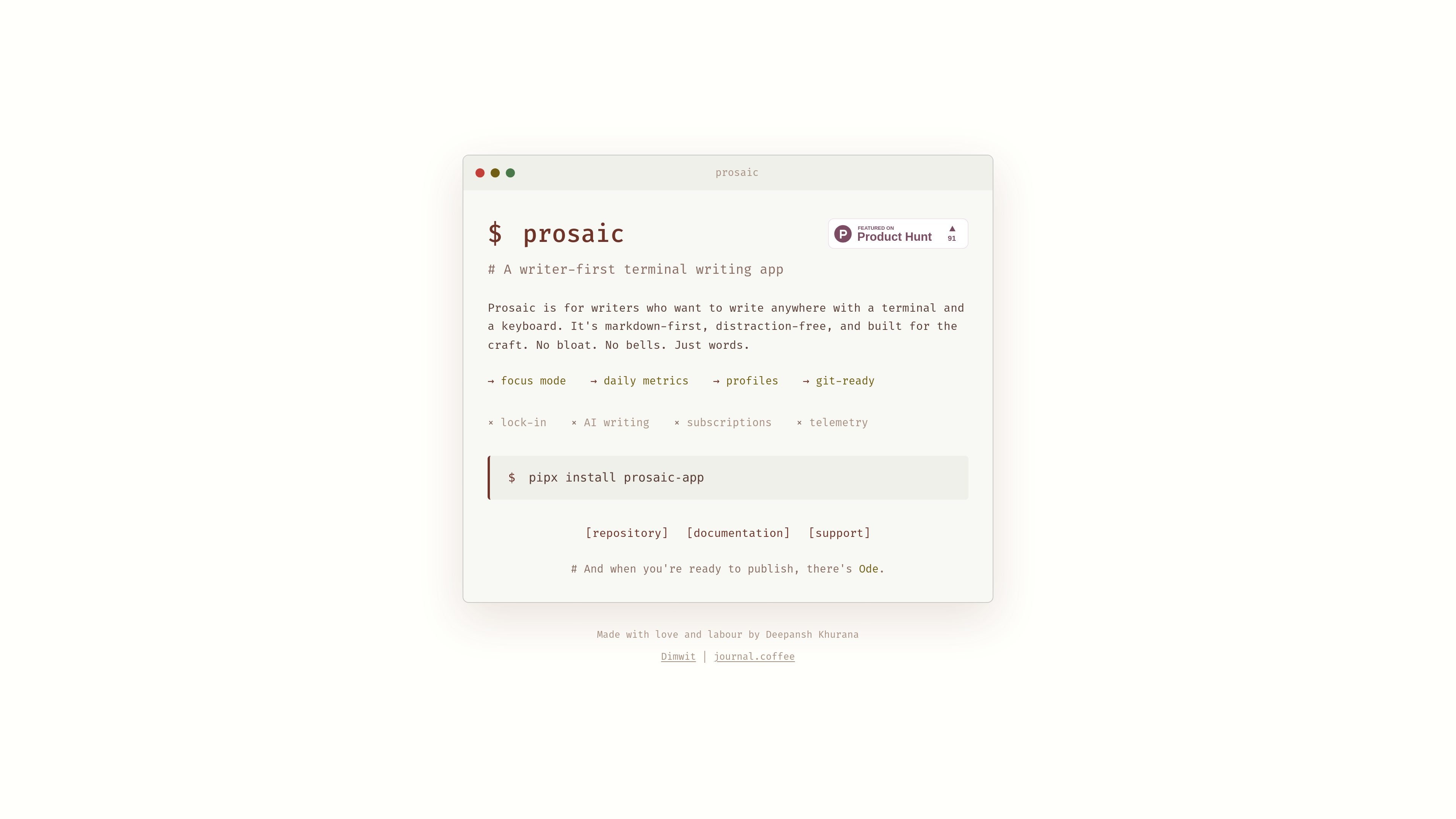
Prosaic is a terminal-based, markdown-first writing app for writers who want a distraction-free, keyboard-driven workflow. The site highlights focus mode, daily metrics, profiles, and git-ready writing, with no subscriptions or telemetry stated on the pricing page.

Prosaic

Overview

Prosaic is a terminal writing app for writers who want to work with a keyboard-first, markdown-first interface. It presents itself as a focused environment for writing anywhere, with a minimal design and a clear emphasis on the craft of drafting text rather than managing a heavy editor.

The site positions Prosaic around a small set of practical features: focus mode, daily metrics, profiles, and a git-ready workflow. The documentation shows command-line usage with options for themes, profiles, setup, references, and languages, which makes it clear that the app is intended to be run and configured from the terminal.

Core features

Markdown-first editing

Writes in markdown-first workflows so text can stay portable and easy to edit outside the app.

Distraction-free terminal UI

Keeps the interface deliberately sparse for writers who want to focus on text instead of app chrome.

Focus mode

Includes a focus mode for concentrated writing sessions.

Daily metrics

Shows daily metrics so writers can track their activity over time.

Profiles

Supports profiles, which suggests saved writing configurations or setups accessible from the command line.

Git-ready workflow

Designed to be git-ready, making it suitable for file-based writing workflows that live in version control.

Common use cases

  • Focused drafting

    Useful for writers who want to draft in a terminal with only the keyboard and text in view.

  • Markdown note and essay writing

    Works for people who want writing files that stay in markdown and fit naturally into a file-based workflow.

  • Git-based writing projects

    Fits users who want to keep writing projects in version control and treat text like code files.

  • Terminal-driven setup and configuration

    Supports writers who want to revisit their setup, theme, or language/reference options from the command line.

Pros and Cons

Pros

  • Built for writers who prefer the terminal and keyboard over a full GUI editor.
  • Markdown-first approach keeps the writing format portable.
  • Focus mode and a sparse interface support distraction-free drafting.
  • Daily metrics and profiles add lightweight structure without introducing visible bloat.
  • The pricing page states there are no subscriptions and no telemetry.

Cons

  • The source does not show pricing, plan tiers, or trial details.
  • The site does not document broader integrations beyond terminal usage and a git-ready workflow.
  • Publishing appears to be handled separately through Ode, so Prosaic itself is not presented as a full publishing platform.

FAQ

What is Prosaic for?

Prosaic is a terminal writing app for writers who want a markdown-first, distraction-free workspace. The site also says it is built for the craft, with no bloat, no bells, and no AI writing.

How do you use or configure it?

The documentation shows command-line usage for `prosaic [OPTIONS] [FILE]`. It also includes a setup wizard (`--setup`), theme switching (`--light / --dark`), profiles (`--profile / --profiles`), and language/reference options.

How is Prosaic installed?

The pricing page presents `pipx install prosaic-app`, which suggests installation through `pipx`. The source does not list other install methods or platform-specific packages.

Does it include publishing or team features?

The site highlights `git-ready` among its core traits and links to a repository, documentation, and support. It does not describe collaboration, sync, or publishing workflows beyond saying that 'when you're ready to publish, there's Ode.'

What does Prosaic cost?

The pricing page explicitly says there are no subscriptions and no telemetry. It does not provide plan pricing, free-tier details, or usage limits.

Quick Facts

Category
Writing app
Interface
Terminal-based
Primary users
Writers
Install
`pipx install prosaic-app`
Command-line usage
`prosaic [OPTIONS] [FILE]`
Source domain
prosaic.dimwit.me