illostrationAI icon

illostrationAI

illostrationAI is a web-based AI illustration generator that creates images from text prompts and preset styles. It also offers published credit-based pricing and a free sign-up path.

illostrationAI

Overview

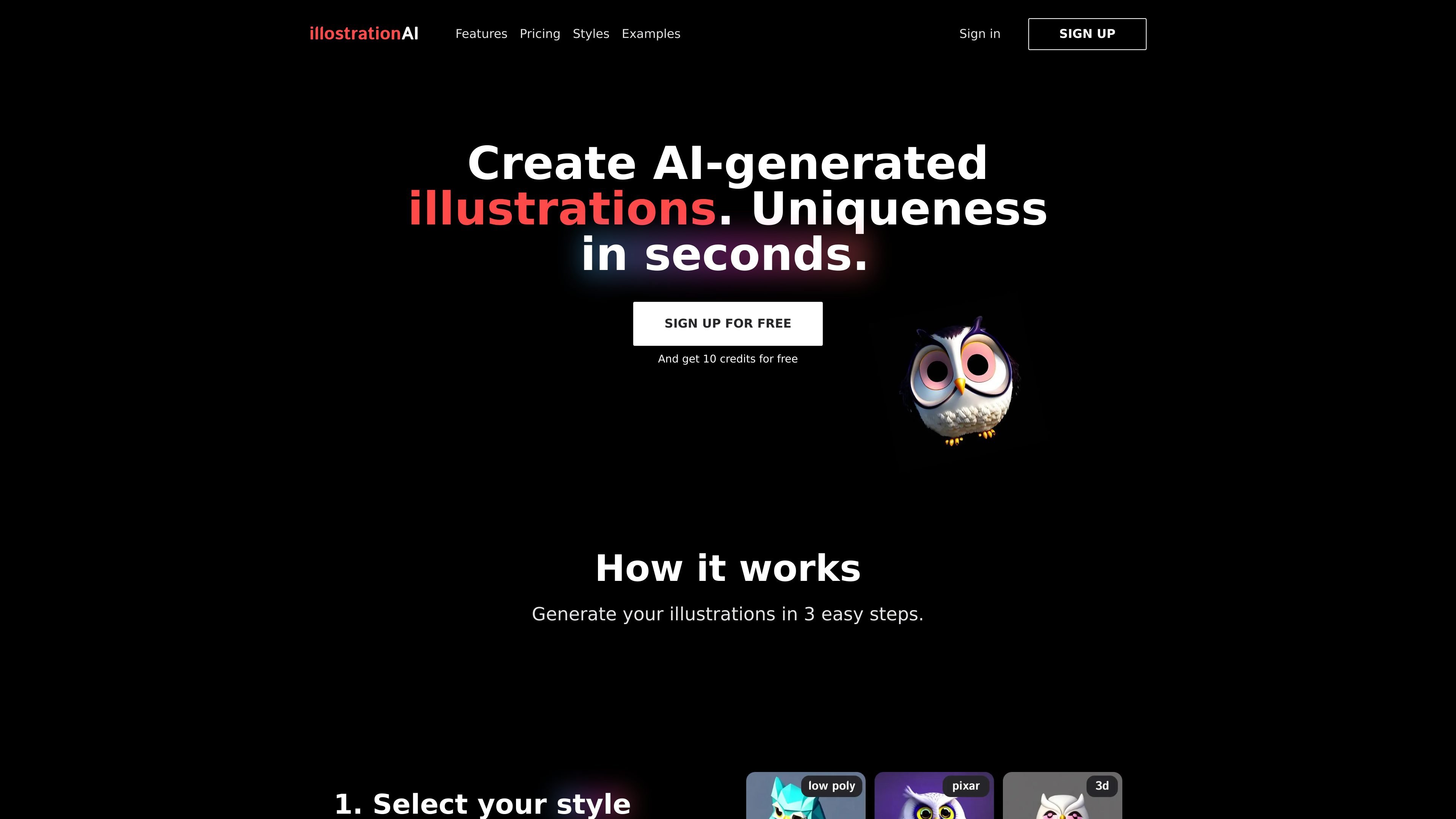
illostrationAI is a web-based tool for generating AI illustrations from text prompts. The homepage frames it as a way to create unique illustrations in seconds by choosing a style, describing an object or character, and then refining the result.

The product page emphasizes preset-driven illustration generation rather than open-ended image editing. It currently presents styles such as Pixar, vector, low poly, 3D render, logo, line art, pixel art, and airbrush, along with later-stage tools for upscaling, background changes, bulk creation, and a Figma plugin.

Key capabilities

Preset-based illustration generation

Start from a preset style library that includes options such as 3D renders, vector, low poly, Pixar style, icon, and pixel art, then generate a new illustration from your prompt.

Text prompt input

Enter a character name or describe an object in a sentence, which keeps the input model focused on a specific subject instead of a broad design brief.

Post-generation refinement tools

Refine outputs with AI upscaling, background removal, custom background placement, and selective editing so the image can be adjusted after generation.

Bulk generation from CSV

Generate multiple illustrations from a CSV file of objects for batch workflows that need many related visuals at once.

Public examples gallery

Browse shared examples that show the preset and input text used for each image, which helps users understand how different prompts map to styles.

Figma workflow support

Use the listed Figma plugin path mentioned on the homepage to create illustrations from inside a design workflow, though the product page says this is coming later.

Common use cases

  • Create a one-off illustration

    Choose a preset style and describe a subject to produce a single illustration for a concept, post, or mockup.

  • Explore style options

    Use the examples gallery to compare how prompts and presets map to outputs before generating your own images.

  • Batch-create image sets

    Generate a set of related visuals from a CSV file when you need many illustrations based on a list of objects.

  • Refine an existing output

    Improve a generated illustration with upscaling, background removal, or a custom background after the first pass.

  • Design-tool workflow

    Create illustrations inside a design workflow through the planned Figma plugin path mentioned on the homepage.

Pros and Cons

Pros

  • Simple three-step flow: pick a style, describe the subject, and generate.
  • Wide preset selection across illustration and logo-oriented looks.
  • Examples page provides visible prompt-and-preset references for understanding outputs.
  • Pricing is published with a free sign-up path and paid credit plans.

Cons

  • The site does not show the full workflow or confirm which refinement tools are available at launch versus later.
  • Public information on integrations, API access, supported platforms, and team features is limited.

FAQ

Does illostrationAI offer a free option?

The site shows a free sign-up flow and a pricing page with credit-based plans. The homepage says you can sign up for free and get 10 credits, while paid plans add more monthly credits.

How does the generation workflow work?

The homepage describes a simple workflow: choose a preset style, describe the object or character, then improve the result with tools like upscaling and background removal.

What kinds of styles are available?

The examples page shows shared generated images with the input text and preset used, and the styles page lists available presets such as Pixar, Vector, Logo, Pixel Art, and 3D Render.

What editing or workflow tools are mentioned?

The homepage says you can improve results with AI upscaling, remove the background, add a custom background, edit parts of an illustration, generate in bulk from a CSV file, and use a Figma plugin later.

Does illostrationAI list integrations or API access?

The site does not present public documentation for integrations, APIs, or platform support beyond the mention of a Figma plugin and the web-based product pages.

Quick Facts

Product type
AI illustration generator
Access
Web product with public pages and a sign-up flow
Pricing shape
Free sign-up plus paid credit plans
Starting price
From $4.90/month for 100 credits
Styles
Pixar, 3D Render, Vector, Logo, Pixel Art, Airbrush, and more
Domain
illostration.com

illostrationAI 替代品

Petalica Paint icon

Petalica Paint

Petalica Paint is a web service for automatically coloring line art and tracing line drawings from photographed images. The home page says it can be used under the stated terms for commercial and noncommercial work, but it is scheduled to end on 2025-07-31 at 16:00 JST.

SVGs.app icon

SVGs.app

SVGs.app 是一款 AI SVG 產生器與向量插畫庫,可依文字提示快速製作符合品牌風格的圖像。提供免費起始方案、社群 SVG 下載與付費方案以支援更高用量。

Ilus AI icon

Ilus AI

Ilus AI is an AI illustration generator for designers, marketers, founders, and other creators who need consistent visuals in a specific style. It supports text-based generation, custom fine-tuning, and PNG or SVG export for supported styles.

Morphia icon

Morphia

Morphia is an AI asset generator for designers that creates icons, illustrations, portraits, and PNG design assets from prompts. It uses one-time credit packs, includes PNG export, and offers standard and HD generation options.

Pixloo icon

Pixloo

Pixloo is an AI storytelling app for children that turns prompts, photos, or voice into personalized storybooks, fables, and learning adventures. It supports illustrated story formats, a community gallery, and mobile access on iOS and Android.

阿贝智能 icon

阿贝智能

阿贝智能是一个面向儿童内容创作的人工智能平台,提供 AI 绘本、睡前故事和有声书制作能力。它把故事生成、图片生成、语音合成和角色设计整合在一起,帮助家长、教师和创作者快速完成个性化内容。

illostrationAI - AI Tool, Features, Use Cases & Alternatives | UStack