
Programmatic inbox creation
Create an inbox at an address on one of your verified domains through the API, with optional forwarding when you do not want to add an MX record.

Resend Inboxes provides shared, domain-based inboxes for teams that need to receive, organize, and reply to email. Developers can create inboxes through the API, connect agents through MCP or skills, and build workflows around shared conversations.
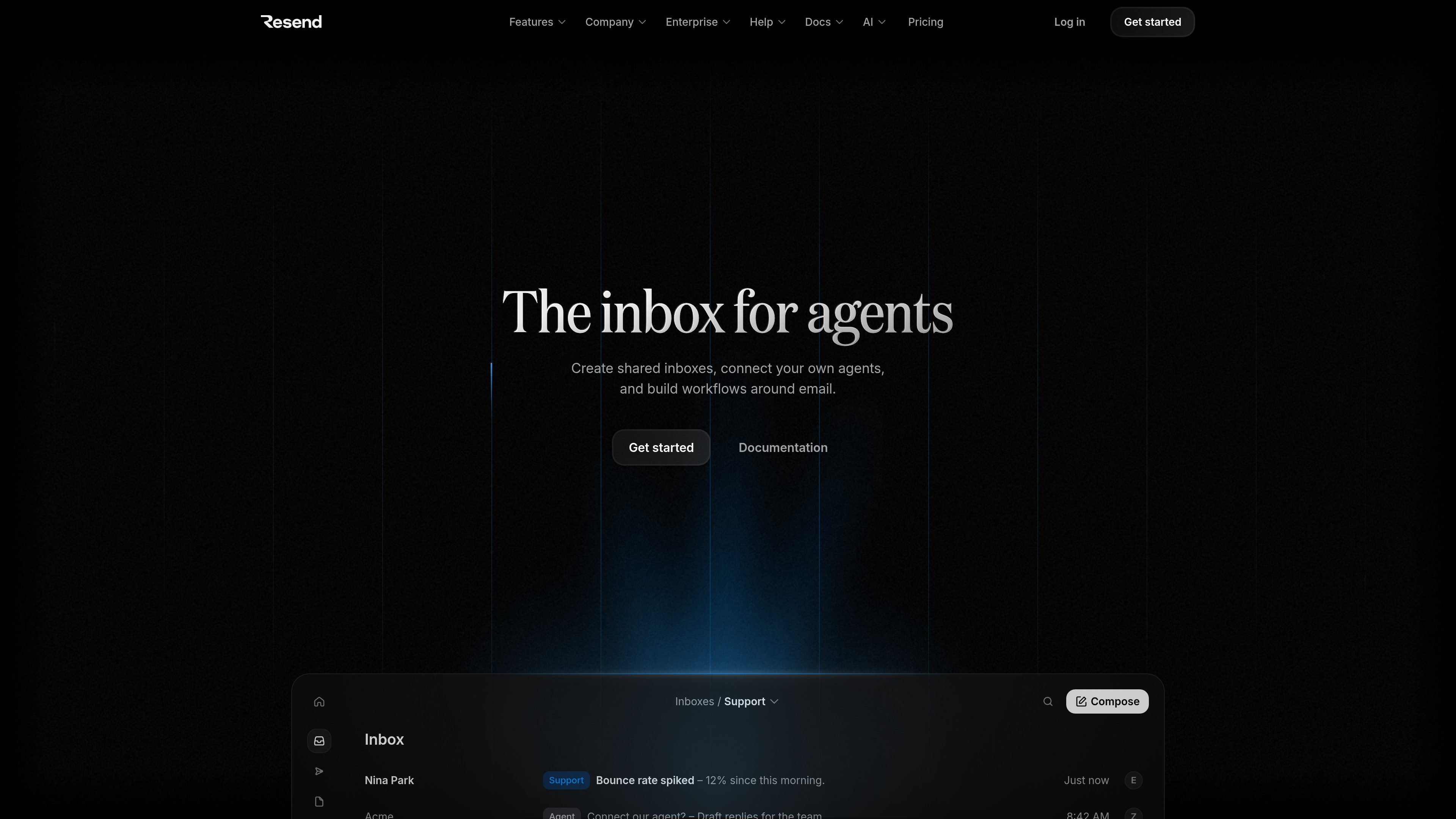
Resend Inboxes is a shared inbox and email workflow product for teams building on Resend. It provides domain-based addresses for sending and receiving email, a collaborative inbox experience, and an Inbox API for working with conversations and threads from applications or automated workflows.
The product is designed to connect human teams with software agents. Teams can share an inbox, assign conversations, and continue an existing thread, while agents connected through MCP or skills can access messages and email tools for routine handling. Inbox creation and operation are API-driven, making the product relevant to developers building support, recruiting, operations, or other email workflows.
Create an inbox at an address on one of your verified domains through the API, with optional forwarding when you do not want to add an MX record.
List conversations as they arrive, then retrieve individual threads and the emails they contain through the Inbox API.
Send replies on existing threads from your application, an agent, or an automated workflow.
Connect agents through MCP or skills so they can access conversations, messages, and email tools for routine work.
Share inboxes with teammates, assign conversations, and resume work across people instead of keeping email in individual accounts.
Use inboxes for both sending and receiving email at a domain address, while keeping inbox traffic within the transactional email quota.
Create a domain-based support address, let teammates share the queue, and assign or hand off conversations as customer issues move between people.
Use an inbox to collect applications and let recruiting or hiring teams review, assign, and continue candidate conversations from a shared workspace.
Connect an agent to read incoming messages, identify routine requests, and draft replies for team review or handle defined email tasks through an automated workflow.
Receive operational notices such as webhook failures, DNS issues, or deliverability concerns in a team-accessible inbox where the relevant people can pick up the thread.
Use the API to create inboxes for an application, retrieve conversations and messages, and reply to existing threads without building the underlying email-receiving flow from scratch.
You can create an inbox through the Inbox API. It receives and sends email at an address on one of your verified domains, such as [email protected]. Without forwarding, the domain must have receiving enabled, with DKIM, SPF, and an inbound MX record verified or pending. With forwarding enabled, only DKIM and SPF verification are required.
Yes. Resend describes agent connections through MCP or skills. Connected agents can access conversations, messages, and the tools needed to work with email, including drafting replies and handling routine email workflows.
Yes. The product supports shared inboxes for team collaboration. Teams can share inboxes, assign conversations, and continue work where another teammate left off.
The Inbox API supports listing conversations, fetching a thread and its emails, and sending a reply on an existing thread from an application, agent, or automated workflow.
Every Resend plan includes three inboxes. On paid plans with pay-as-you-go enabled, additional inboxes cost $1 per inbox per month. Emails sent or received through an inbox count toward the plan's transactional email quota.