
Shared omnichannel inbox
Combine website chat and connected customer channels in one conversation list. Team members can reply, assign threads, use private notes, and retain the conversation history.

Sellio is a customer-support platform with a shared inbox for website chat, email, WhatsApp, Instagram, Telegram, and team-notification channels. It helps support teams combine live conversations, AI-assisted website replies, routing, tickets, and analytics in one workspace.
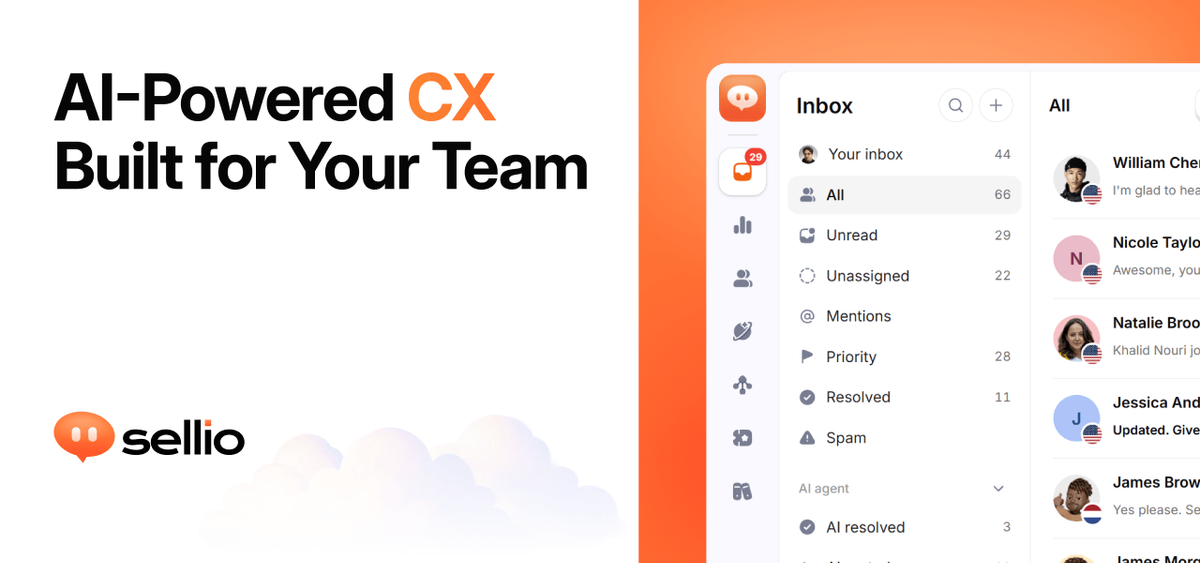
Sellio is a multi-channel customer-support platform built around a shared inbox. Teams can manage website chat alongside WhatsApp, Instagram, Telegram, email, and selected team-notification platforms, keeping replies, assignments, notes, and handoffs in the same workspace.
The product combines an embeddable live-chat widget with optional AI support. An AI agent can use a website, documentation, and FAQs as its knowledge source, while human agents retain control of conversations through handoffs and inbox workflows. Sellio also provides automations, tickets, and analytics as plan levels increase.
Combine website chat and connected customer channels in one conversation list. Team members can reply, assign threads, use private notes, and retain the conversation history.
Add one asynchronous script to a site and let visitors start conversations through an embeddable widget. The widget can be branded and supports live replies without a page refresh.
Ground an AI agent in a site's content, documentation, and FAQs. The agent can answer website chats, hand conversations to a teammate, and ask for a satisfaction rating.
Connect customer channels such as WhatsApp, Instagram, Telegram, email, and website chat, plus notify platforms such as Slack, Discord, and Microsoft Teams. Replies return through the originating channel where supported.
Create routing rules, assignments, chat triggers, and workflow automations on paid plans. Higher plans add a ticketing system, including the ability to turn a chat into a ticket.
Track conversation volume, response times, satisfaction, AI resolution, and handoff rates on plans that include analytics. Plus adds advanced analytics and scheduled reports.
Add the widget to a company site so visitors can ask questions and receive live replies. Teams can begin with human support and introduce an AI agent when their site content and FAQs are ready.
Bring email, WhatsApp, Instagram, or Telegram conversations into one workspace so a support team can follow the same customer history instead of switching between channel tools.
Use assignments, routing rules, private notes, and shared threads to coordinate work among support agents. A conversation can continue into a ticket on plans that include ticketing.
Connect Slack, Discord, or Microsoft Teams to mirror new customer conversations into an internal channel, allowing teammates to respond from an environment they already use.
Review volume, response times, satisfaction, and AI resolution or handoff rates to identify where support workflows or documentation need improvement.
No. Sellio's Free plan includes the website chat widget and shared inbox without a credit card or trial deadline. Email and messaging channels start on the Mini plan.
Add one asynchronous script snippet to a website using the widget key from Settings → Install. Sellio provides guides for plain HTML and frameworks or site builders including Next.js, React, Vue, WordPress, Shopify, Wix, Squarespace, and Webflow.
Website chat is available on every plan. Email, WhatsApp, Instagram, Telegram, Slack, Discord, and Microsoft Teams start on Mini, and each connected channel counts toward the plan's channel limit.
Team members reply in the shared inbox, assign conversations, add private notes, and hand threads to an AI agent when appropriate. Conversations from connected channels remain in one inbox, while replies are sent back through the original channel.
The AI agent can be pointed at a website, documentation, and FAQs so its responses are grounded in that material. On the documented channels, AI agents and customer-message automation triggers apply to website chat; messages from WhatsApp, Instagram, Telegram, and email wait for a person.