

Paso
Paso is a minimalist life and projects planner designed as a clear timeline app to help solo founders and makers build momentum without the stress of endless to-do lists.
What is Paso?
What is Paso?
Paso is a revolutionary minimalist life and projects planner engineered specifically for solo founders, makers, and individuals seeking clarity and momentum in their work and personal lives. It moves beyond traditional, overwhelming to-do lists by providing a clean, unified timeline where you can map out your projects, ideas, and life goals in one continuous flow. The core philosophy of Paso is to remove the cognitive burden of planning and remembering, allowing users to dedicate their energy to execution.
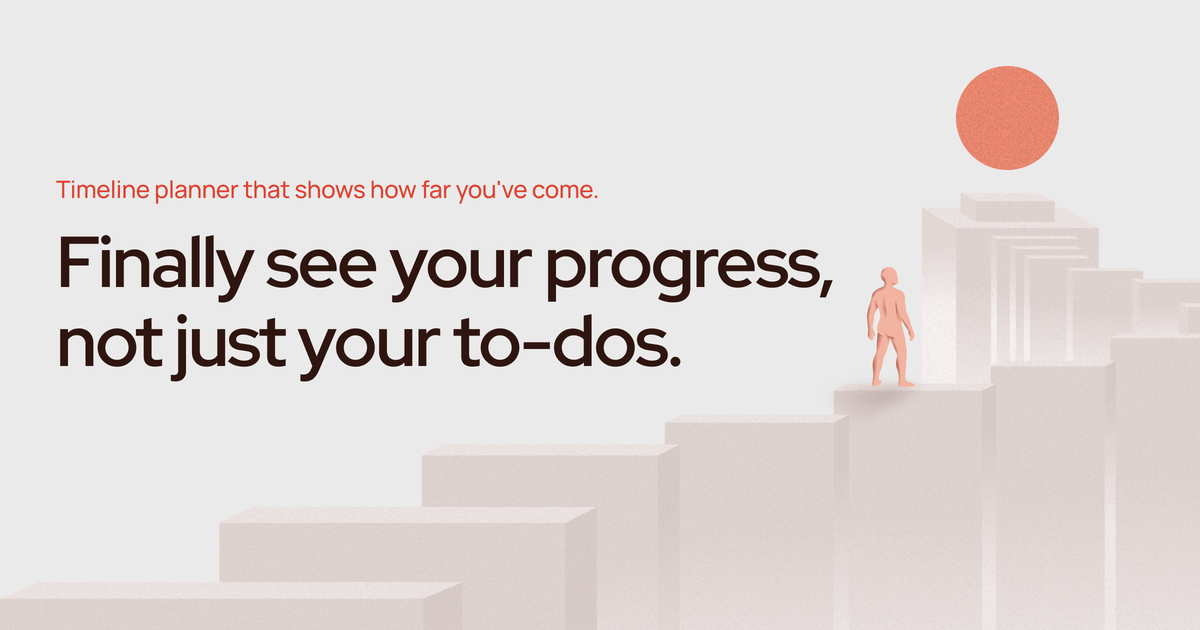
Unlike complex project management suites, Paso focuses on direction rather than rigid deadlines. It helps you visualize progress over weeks and months, ensuring you always know where you are headed. By capturing everything—ideas, tasks, notes—into a central inbox and then strategically placing actionable items onto the timeline, Paso transforms abstract goals into tangible, connected steps, fostering a genuine feeling of forward movement.
Key Features
- Unified Timeline View: Manage both life tasks and complex projects on a single, intuitive timeline, eliminating the need to switch between multiple planning tools.
- Stress-Free Direction Setting: Define projects as long-term directions or compass points rather than stressful, hard deadlines. This promotes sustainable progress.
- Centralized Inbox Capture: A dedicated space to quickly capture all incoming ideas, tasks, and notes without filtering or pressure, ensuring nothing falls through the cracks.
- Drag-and-Drop Scheduling: Easily move captured items from the inbox onto the timeline, assigning dates to visualize dependencies and flow over time.
- Progress Visualization: A powerful feature that allows users to scroll back through completed actions, providing tangible proof of how far they have come and building motivation.
- Cross-Platform Availability: Access your plans seamlessly across iOS, macOS, Android, and Web browsers, ensuring real-time synchronization wherever you are working.
- Privacy Focused: Paso commits to user privacy, explicitly stating that they do not sell or share user information.
How to Use Paso
Getting started with Paso is designed to be a simple, three-step process focused on establishing direction and capturing inputs:
- Set Your Direction (Projects): Begin by defining what matters most. Create your primary 'Projects' which act as your compass—these are the overarching directions you want to move toward, free from immediate deadline anxiety.
- Capture Everything (Inbox): Immediately stop holding ideas in your head. Use the inbox feature to dump every thought, task, note, or idea that comes to mind. This step is about offloading mental energy.
- Build Your Timeline: Review your inbox and drag relevant items onto the main timeline. Assign a date to these items to see how they connect sequentially over the coming weeks and months. This transforms abstract tasks into a concrete, actionable schedule.
- Review and Iterate: As you complete tasks, check them off. If plans change, move uncompleted items to a new date. Regularly scroll back on the timeline to review your accomplishments and maintain momentum.
Use Cases
- Solo Founder Roadmapping: Entrepreneurs can map out quarterly objectives, marketing sprints, and product development milestones on the timeline, ensuring daily tasks directly contribute to the larger business direction without getting lost in daily minutiae.
- Personal Goal Achievement: Individuals aiming for long-term personal goals (e.g., learning a new skill, writing a book, fitness milestones) can break these down into manageable, dated steps, visualizing the journey rather than just the destination.
- Content Creation Workflow: Bloggers, YouTubers, or creators can manage their content pipeline—from initial idea capture (inbox) to research, drafting, editing, and publishing dates (timeline)—ensuring a consistent output schedule.
- Freelancer Project Management: For freelancers managing multiple client engagements, Paso allows them to separate client work into distinct projects on the timeline, preventing task overlap and ensuring timely delivery across all commitments.
- Minimalist Life Organization: Users who prefer simplicity over feature bloat can use Paso to organize essential life maintenance tasks (appointments, bills, home projects) alongside professional goals, keeping everything in one clean, non-distracting interface.
FAQ
Q: Is Paso suitable for large teams or complex enterprise project management? A: Paso is specifically built for the minimalist approach, targeting solo founders and makers. While it handles complex personal projects well, it lacks features typically required for large team collaboration, such as granular permission settings or team reporting.
Q: What is the difference between setting a 'Project' and setting a 'Task' date? A: A 'Project' in Paso defines the overall direction or compass—it doesn't require a deadline. A 'Task' or idea, when dragged to the timeline, receives a specific date, indicating when you plan to work on that step toward the project's direction.
Q: How does Paso ensure my data remains private? A: Paso prioritizes user privacy. The platform explicitly states that it does not sell or share your personal information or planning data with third parties, allowing you to plan sensitive goals securely.
Q: Which platforms is Paso currently available on? A: Paso offers broad accessibility, being available on iOS, macOS, Android, and through a standard web browser interface, ensuring your plans sync in real-time across all your devices.
Q: Is there a cost associated with using Paso? A: Paso offers a 'Start for free' option, suggesting a free tier is available. For full feature access or premium capabilities, users should check the dedicated Pricing page on the website.
Alternatives

Biji
Biji is a versatile platform designed to enhance productivity through innovative tools and features.

Planndu: Daily Task Planner
Planndu is an intuitive productivity application designed to help users organize tasks, manage projects, build routines, and enhance focus using tools like AI generation and a built-in Pomodoro timer.

GitBoard
GitBoard is a native macOS menu bar application designed to provide seamless, in-workflow access to GitHub Projects Kanban boards, allowing users to manage tasks without leaving their current application.

Prompty Town
Prompty Town is an innovative platform that allows users to transform their links into virtual buildings, creating a unique and engaging way to share and interact with content.
MealTime
MealTime is your personal, offline-first recipe companion designed to help you save, organize, plan meals, and generate smart grocery lists, all while keeping your data private.

Beautiful.ai
Beautiful.ai is an AI-powered presentation maker that helps users create professional, client-ready slide decks quickly and effortlessly.