
Agent-operated multi-track timeline
Edit on unlimited video and audio tracks with frame-accurate trims, keyframes, transitions and live preview. Agent tool calls operate on this same project rather than on a separate simplified editor.

Arsaze is a browser-based video editor with a real multi-track timeline that supports manual editing and agent-driven workflows through MCP. It combines transcript editing, AI asset generation, color, audio, captions, review and MP4 or FCPXML export, with a Windows app for free local exports.
Arsaze is a video editor with a real multi-track timeline for manual editing and AI-assisted workflows. Users can cut, arrange, caption, grade and finish footage directly, or connect Claude, ChatGPT or Grok through a remote MCP connector so an agent can operate the project while the timeline changes are visible.
The editor combines conventional post-production tools with generation features on the same timeline. It can turn transcripts into edits, generate video, images, voiceover, music and sound effects, render motion graphics from code, and support client review through frame-specific comments. Projects can be exported as MP4 or FCPXML, with local, watermark-free exports available through the Windows app.
Edit on unlimited video and audio tracks with frame-accurate trims, keyframes, transitions and live preview. Agent tool calls operate on this same project rather than on a separate simplified editor.
Transcribe footage word by word, then remove sentences, filler words, pauses or selected retakes from the transcript while the corresponding timeline edit updates with it.
Build reusable node graphs that chain supported AI image and video models, then place generated results directly on the timeline. Arsaze also supports generated voiceover, music and sound effects.
Apply color wheels, curves, HSL qualifiers, keyers, shot matching and film or creative LUTs non-destructively per shot. Custom .cube LUT files can be imported and results render on export.
Create word-timed caption sets, clean speech with voice isolation and noise reduction, normalize loudness, and automatically duck other audio beneath dialogue.
Share review links where clients can pin comments to exact frames and versions, reply in threads and rate scenes. Version history supports branching, comparison and rollback.
Transcribe a talking-head recording, remove silence and filler words, find retakes, and refine the resulting cut manually on the multi-track timeline.
Ask a connected agent to perform a sequence such as cutting silences, adding captions, creating a vertical version or applying a requested look, then watch and adjust the edits in Arsaze.
Create b-roll, stills, transitions, voiceover, music or sound effects without switching between separate generation services, and place the assets into the current edit.
Send a review link to clients or collaborators so feedback is attached to exact frames and versions, then use the notes to guide the next revision.
No. Arsaze can be used as a manual non-linear editor with a multi-track timeline, trims, keyframes and color controls. An AI agent is an optional way to operate the same project.
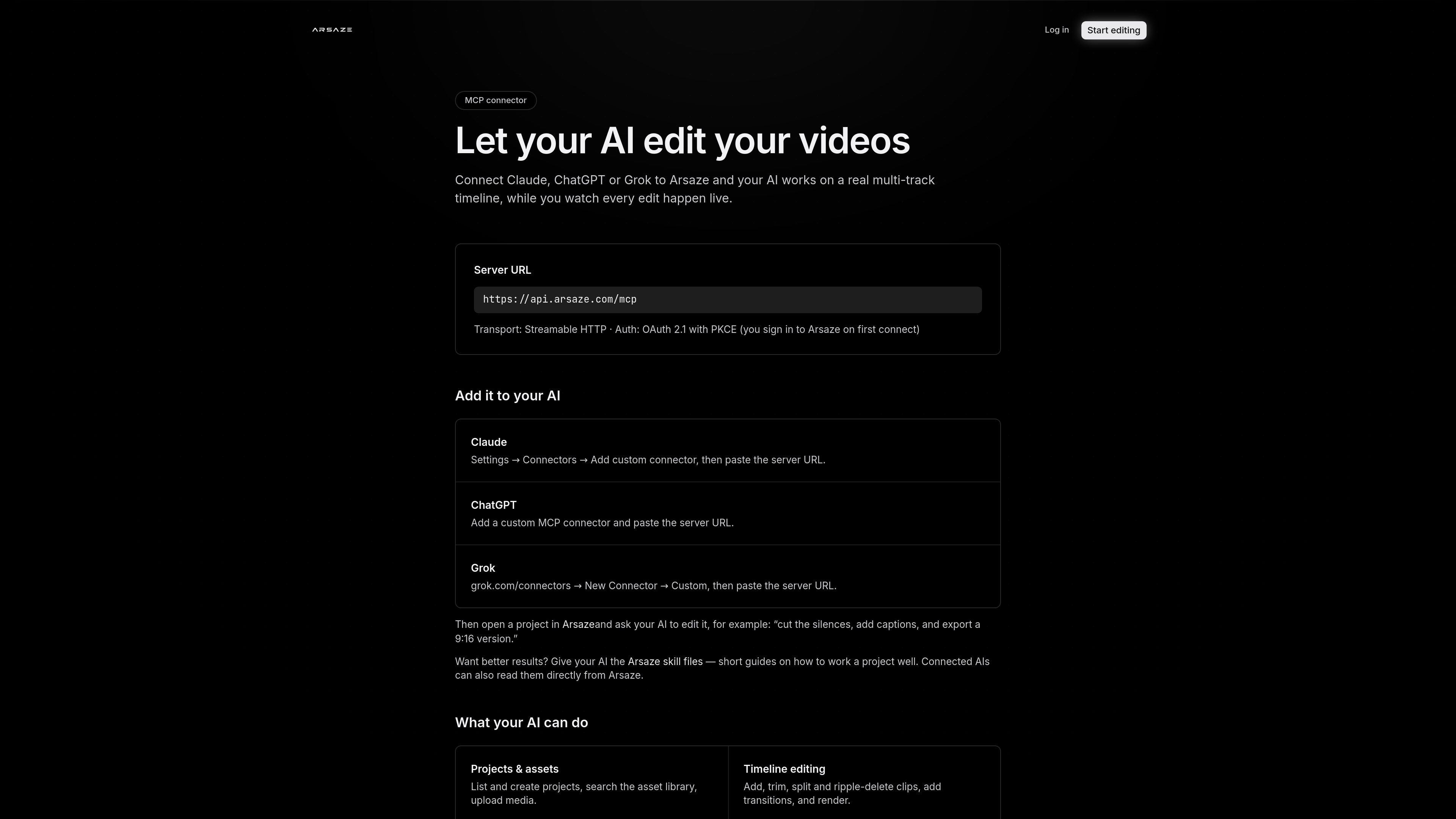
Connect Arsaze as a custom connector using its remote MCP server at https://api.arsaze.com/mcp. Claude, ChatGPT and Grok use OAuth 2.1 with PKCE, so you sign in to Arsaze on the first connection rather than copying an API key. Then open a project and give the connected AI an editing instruction.
Yes. Agent tool calls play back live on the project timeline, and you can take over manually at any point. Arsaze also versions edits automatically so you can return to an earlier state.
You can export a finished video as MP4, or export the edit as FCPXML for DaVinci Resolve and Premiere Pro. The Windows app supports local exports that are free, do not use cloud-rendering hours and have no watermark.
The free plan includes the full editor and 50 one-time AI credits for audio analysis such as transcripts, captions and silence detection. AI generation and the built-in AI assistant are available on paid plans; paid plans also add monthly credits and cloud-rendering time.

Video Effects SDK adds real-time webcam effects such as background blur, background replacement or removal, denoising, framing, beautification, and color grading. It is built for teams shipping live video experiences on web, desktop, and mobile platforms.

DeepMotion is a web-based AI motion capture and 3D animation platform with Animate 3D for video-to-animation and SayMotion for text-to-animation. It helps creators and teams generate motion in a browser and export results in common production formats.

Zella is a screen recorder and on-device AI video editor for Mac and iPhone. It helps creators record screens or cameras, automatically clean up footage, add captions, reframe clips, and export videos without uploading the core project to the cloud.

Agentic video understanding is a Gemini video analysis mode that helps developers inspect video more selectively for better accuracy and lower token usage. It is available through the Gemini API in Google AI Studio and the Gemini Enterprise Agent Platform.

Jupitrr Cut is a free iOS and Android teleprompter and recording app for scripted talking-head videos. It records scenes separately, lets users retake individual lines, trims pauses, and stitches the takes into a jump-cut video.

Optimo is a free, open-source CLI for optimizing and converting images and videos with format-specific commands built on ImageMagick and FFmpeg. It helps developers prepare web assets, batch process media, and automate compression from the shell or a Node.js script.