
Native Premiere Pro workflow
AutoEdit launches as a plugin inside Adobe Premiere Pro, so creators can start and finish edits in the same timeline instead of exporting and reimporting footage.

AutoEdit is an AI plugin for Adobe Premiere Pro that builds rough cuts from raw footage and automates cleanup tasks like silence, filler words, and repetition removal. It helps creators and editors speed up first-pass editing while staying in Premiere Pro.
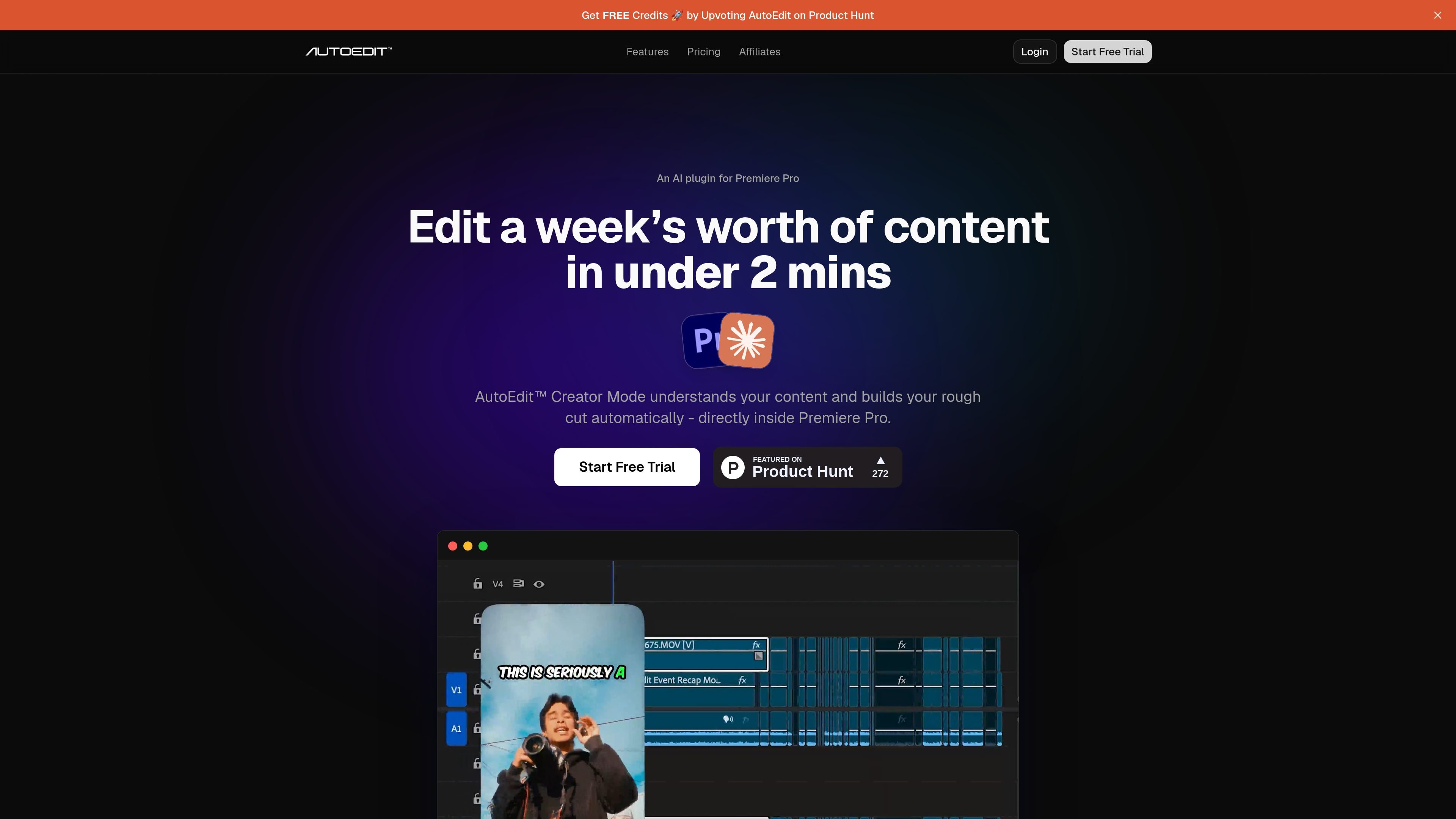
AutoEdit is an AI editing plugin for Adobe Premiere Pro that builds a rough cut from raw footage inside the editor. It is positioned for creators who want to speed up the first pass of talking-head and voice-driven video without leaving Premiere Pro.
The product focuses on repetitive cleanup work such as removing silences, filler words, repetitions, bad takes, and restarts. It also supports automatic captions and structured timeline assembly, giving editors a cleaner starting point they can refine manually.
AutoEdit launches as a plugin inside Adobe Premiere Pro, so creators can start and finish edits in the same timeline instead of exporting and reimporting footage.
Creator Mode analyzes the meaning of the spoken content and uses that context to build a rough cut, rather than relying only on waveform patterns.
The tool removes dead air, filler words, repetitions, bad takes, and restarts to turn raw footage into a cleaner first pass.
AutoEdit can generate captions in creator styles and supports transcription and captions in 99+ languages.
The plugin organizes the timeline automatically so the editor starts from a structured rough cut instead of a blank sequence.
The site says the AI editing flow is backed by Claude and is built to help editors review and apply changes quickly inside Premiere Pro.
Use AutoEdit to turn raw talking-head footage into a cleaner first pass with silences, filler words, and weak takes removed before detailed manual editing.
Podcasters can use the plugin to clean interview or episode recordings and get to a more structured edit without exporting to another app.
Creators making short-form videos can use the automatic cleanup workflow to speed up reel or TikTok production when the goal is to publish more quickly.
Editors working in Premiere Pro can keep their existing timeline-based workflow while using AI to handle repetitive first-pass edits and captions.
Teams can use the Starter, Pro, or Business plans to match monthly editing capacity to project volume, while still working in the same plugin-based flow.
Yes. The source says AutoEdit runs natively inside Adobe Premiere Pro as a plugin.
It is described for YouTube videos, podcasts, reels, TikToks, interviews, talking-head videos, and voiceover content.
No. The site says you can drop in footage and go without prompts or coding.
The pricing page says you can upgrade your plan anytime for more capacity.
The site says the trial requires a credit card, and you can cancel anytime before it ends.

FlexClip is an AI-powered online video maker and editor that helps users create videos from templates or from scratch. It combines browser-based editing with AI tools for scripting, voiceover, subtitles, translation, and background removal.

Bansi is an AI video editor for long-form content that turns raw footage into a polished first draft. It helps creators and production teams speed up editing by automating cuts, captions, zooms, audio cleanup, and related techniques.

Dina is a macOS app for creating polished screen recordings with automatic zoom, cursor smoothing, captions, transcript editing, and presentation-focused layouts. It is built for recording, refining, and exporting demos and tutorials on Mac.

CAMB.AI Streams dubs live audio in multiple languages in real time for broadcasts on platforms like YouTube, Twitch, and X. It plugs into existing live workflows using common streaming protocols and avoids a post-production step.

Sanota is an app that turns spoken memories, reflections, and interviews into clear written stories. It supports personal storytelling, family history, and shared memories, with guided prompts and subscription pricing.

DeepMotion is a web-based AI motion capture and 3D animation platform with Animate 3D for video-to-animation and SayMotion for text-to-animation. It helps creators and teams generate motion in a browser and export results in common production formats.