
Wake-up missions
Set alarms that keep ringing until you finish a wake-up mission, so dismissal depends on completing the task rather than tapping once and drifting back to sleep.

Clucky is an iPhone alarm clock app that keeps ringing until you complete a wake-up mission. It is free to download, with Clucky Pro sold separately as an in-app subscription.
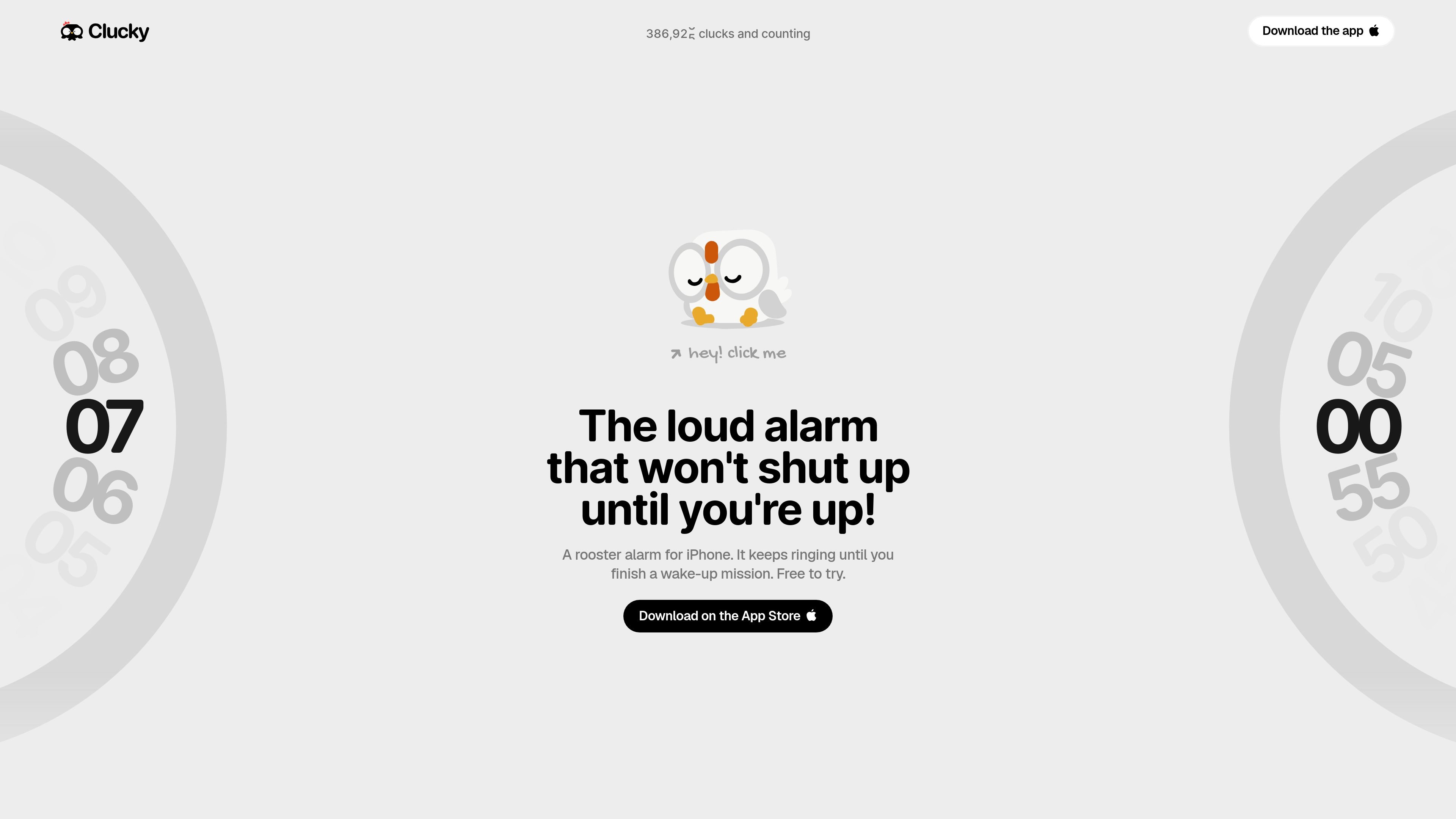
Clucky is an iPhone alarm clock app built around a single idea: the alarm should not stop until you complete a wake-up mission. Instead of relying on a swipe or a tap, it uses tasks that force you to move, think, or interact with the camera before the rooster quiets down.
The app is free to download from the App Store, but the page states that the described features require a Clucky Pro subscription purchased separately in the app. It supports solo alarms without an account, and it also offers an optional Flock mode for friends who want to wake together and compare results.
Clucky’s alarm behavior is built on Apple’s AlarmKit, which the site describes as the same machinery as the system alarm. The product page also emphasizes that alarms, missions, and camera checks stay on the iPhone, while Flock syncs only with invited friends.
Set alarms that keep ringing until you finish a wake-up mission, so dismissal depends on completing the task rather than tapping once and drifting back to sleep.
Choose from a range of mission types, including math problems, shaking, walking steps, push-ups, memory patterns, wake-up phrases, color matching, maze tilting, registered photo capture, and camera-based object hunting.
Stack up to three missions on a single alarm and select the difficulty that fits the morning routine you want to enforce.
Clucky raises media volume while ringing and includes a built-in Ringer Check so you can test how loud the alarm will be before it matters.
Track wake times, mission counts, dismissal speed, and streak progress with Morning Stats and wake history, plus widgets, Live Activities, and Dynamic Island support for visibility.
Create or join a Flock alarm group to share one crow time, see who is awake, send nudges, and compare the weekly Roost Board. Solo alarms stay on the device and do not require an account.
People who can dismiss ordinary alarms without fully waking up can use Clucky’s missions to force a more active wake-up sequence before the alarm ends.
Users who want to compare morning routines with friends can use Flock to share one alarm time, send nudges, and check the weekly Roost Board.
Anyone who wants to review how they’re doing over time can use Morning Stats and wake history to see wake times, mission counts, dismissal speed, and streak progress.
People who want a more demanding alarm can stack up to three different missions, such as math, movement, or a camera check, to make dismissal harder.
Users who want a quick confidence check before bed can run the built-in Ringer Check to hear how loud the alarm will be and confirm it is set up correctly.
Clucky is built for iPhone and is downloaded from the App Store. The app listing says it requires iOS 26.1 or later.
Yes. Clucky is free to download, and the app listing says Clucky Pro is a separate auto-renewing subscription. Eligible new subscribers may get a free trial, with plan duration, trial length, and localized price shown before purchase.
Solo alarms do not require an account. Flock is optional and uses Sign in with Apple for friends who want to create or join an alarm group.
If an alarm does not ring, Clucky recommends opening the app to confirm alarm access is allowed, the alarm is enabled, and the next alarm date is correct. It also advises keeping iOS updated and using a backup alarm for anything safety-critical or time-critical.
In Clucky Settings, tap Restore purchases, and make sure the iPhone uses the same Apple Account that bought Clucky Pro. Subscriptions are managed or canceled in iPhone Settings under Subscriptions.

Malyatko is a baby tracker for logging feeding, sleep, growth, teething, and milestones in one app. It works on iPhone, Apple Watch, and widgets, with no sign-up, offline use, and family sharing through iCloud.

Yattayo: Slider To-Do Board is a productivity app that turns tasks into a physical-style slider board with sticky notes, widgets, reminders, and iCloud sync. It helps people who want a more tactile way to manage to-dos and, in Premium, recurring habits.

ConscioussAI is an AI assistant for macOS, Windows, iOS, and Android that helps execute tasks across apps, files, the browser, and messages. It is aimed at people who want permission-based help on both desktop and mobile.
MealTime es su compañero personal de recetas, diseñado primero para funcionar sin conexión, que le ayuda a guardar, organizar, planificar comidas y generar listas de compras inteligentes, todo mientras mantiene sus datos privados.

Goldfish is an AI memory app for macOS that helps you reply, write, summarize, and continue using the context already on your Mac. It stores memory locally and writes in your tone.

ArtDeck is a visual reference board app for iPhone, iPad, and Mac that lets artists collect mixed reference material on one canvas and study it with ToolBox lenses. It works offline, supports optional iCloud sync, and is sold as a one-time purchase with no account required.