
Topic-to-deck generation
Start from a topic, notes, files, or sources, and let Deckwise turn them into a clear, editable deck rather than a static first draft.

Deckwise is an AI presentation maker that turns topics, notes, files, and sources into editable decks. It is designed for people who want to draft, revise, and refine presentations in one workflow rather than start from a blank slide deck.
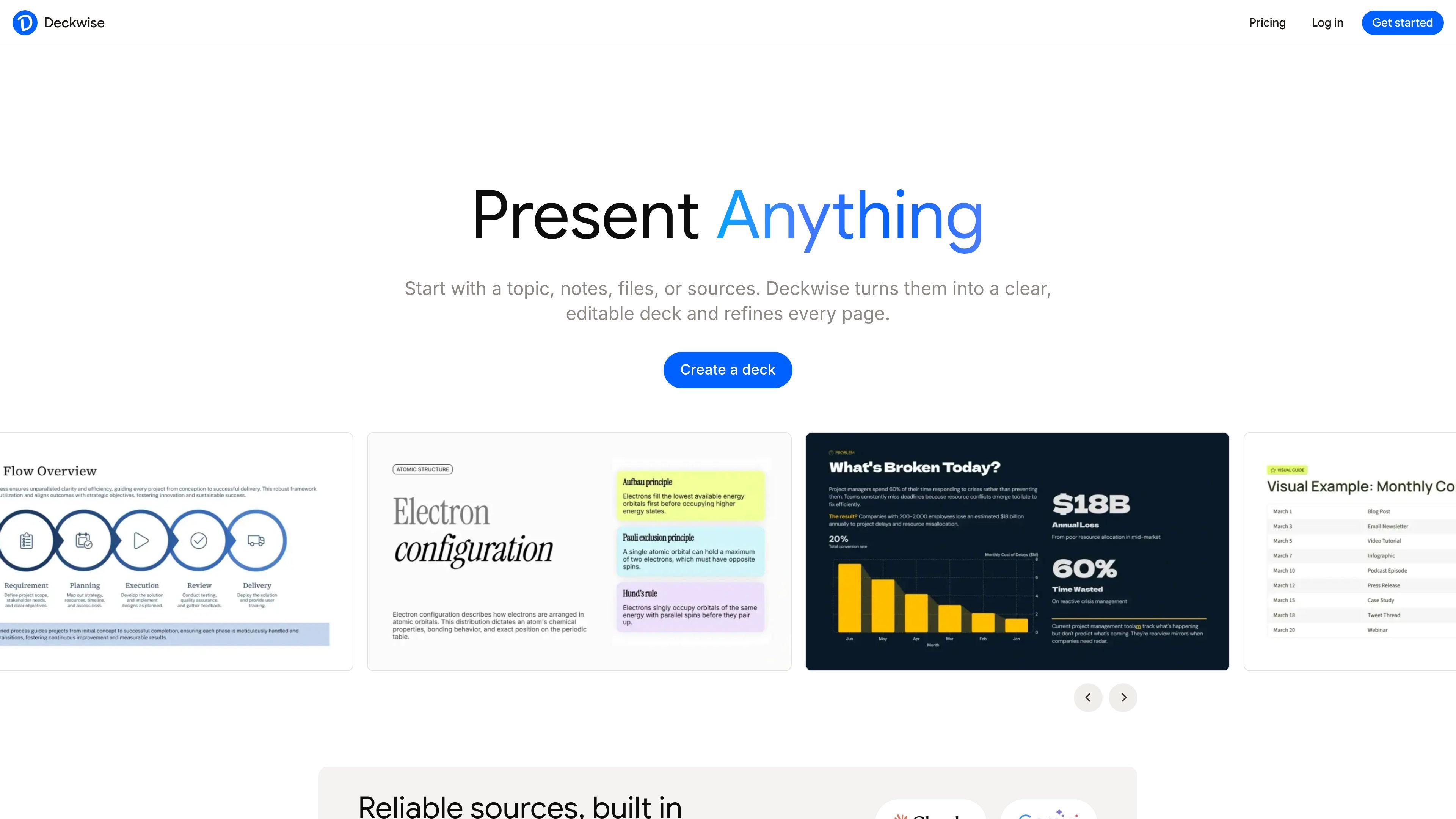
Deckwise is an AI presentation maker that turns topics, notes, files, and sources into editable slide decks. Its main workflow is built around generating a first draft, organizing the material into an outline, and then continuing to revise the same deck with AI.
The site positions the product for people who do not want to start from a blank slide deck. It supports presentation work before and after generation: gathering source material, shaping the story, refining individual pages, and keeping the deck editable as the content changes.
Start from a topic, notes, files, or sources, and let Deckwise turn them into a clear, editable deck rather than a static first draft.
Upload PDFs, documents, notes, screenshots, or project materials, and the system pulls out key points to build a presentation structure.
Ask AI to rewrite, reorder, add pages, or refine individual slides in the same deck after generation, so revisions stay in one working file.
Move, split, and refine ideas block by block while keeping the presentation structured, which supports more controlled slide editing.
Deckwise says it finds trusted sources, adds citations, and cross-checks important points across leading AI models to support clearer decks.
The pricing page shows tiered capabilities such as version history, AI workflow access, custom branding, analytics, advanced sharing, and custom domains on higher plans.
Turn scattered product notes, release materials, customer feedback, and screenshots into an outline and then into a slide deck that can be revised in place.
Build customer-facing, sales-oriented, or internal-sync versions from the same source material without recreating the deck from scratch.
Upload PDFs, documents, notes, or research materials and use Deckwise to extract key points and draft an editable presentation.
Start with a rough topic, audience, and page count, then let the agent generate an outline and presentation structure before you refine it.
Adjust story flow, slide order, tone, and page count after the first draft when requirements change or feedback comes in.
Yes. The homepage FAQ says you can keep asking AI to rewrite, reorder, add pages, or polish specific slides in the same deck after the first draft is created.
No. The site says Deckwise is not only for generating slides; it also helps turn materials into structure, refine arguments, edit slide by slide, and export when you are ready.
Yes. The homepage says you can upload PDFs, documents, notes, or research materials, and Deckwise can extract key points, organize them into an outline, and draft slides you can edit.
Yes. The pricing page says paid users can adjust their plan through the Stripe hosting portal.
Yes. The pricing page says paid plans are available on an annual basis.

Beautiful.ai is an AI presentation platform for individuals, teams, and enterprises. It helps users create branded slide decks with Smart Slides, collaborative editing, and export options while reducing manual formatting work.

SlideSpeak Onbrand gives AI agents live access to approved brand assets and slide layouts so decks, one-pagers, and other collateral can start on brand. It is designed for Claude Code, Codex, Cursor, and other MCP clients.

Decktopus AI is a web-based AI presentation maker that generates branded slide decks from prompts, pasted text, or PDFs. It is aimed at individuals, teams, and enterprises that want to produce presentations faster while keeping layouts and branding consistent.

Chronicle is an AI presentation maker for teams that need to turn notes, docs, or existing decks into polished business presentations. It supports AI slide generation, brand controls, collaboration, and export to PPT, PDF, or a published website.

Slidesgo is a presentation template platform for Google Slides, PowerPoint, and selected Canva workflows. It offers free and Premium templates, plus AI-assisted presentation creation and team-friendly access options.

imgcook is a design-to-code tool that converts design drafts into front-end code. It supports plugin-based and developer workflows for Sketch, Photoshop, VS Code, and CLI usage.