
Automatic travel blocks
For events with a location, DOFOTT writes ordinary Google Calendar events before and after the meeting. The route length is based on Google Maps for the relevant time, including traffic for driving and timetables for transit.

DOFOTT automatically adds Google Maps-based travel blocks before and after Google Calendar events with locations. It is designed for people with in-person appointments who want travel time reflected in their schedules and booking availability.
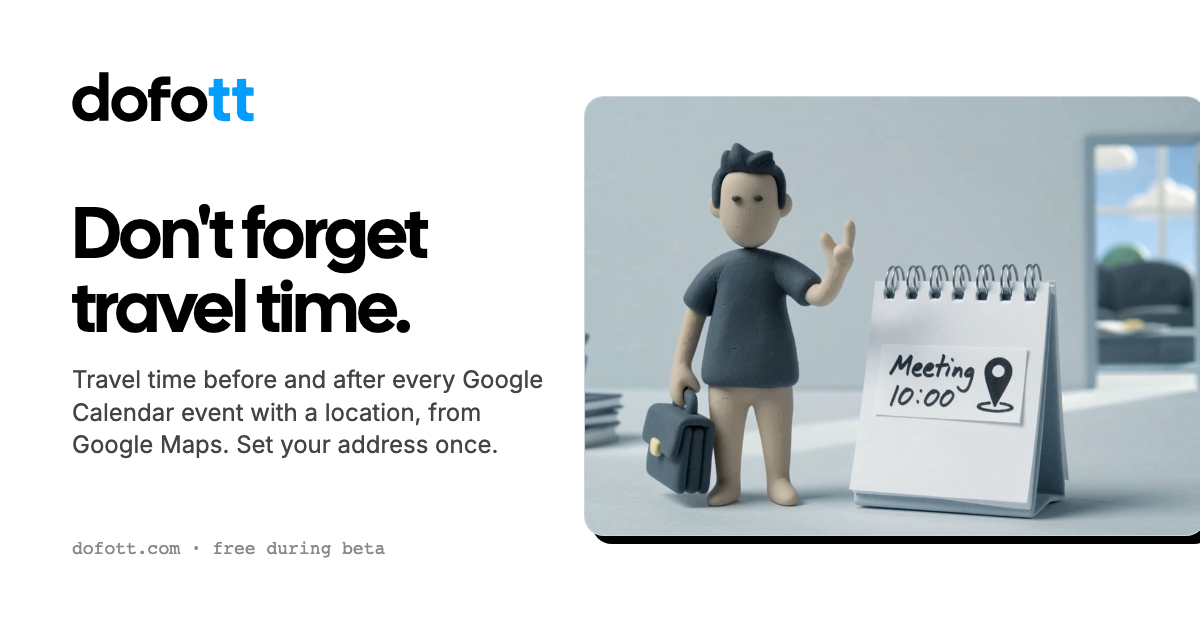
DOFOTT is a Google Calendar travel-time automation tool for people whose schedules include meetings or other events at physical locations. After connecting a Google account and setting an address, it adds calendar blocks before and after qualifying events so the time needed to get there and return is visible in the schedule.
Travel durations come from Google Maps rather than a manually entered estimate. DOFOTT writes the blocks as ordinary events in Google Calendar, allowing them to appear in compatible calendar, planning, scheduling, and booking applications that show the same Google account. The service currently works with Google Calendar accounts; calendars that exist only in iCloud, Outlook, or another non-Google account are not supported.
For events with a location, DOFOTT writes ordinary Google Calendar events before and after the meeting. The route length is based on Google Maps for the relevant time, including traffic for driving and timetables for transit.
Set home and, optionally, work as addresses. DOFOTT can use work during the configured work hours and home at other times as the starting point.
Choose driving, transit, walking, or cycling as the default travel mode, then change the mode, starting point, return trip, or no-travel setting for an individual event.
Travel blocks follow events when they are moved or resized, and deleting the event removes its associated block. Recurring events receive recurring travel blocks, while changing one occurrence changes only that date.
When two events are close together, DOFOTT can calculate the trip directly from the first event instead of returning home when that route is shorter. A five-, ten-, or fifteen-minute buffer can also be added to trips.
Blocks can be marked busy, muted so they do not add notifications, and assigned one of Google Calendar’s colors. A one-button control deletes the blocks DOFOTT created and can delete the account.
A consultant, salesperson, or other mobile professional can keep driving or transit time visible around on-site meetings instead of relying on a separate map check or a manually created calendar block.
People who publish booking availability through Calendly, Cal.com, SavvyCal, or TidyCal can have DOFOTT’s busy travel blocks reflected in the Google Calendar availability those services use, reducing the chance of offering a slot that conflicts with a journey.
Users who organize their day in Apple Calendar, Notion Calendar, Akiflow, Sunsama, or Superhuman can see the travel blocks when those apps display the connected Google Calendar account.
Someone moving between offices, clients, or other locations can set home and work addresses, use a preferred travel mode, and apply a different starting point or mode to an individual trip when the default does not fit.
A team that wants travel time represented in every member’s calendar can apply through DOFOTT’s pilot program; a general team plan is not yet available.
DOFOTT requires a Google account with Google Calendar. Connect the account once, set an address, choose a plan, and select which writable calendars to use. A Gmail address is not required; Google Workspace and Google accounts using other email addresses are supported, subject to any administrator approval requirements.
DOFOTT works with calendars and events that live in a Google account. It can also appear in Apple Calendar, Outlook, and other apps when they display the same Google Calendar account. It cannot read events that live only in iCloud, Outlook, Microsoft 365, or another non-Google calendar account.
For an event with a location, DOFOTT writes a travel block before the event and another after it. The duration is calculated with Google Maps for the relevant time; driving uses traffic information and transit uses timetables. The blocks are ordinary Google Calendar events and move when the original event is moved or resized.
DOFOTT provides up to 12 meetings with a location per calendar month at no charge. A month that exceeds 12 costs $5 plus tax for the rest of that month. An annual plan costs $36 plus tax and has no limit; the source also lists a temporary first-year offer of $18 plus tax until 31 October.
A team plan is not available yet. DOFOTT is seeking pilot teams, with access free while the pilot runs; the site says that after the pilot the price would be $36 plus tax per person per year.

Goldfish is an AI memory app for macOS that helps you reply, write, summarize, and continue using the context already on your Mac. It stores memory locally and writes in your tone.

ArtDeck is a visual reference board app for iPhone, iPad, and Mac that lets artists collect mixed reference material on one canvas and study it with ToolBox lenses. It works offline, supports optional iCloud sync, and is sold as a one-time purchase with no account required.

Biji es una plataforma versátil diseñada para mejorar la productividad a través de herramientas y características innovadoras.

Malyatko is a baby tracker for logging feeding, sleep, growth, teething, and milestones in one app. It works on iPhone, Apple Watch, and widgets, with no sign-up, offline use, and family sharing through iCloud.

Liam is an AI copilot for managing inboxes, writing replies, prioritizing email, and scheduling meetings. It is offered free for individuals, with custom pricing for teams and enterprise.

Gemma AI is a phone call reminder app that calls you with scheduled reminders instead of push notifications. It helps people who want a more direct way to stay on schedule, with Google Calendar sync and conversational call interactions.