
Share-sheet capture
Save links, notes, photos, and files from supported apps through the Apple Share action. FaveNest saves before returning you to the source app and can work without a signal.

FaveNest is a private library for saving and retrieving links, notes, photos, and files across iPhone, iPad, and Mac. It syncs through the user's iCloud without a separate account, and Pro adds optional AI-written metadata, Places, and expanded organization tools.
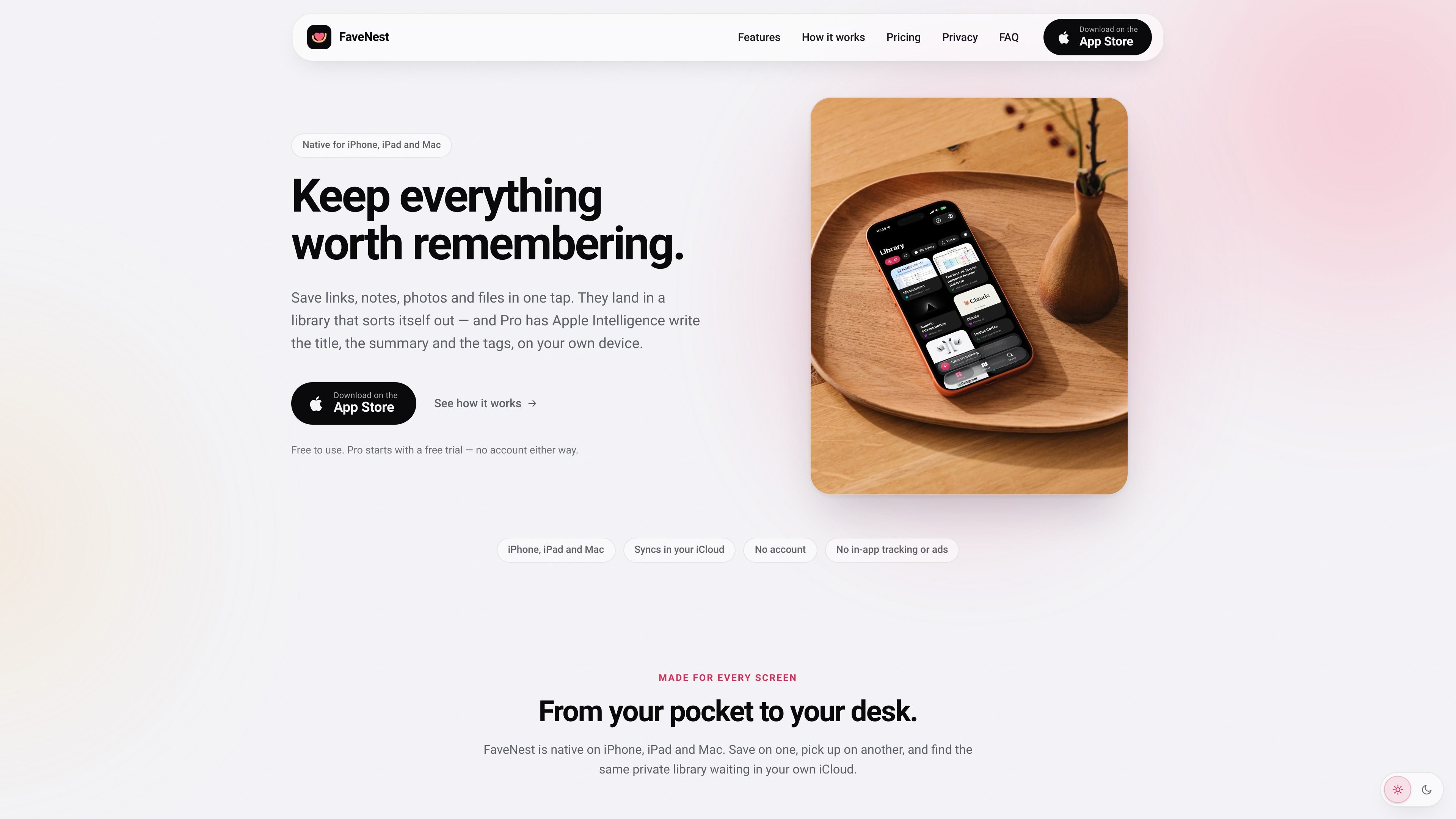
FaveNest is a private save-and-retrieval library for iPhone, iPad, and Mac. It collects links, notes, photos, and files from the Share action, then presents them as cards that preserve the character of the original item rather than as a flat list.
The library is stored on the user's devices and synced through their own iCloud account. FaveNest does not require an account and states that it has no backend, in-app tracking, ads, or third-party code. Free features include saving, search, syncing, offline reading, and export; Pro adds optional AI-assisted metadata, Places, unlimited custom categories, and additional accent colors.
Save links, notes, photos, and files from supported apps through the Apple Share action. FaveNest saves before returning you to the source app and can work without a signal.
Keep the library on your devices and sync it through your own iCloud account, without a FaveNest account or FaveNest server.
Search titles, summaries, tags, and notes inside the app or from Spotlight. Filter by category or tag to narrow results.
Saved pages remain available for offline reading, and the complete library can be exported to a single backup file and loaded back later.
Cards retain formats suited to the saved item, while custom categories and six accent colors provide additional organization and display options. Unlimited custom categories and all accent colors are included with Pro.
Pro can use on-device Apple Intelligence to write titles, summaries, and tags. Users can instead configure their own OpenAI, Anthropic, or OpenAI-compatible key; cloud processing goes directly from the device to that provider.
Send articles, recipes, product pages, and other web links from Safari into a searchable library. Offline reading helps when the original page is unavailable or connectivity is limited.
Save a thought as a note or capture a photo or file from another app, then keep different content types organized as cards instead of mixing everything into one undifferentiated list.
Share map links from Maps or another app to preserve locations in the Places view. Pro can show saved spots on a map, including Look Around imagery, and filter them by city.
Use Spotlight, tags, categories, and the grid view to locate something saved earlier without opening the source app. This suits people who regularly save information for later retrieval.
Export the complete library to one file for backup or later loading, providing a portable copy in addition to the iCloud-synced library.
No. FaveNest has no sign-up or separate password. It uses the iCloud account already signed in on your Apple devices for syncing.
Use the Share action in a supported app and select FaveNest. It saves the item first, then adds a preview and metadata when available. Saved links can also be read offline.
The app is free and includes saving, syncing, search, offline reading, and export. Pro adds Apple Intelligence or a user-supplied OpenAI, Anthropic, or compatible API key for generated titles, summaries, categories, and tags, along with Places, unlimited custom categories, and additional accent colors.
FaveNest can use Apple Intelligence on the device when supported. Alternatively, Pro users can add their own OpenAI, Anthropic, or OpenAI-compatible key under Settings > Intelligence > Cloud Model. In that case, the provider bills the user's account and the key is stored in iCloud Keychain.
FaveNest requires an iPhone on iOS 26 or later, an iPad on iPadOS 26 or later, or a Mac on macOS 26 or later. Syncing requires an iCloud account with iCloud Drive enabled.

ArtDeck is a visual reference board app for iPhone, iPad, and Mac that lets artists collect mixed reference material on one canvas and study it with ToolBox lenses. It works offline, supports optional iCloud sync, and is sold as a one-time purchase with no account required.

Contextbergは、画面・入力・ブラウザ・AIエージェントの利用履歴をローカルで記録し、MCP経由でClaude CodeやCursorなどに作業コンテキストを渡すデスクトップアプリです。中断した作業の再開、過去ログの検索、日次レビューに利用できます。

recall is an AI flashcard app that turns reading and notes into study cards through Claude, ChatGPT, or another MCP client. It uses one-time lifetime access pricing and spaced repetition review.

Goldfish is an AI memory app for macOS that helps you reply, write, summarize, and continue using the context already on your Mac. It stores memory locally and writes in your tone.

Flunkey is a voice-first productivity layer for Windows that converts speech into text, AI-assisted outputs, and remembered context. It is built for users who want to capture ideas and actions without leaving the app they are working in.

Lasso is an ecommerce product data platform for enriching catalog records, processing supplier files, generating product content, and monitoring competitors. It combines a web app with a REST API, SDK, and MCP server for teams and developers.